AI Photo Editing: Fix, Clean Up and Restore Photos
Each tool starts from your upload and keeps what you did not ask to change: the people, the framing, the rest of the scene. The price per image shows before you run it, and a failed run is refunded.
Photo Editing
8 tools, 7 with an example result.
All tools
Samples
Each card shows an example result with the model that made it and what one run on that model costs today.
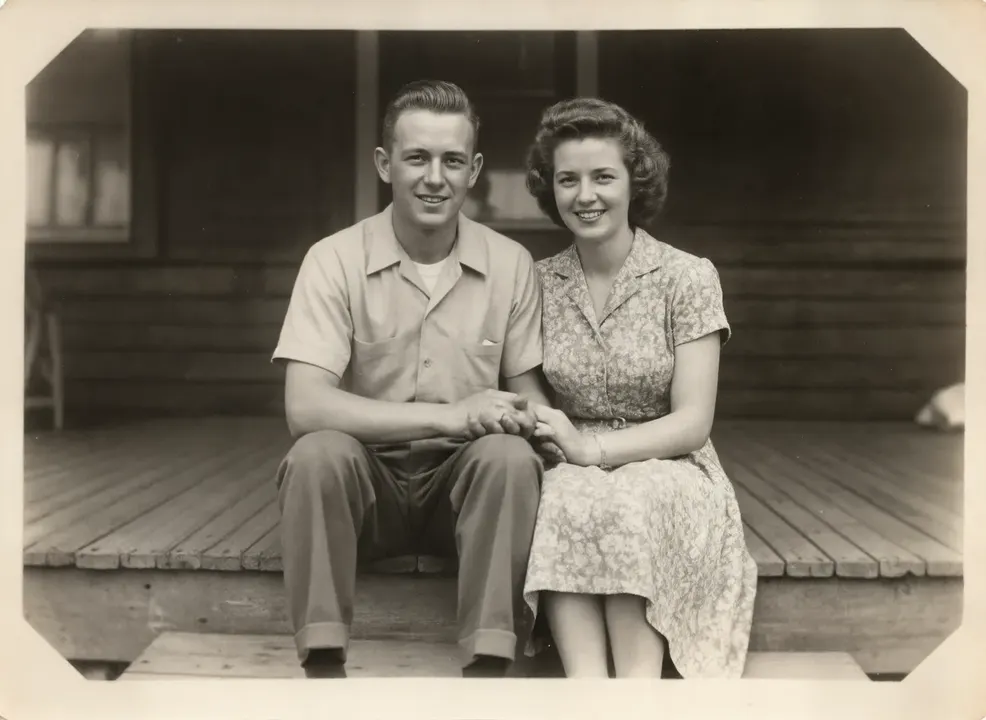
 Sample start photo
Image Upscaler
Upscale an image to twice its width and height with the Clarity upscaler, which adds texture instead of blur. For AI art, small photos and prints.
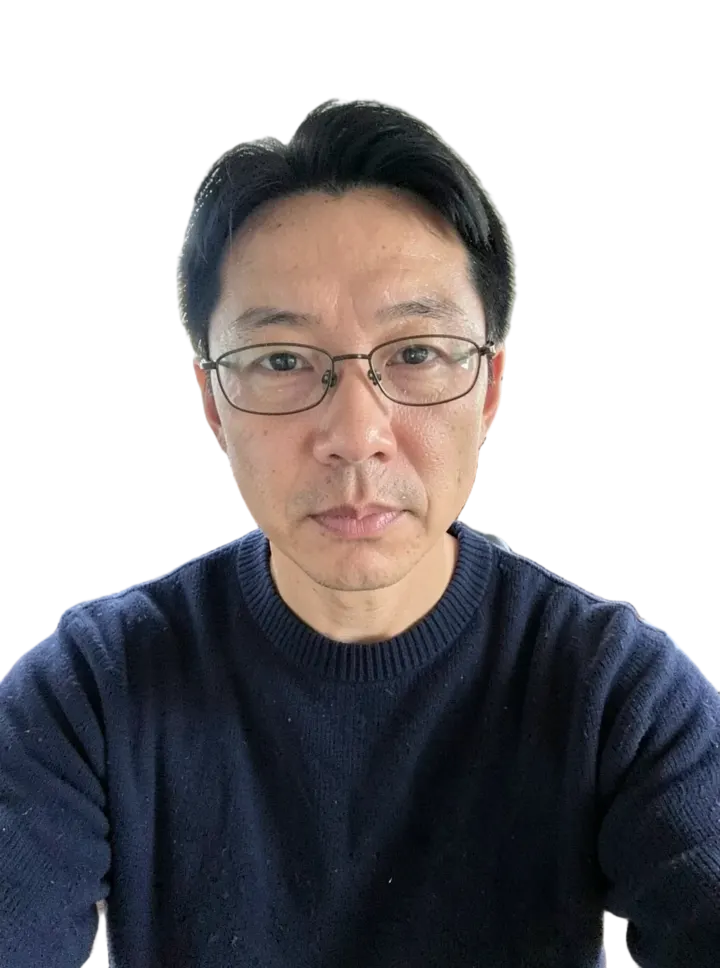
 Sample start photo
Background Remover
Upload a photo and get the subject on a transparent background as a PNG. Works on people, products, pets and logos, with clean edges around hair and fur.
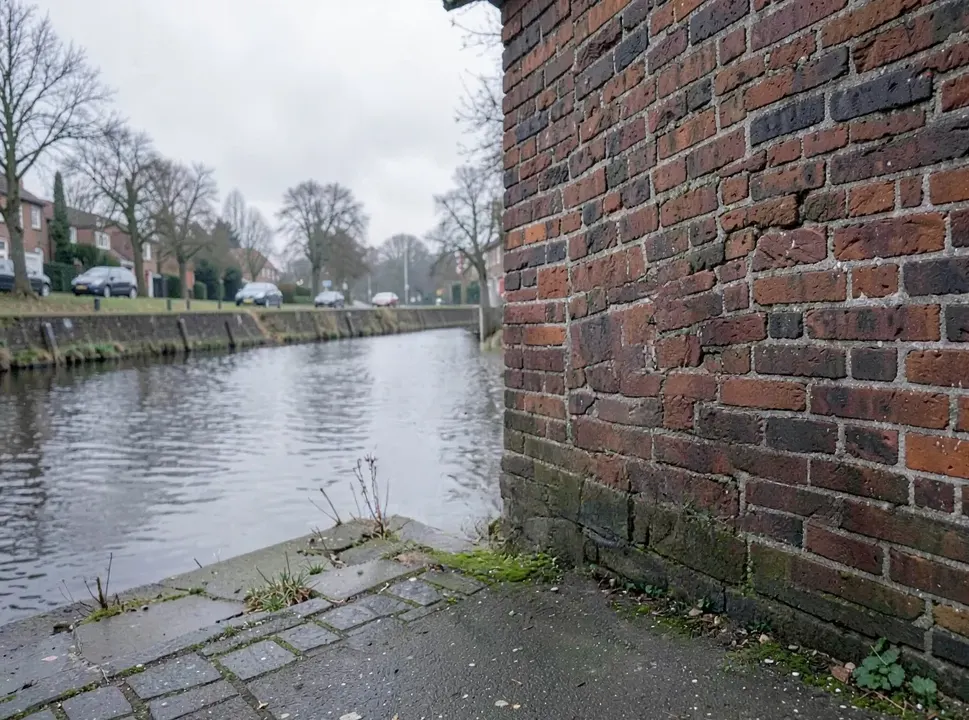
 Sample start photo
Object Remover
Name what should go, such as a passer-by, a sign or a cable, and the model takes it out and rebuilds the background behind it. You describe it in words instead of painting a mask.
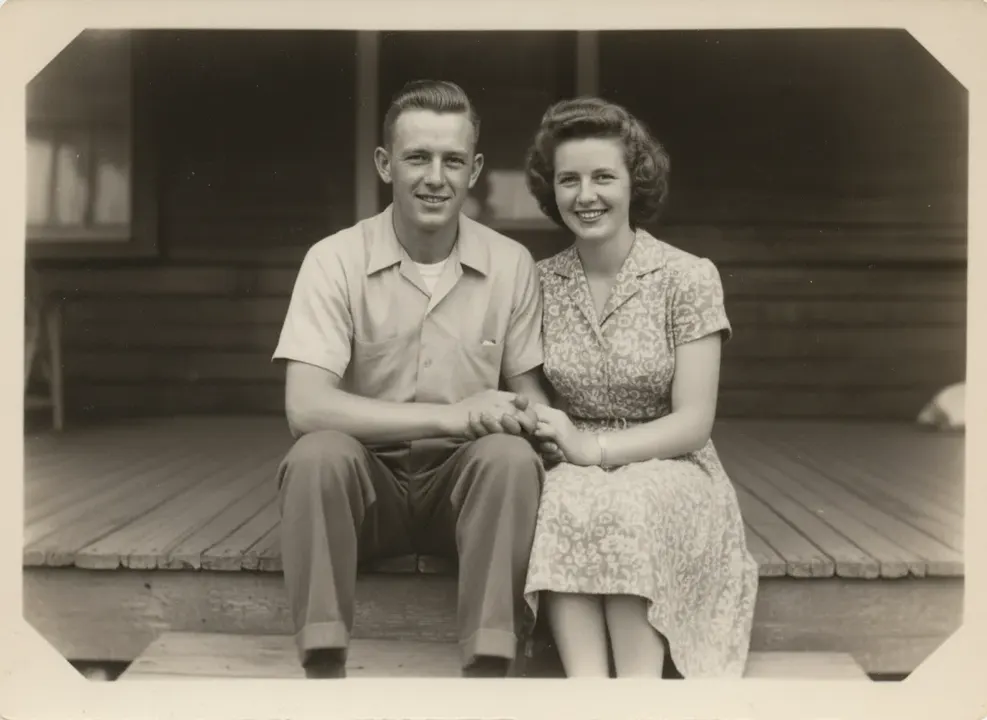
 Sample start photo
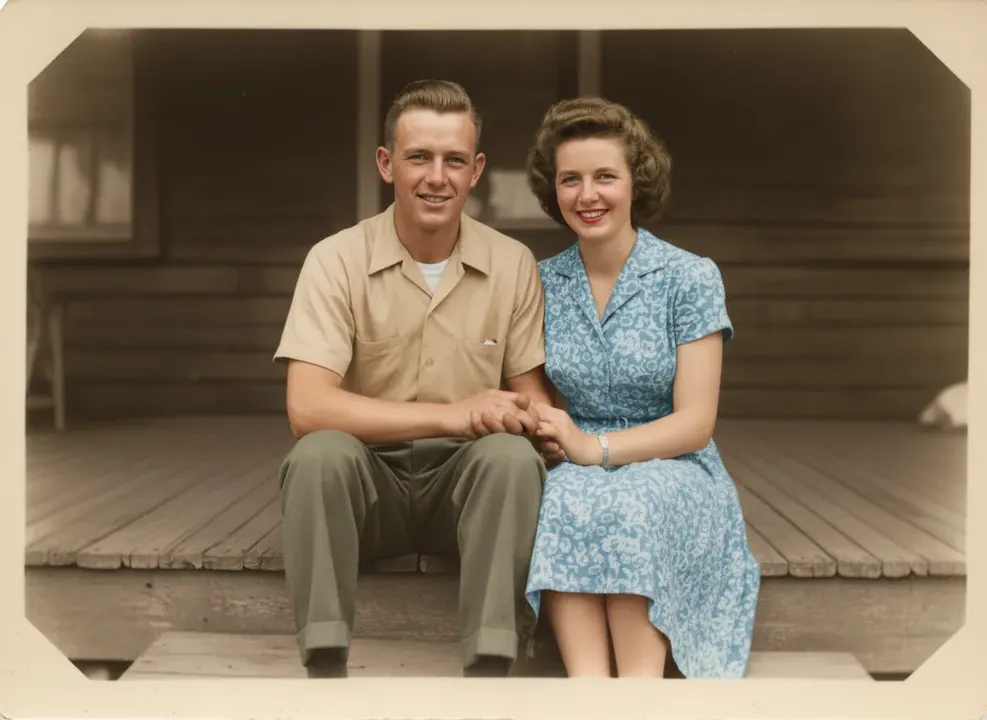
Photo Restorer
Upload a scan of an old print. The model mends scratches, creases and stains, brings back faded contrast and can add color, while faces stay as they were.
 Sample start photo
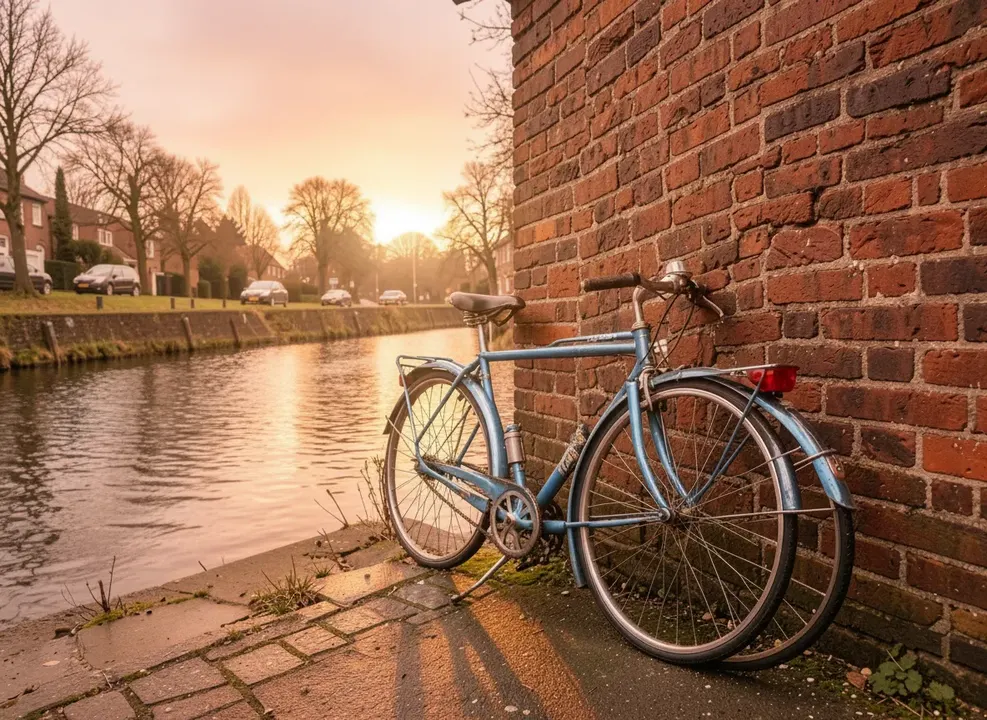
Image Colorizer
Turn a black and white or sepia photo into color. The model picks believable tones for skin, clothes and sky, and you can name the colors you already know.
 Sample start photo
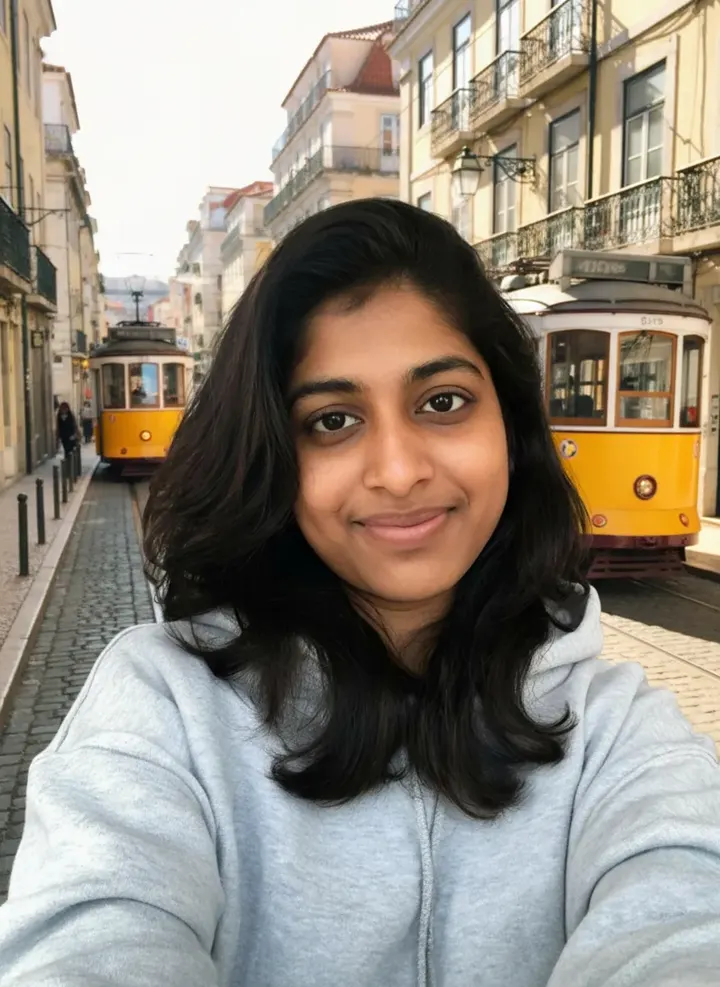
AI Photo Editor
Upload a photo and type the change: a new outfit, different weather, an added object, better light. Faces, pose and the rest of the picture stay as they were.
 Sample start photo
Background Changer
Upload a photo, describe the new background, and the subject is relit to match it. For profile photos, product shots and listings that need a better setting.