AI Image Generator
Describe a picture, choose Nano Banana, GPT Image 2, FLUX.2, Seedream or another model, and get the image. The credit cost shows before you generate.
- Model
- Nano Banana · Google
- Cost
- 60 credits
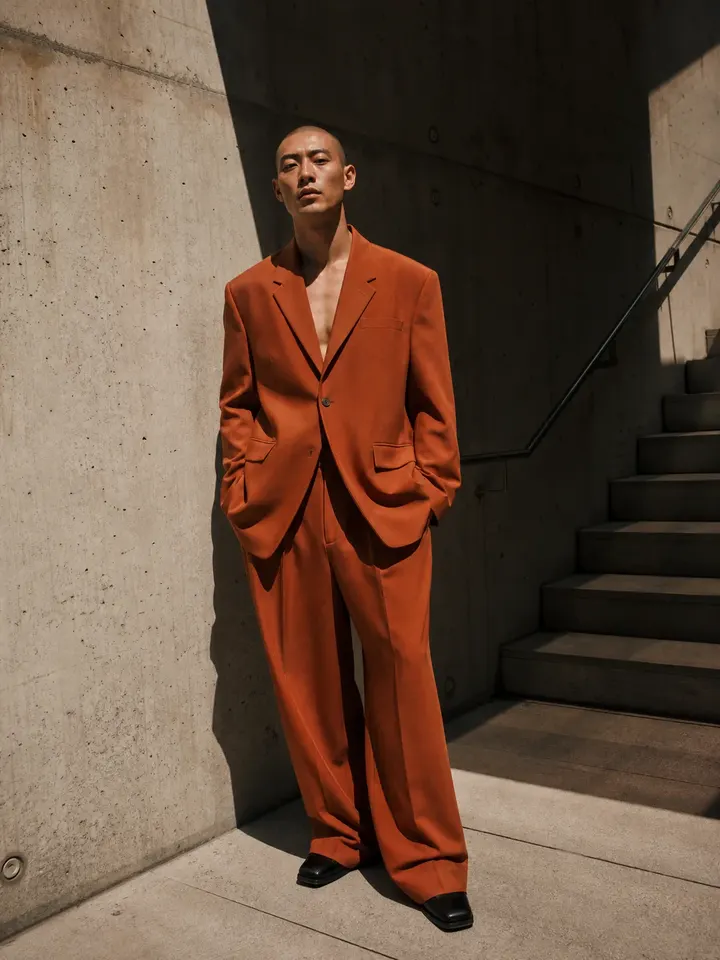
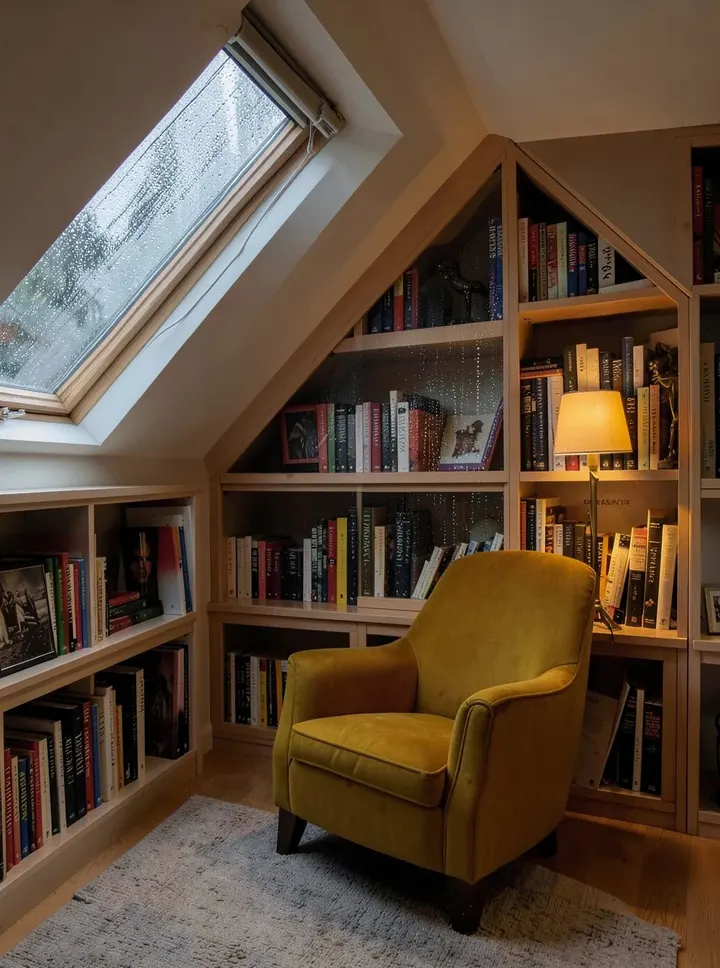
A sample this tool made. Your results appear here when you press Generate.
More AI tools
Prompt library
Prompts with the image each one made, ready to copy.
 Nano Banana ProCut a product out onto a clean white background
 nano-banana-2Extend a photo beyond its edges
 nano-banana-2Passport-style ID photo from a selfie
 nano-banana-2Preview a photo as your phone lock screen
 nano-banana-2Relight a portrait with a classic studio lighting setup
 nano-banana-2Reshoot a phone photo with real camera settings
 Nano Banana ProSharpen a blurry or low-resolution photo
 nano-banana-2Try a makeup look on your own photo
 nano-banana-2Try nine hairstyles on your own face
 nano-banana-2Turn your pet into a plush toy
Made with AI Image Generator
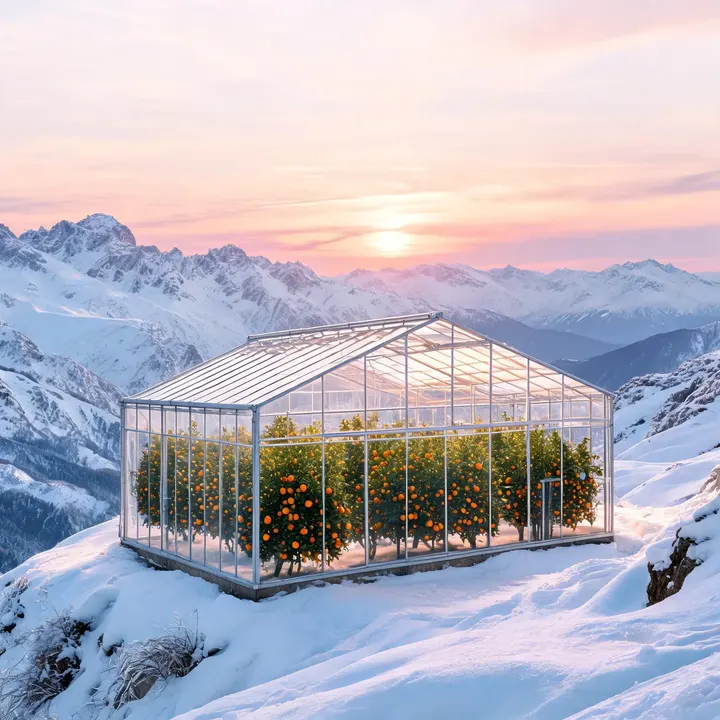
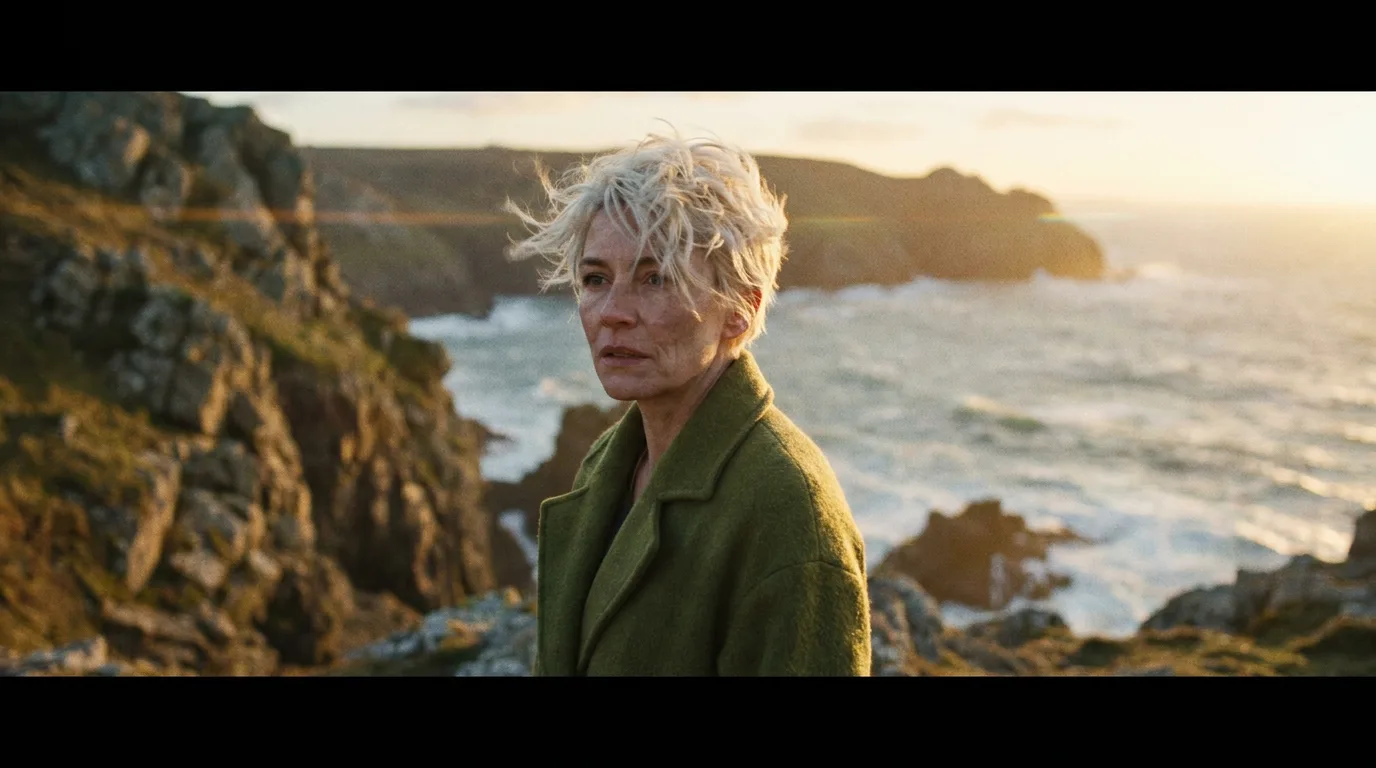
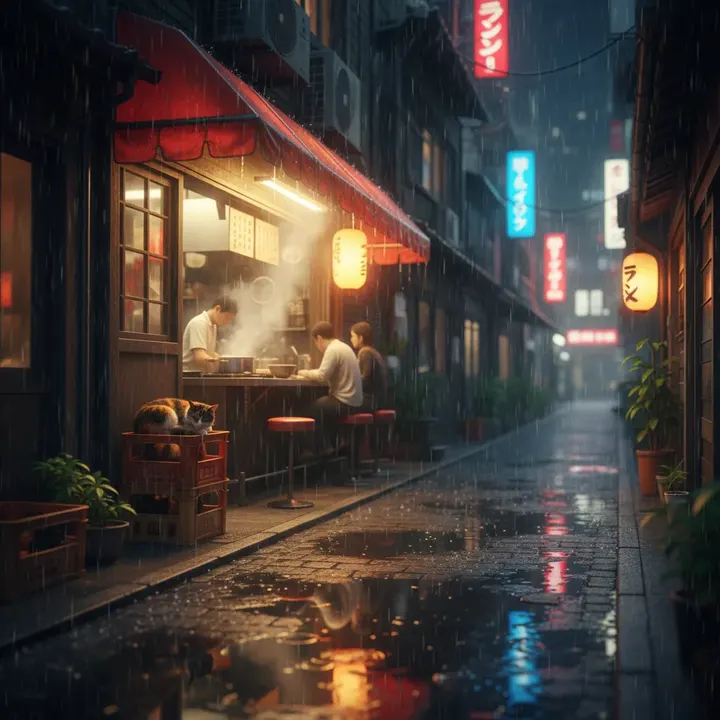
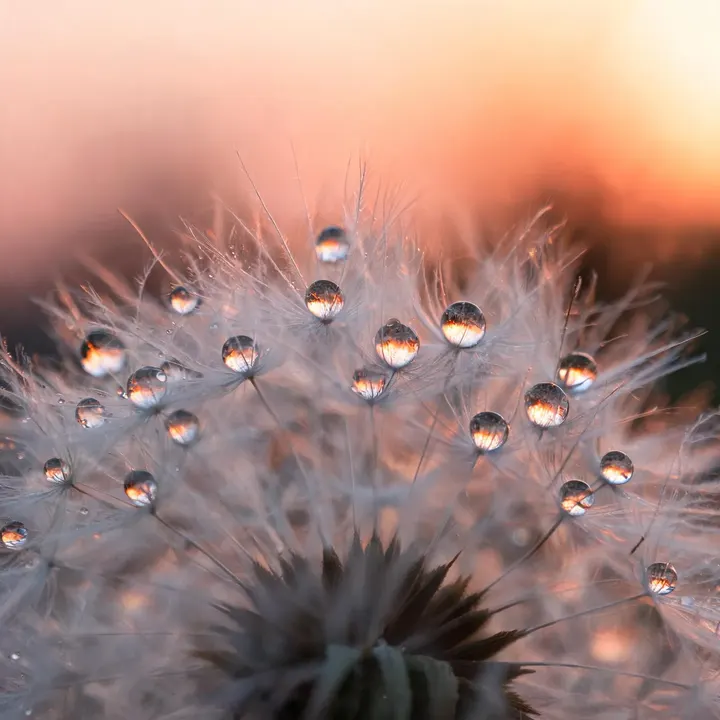
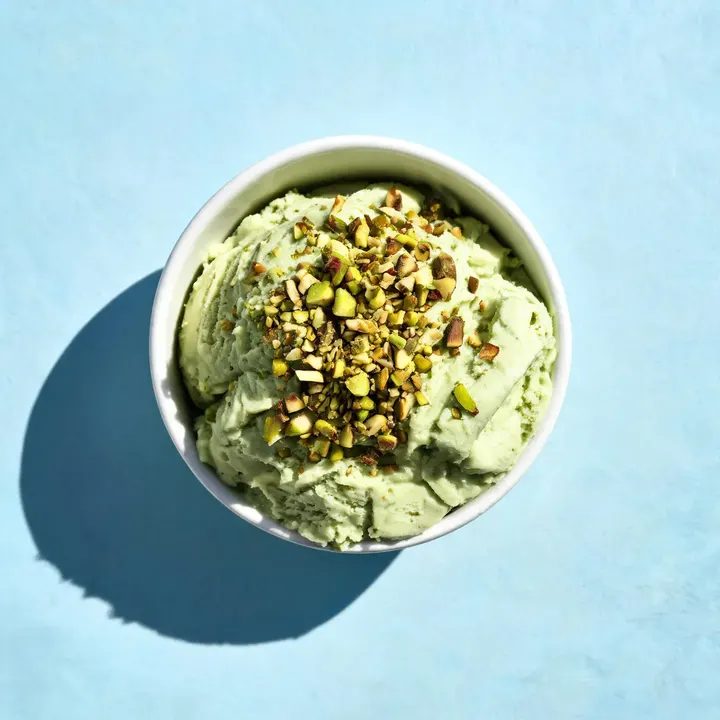
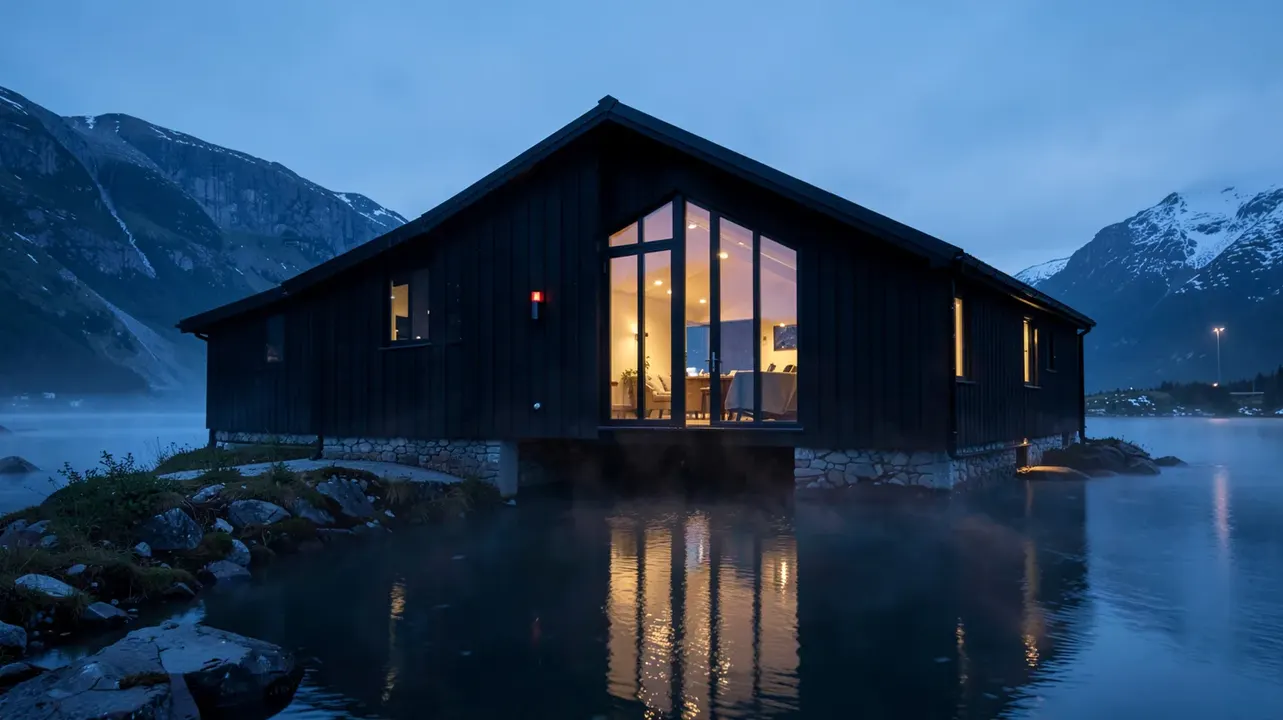
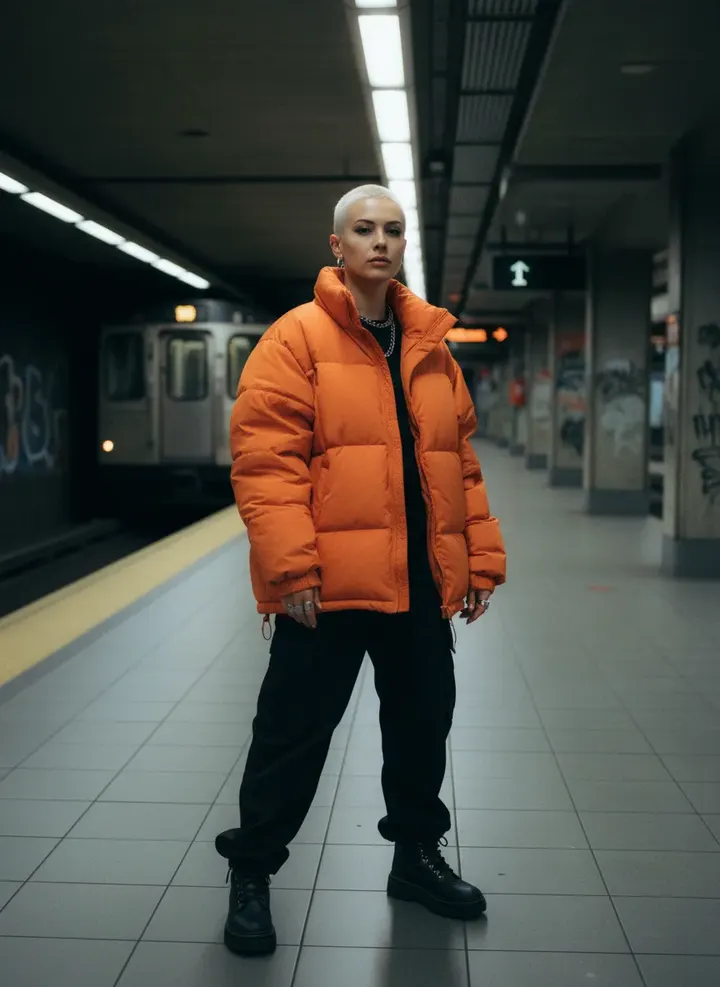
Example results from AI Image Generator, each labelled with the model that made it and its current price in credits.
What is AI Image Generator?
Write what you want to see and pick the model that should draw it. Models differ: Nano Banana is quick and low cost, GPT Image 2 and Qwen Image 3 handle words inside the picture, FLUX.2 [pro] is strong on photoreal people, and Recraft V4.1 Vector returns a real SVG. The prompt, the aspect ratio and your credit balance stay put when you switch, so you can run one idea on two models and keep the better result.Not sure how to phrase it? The image prompt generator writes the prompt in the syntax your chosen model follows, free.
What people make with it
- Blog headers and social posts
- Product concepts and packaging mockups
- Mood boards and concept art
- Posters, wallpapers and prints
- Ad creatives in several sizes
Why use AI Image Generator?
- 26 models to choose from
- Starts on Nano Banana by Google. Also works with Nano Banana 2, Nano Banana Pro, GPT Image 2, GPT Image 2.6 Flare, GPT Image 2.6 Sunburst, GPT Image 2.5 Flare and 19 more.
- The cost is shown before you run it
- 60 credits per image on Nano Banana. The Generate button shows the exact credits first, so nothing is spent by surprise.
- Failed generations are refunded
- When a generation fails, its credits go back to your balance automatically.
- One credit pool for every tool
- The same credits work across every studio tool and model, and the prompt tools include free prompts every day.
How to use AI Image Generator
Three steps from an idea to a finished result.
- 11. Describe the subject, the setting, the light and the kind of picture: photo, illustration or 3D render
- 22. Choose a model and an aspect ratio; the Generate button shows the credits before you spend them
- 33. Generate, then download the image or run the same prompt on another model to compare
Tips for better results
- Lead with the subject, then add the place, the light and a lens or medium: "a red bicycle against a white wall, hard noon sun, 35mm photo".
- Put words that should appear in the image inside quotes, and pick a model that renders text well, such as GPT Image 2, Qwen Image 3 or Nano Banana Pro.
- Draft on a low-cost model such as FLUX.2 [klein] or Recraft V4.1 Flash, then run the final on a stronger one.
- Add a reference image on models that take one to keep a character, product or palette consistent across a set.
- Use 16:9 for banners and thumbnails, 9:16 for stories and reels, 3:4 for portraits and product shots.
Which model to pick
- Nano Banana: the default. Fast, low cost, follows plain descriptions.
- GPT Image 2: long, detailed instructions and clean lettering.
- FLUX.2 [pro]: photoreal people and hands.
- Seedream 4.5: products and faces that stay the same across a set.
- Recraft V4.1 Vector: logos and icons as scalable SVG files.
Frequently asked questions
What people ask before they use AI Image Generator.
1Which model should I start with?
2How much does one image cost?
3Can I try it without paying?
4Can I use the images commercially?
5Can I add a reference image?
6Are my images public?
Try AI Image Generator now
60 credits per image on Nano Banana. You see the exact credits before you generate.
Open AI Image Generator