
What each part of the prompt does
- Settings as the instruction
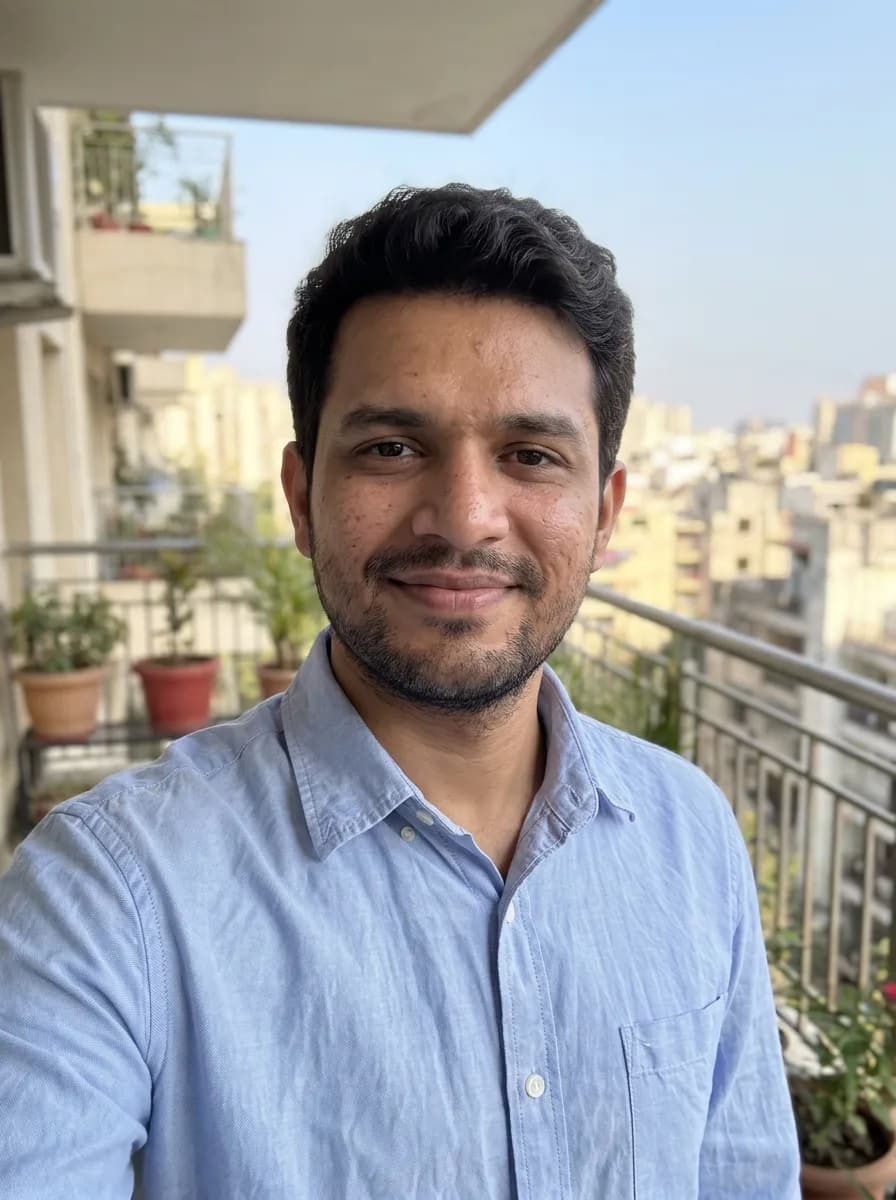
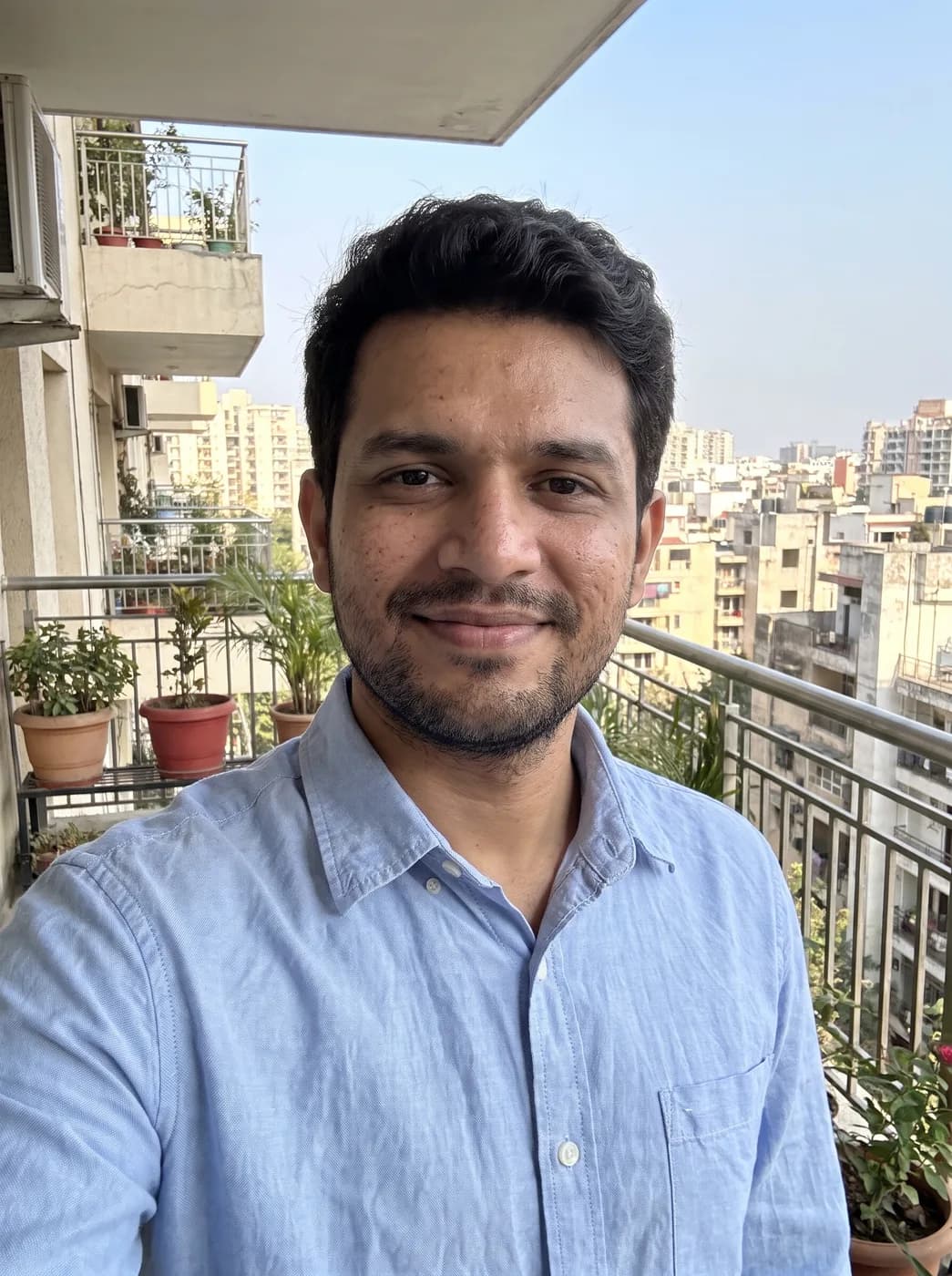
- "85mm at f/1.8, 1/250 s, ISO 100" is shorthand the model already understands from millions of photo captions. One line of numbers carries the look of a portrait lens, a wide aperture and a clean, bright exposure.
- Nothing else moves
- Listing face, pose, clothes and setting tells Gemini that only the optics change. Without it, a request about cameras can turn into a brand new photo shoot.
- Where focus lands
- Naming the eyes as the sharp point and describing the blur behind them gives a clear depth order. Round highlights in the background are the detail that makes the blur read as a real lens.
- Camera, not filter
- Low noise and true skin texture keep the result from looking smoothed. Asking for real lens rendering steers away from the flat, overprocessed look of portrait mode on a phone.
Variations to try
Same idea, one thing changed. These have no example image yet.
Wide street look, 24mm Reshoot my uploaded photo as if it was taken on a full-frame camera with an 24mm lens at f/8, 1/500 s, ISO 100. Keep the person, face, pose, clothes and setting exactly the same. Keep the person and most of the street in focus, with the slight edge stretch of a wide lens. Clean, low-noise detail, natural colour and true skin texture, with the subtle lens rendering of a real camera rather than a phone. Same framing as the original.
Low light, 50mm Reshoot my uploaded photo as if it was taken on a full-frame camera with an 50mm lens at f/1.4, 1/60 s, ISO 100. Keep the person, face, pose, clothes and setting exactly the same. It is evening: warm practical lights in the background become large soft circles, and the face is lit gently from the side. Clean, low-noise detail, natural colour and true skin texture, with the subtle lens rendering of a real camera rather than a phone. Same framing as the original.
Telephoto compression, 135mm Reshoot my uploaded photo as if it was taken on a full-frame camera with an 135mm lens at f/2, 1/500 s, ISO 100. Keep the person, face, pose, clothes and setting exactly the same. Compress the background so it looks closer and larger behind the person, blurred almost to plain colour. Clean, low-noise detail, natural colour and true skin texture, with the subtle lens rendering of a real camera rather than a phone. Same framing as the original.
If the result isn't right
- If the background turns into a different place, add "the background is the same scene, only out of focus".
- When hair edges look cut out, ask for "soft, natural falloff of focus around the hair, no halo".
- Wide angle settings near a face stretch the nose; for a close portrait keep 85mm or longer.
- If the result looks over-sharpened, say "gentle, film-like sharpness, no crunchy edges".