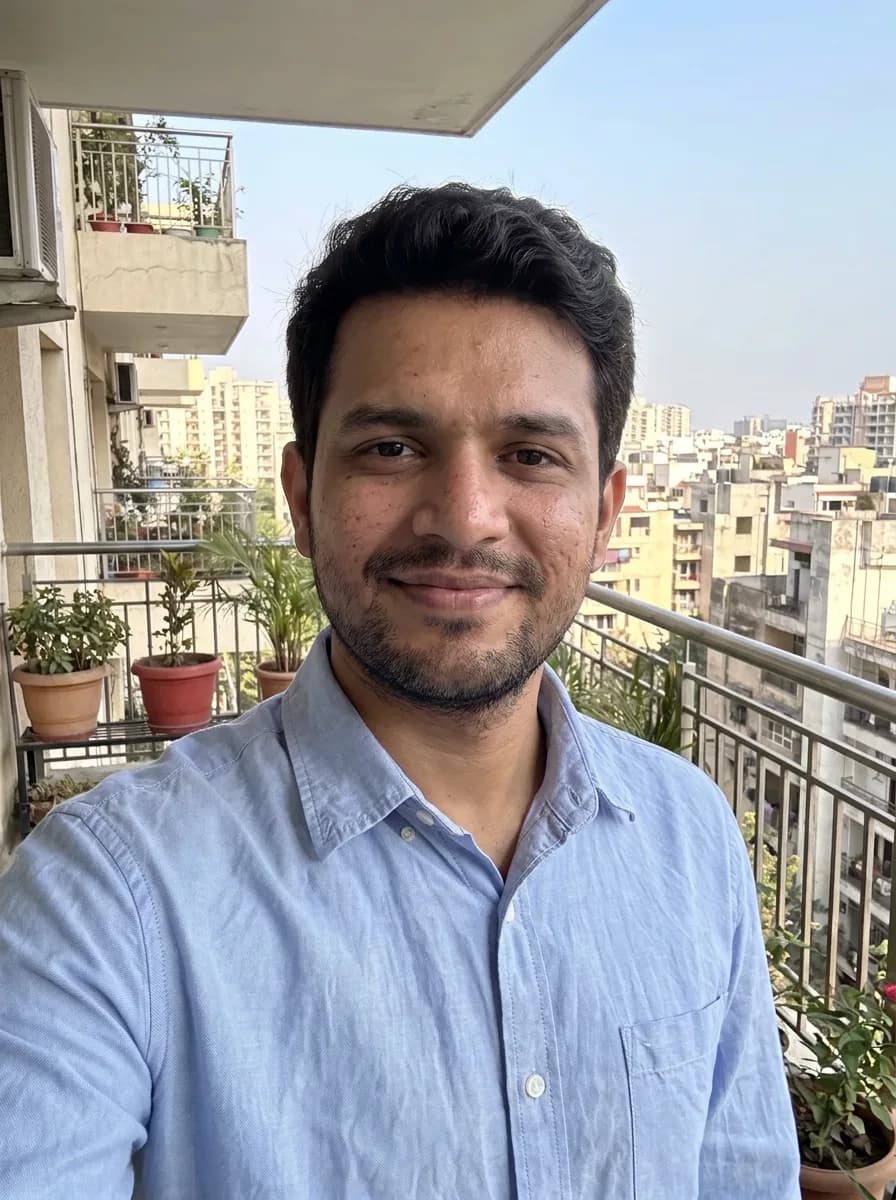
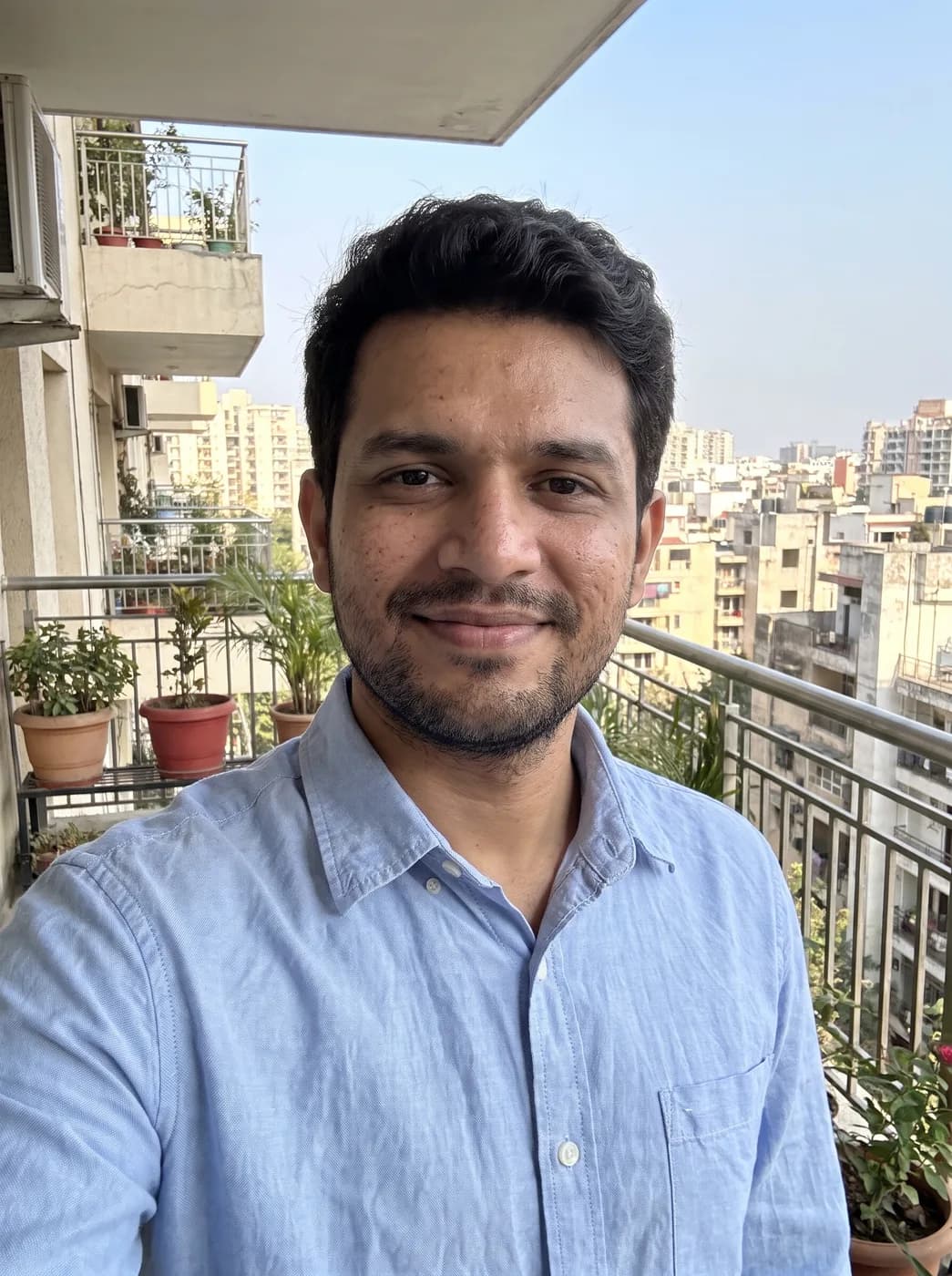

What each part of the prompt does
- Say what is wrong
- Describing the cause (blurry and grainy from low light) tells the model which fix to apply. Motion blur, noise and compression each need a different kind of repair.
- Where detail matters
- Eyes, lashes, hair strands and fabric are where viewers judge sharpness. Pointing at them puts the effort where it shows.
- Clean edges
- "Without halos" prevents the bright outlines that heavy sharpening leaves around people and objects, the main sign of an over-processed photo.
- No reinterpretation
- Upscaling models like to invent. The keep list and "do not add anything that is not there" hold the result to a cleaner version of the same photo rather than a new one.
Variations to try
Same idea, one thing changed. These have no example image yet.
Frame from a video Sharpen and clean up my uploaded photo, which is a still frame taken from a video with motion blur. Recover crisp detail in the eyes, eyelashes, hair strands and fabric texture, remove the noise and compression blocks, and make edges clean without halos. Remove the motion blur as if the shutter had been fast. Keep the person, face, expression, pose, clothes, colours and background exactly the same; do not restyle, beautify or add anything that is not there. Natural, photographic result, same framing as the original.
Saved from a chat app Sharpen and clean up my uploaded photo, which is small and pixelated after being sent through a messaging app. Recover crisp detail in the eyes, eyelashes, hair strands and fabric texture, remove the noise and compression blocks, and make edges clean without halos. Output it at a higher resolution with smooth gradients in the sky and skin. Keep the person, face, expression, pose, clothes, colours and background exactly the same; do not restyle, beautify or add anything that is not there. Natural, photographic result, same framing as the original.
Out of focus background kept Sharpen and clean up my uploaded photo, where the face is slightly out of focus. Recover crisp detail in the eyes, eyelashes, hair strands and fabric texture, remove the noise and compression blocks, and make edges clean without halos. Sharpen only the person; leave the background blur exactly as it is. Keep the person, face, expression, pose, clothes, colours and background exactly the same; do not restyle, beautify or add anything that is not there. Natural, photographic result, same framing as the original.
If the result isn't right
- If the face starts to look like a different person, add "identical face, only clearer" and try again from the original, not from the edited copy.
- Plastic-looking skin means too much noise removal; ask for "keep a fine natural grain".
- Small text such as signs and labels can come back as gibberish; say "leave text as it is if it cannot be read".
- Very small sources (under about 400 pixels wide) give the model little to go on, so expect a cleaner image rather than a perfect one.