AI Sticker Maker
Type what the sticker shows and pick a style. You get a centered design with bold outlines and a white die-cut border, from 15 credits an image on GPT Image 1 Mini.
A die-cut sticker of , in a style.
- Model
- GPT Image 1 Mini · OpenAI
- Cost
- 15 credits
Prompt sent to the model
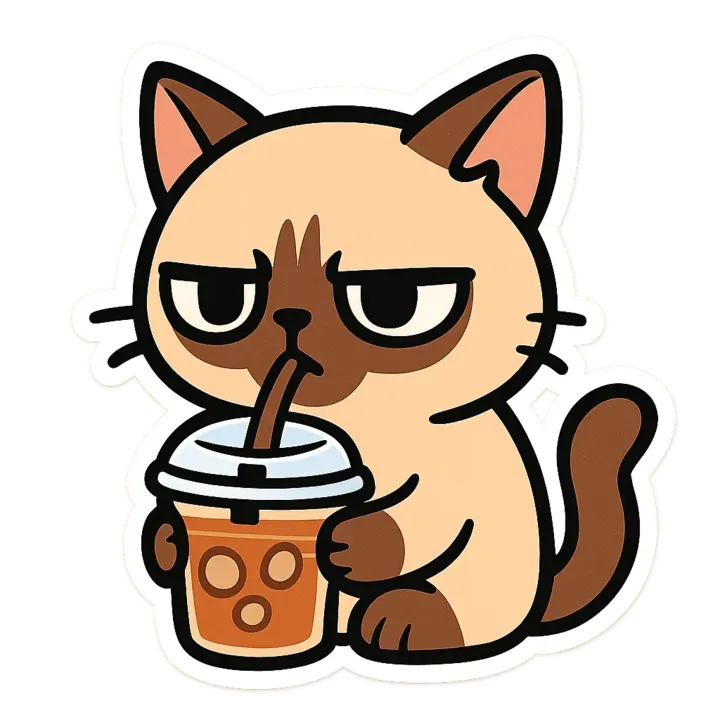
A sample this tool made. Your results appear here when you press Generate.
More AI tools
Prompt library
Prompts with the image each one made, ready to copy.
 Nano Banana ProCut a product out onto a clean white background
 nano-banana-2Extend a photo beyond its edges
 nano-banana-2Passport-style ID photo from a selfie
 nano-banana-2Preview a photo as your phone lock screen
 nano-banana-2Relight a portrait with a classic studio lighting setup
 nano-banana-2Reshoot a phone photo with real camera settings
 Nano Banana ProSharpen a blurry or low-resolution photo
 nano-banana-2Try a makeup look on your own photo
 nano-banana-2Try nine hairstyles on your own face
 nano-banana-2Turn your pet into a plush toy
What is AI Sticker Maker?
A good sticker reads from across a room: one subject, thick outlines, flat color and a white edge that makes the shape pop. The preset builds all of that into the prompt, so you only write what the sticker shows and pick a style, from kawaii and retro to pixel art and line art.It starts on GPT Image 1 Mini, OpenAI's low-cost image model, at 15 credits a design, with up to four designs per run. Attach a picture of your pet, your kid's drawing or your own face and the model puts it on the sticker, then cut it out with the background remover.
What people make with it
- Stickers for water bottles, laptops and notebooks
- Sticker packs for chat apps
- Designs for an online shop or a market stall
- Party favors and classroom rewards
Why use AI Sticker Maker?
- 6 models to choose from
- Starts on GPT Image 1 Mini by OpenAI. Also works with GPT Image 2, Nano Banana, Recraft V4.1, Recraft V4.1 Flash, FLUX.2 [klein] 4B.
- The cost is shown before you run it
- 15 credits per image on GPT Image 1 Mini. The Generate button shows the exact credits first, so nothing is spent by surprise.
- Failed generations are refunded
- When a generation fails, its credits go back to your balance automatically.
- One credit pool for every tool
- The same credits work across every studio tool and model, and the prompt tools include free prompts every day.
How to use AI Sticker Maker
Three steps from an idea to a finished result.
- 11. Write what the sticker shows, and add a reference photo if it is someone real
- 22. Choose a look
- 33. Generate a few, keep the best, and remove the background for a PNG
Tips for better results
- Give it a single subject doing one thing: "a sloth sipping bubble tea" reads better than a whole scene.
- Short words work on stickers: "nope", "hi!", a name. GPT Image 2 is better when the text must be spelled exactly.
- Make a set in one style so the stickers look like they belong together.
- Ask for four designs per run on GPT Image 1 Mini and keep the strongest silhouette.
Frequently asked questions
What people ask before they use AI Sticker Maker.
1Can I make a sticker of my pet or my face?
2How do I get a transparent background?
3Which model should I use?
4Can I sell the stickers?
5How much does it cost?
Try AI Sticker Maker now
15 credits per image on GPT Image 1 Mini. You see the exact credits before you generate.
Open AI Sticker Maker