Image Prompt Generator
Describe the picture, pick the model, get the prompt in the form that model reads.
More AI tools










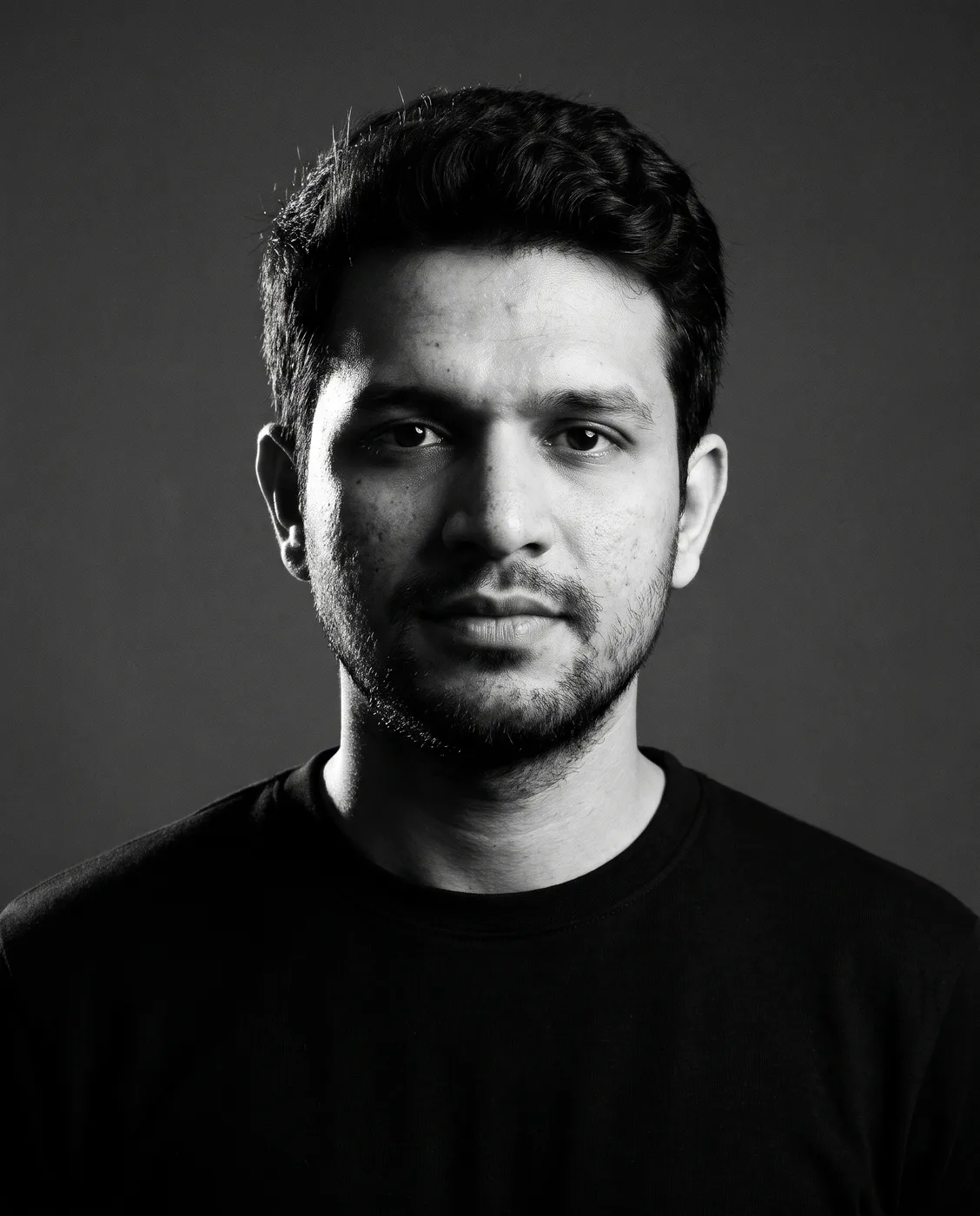

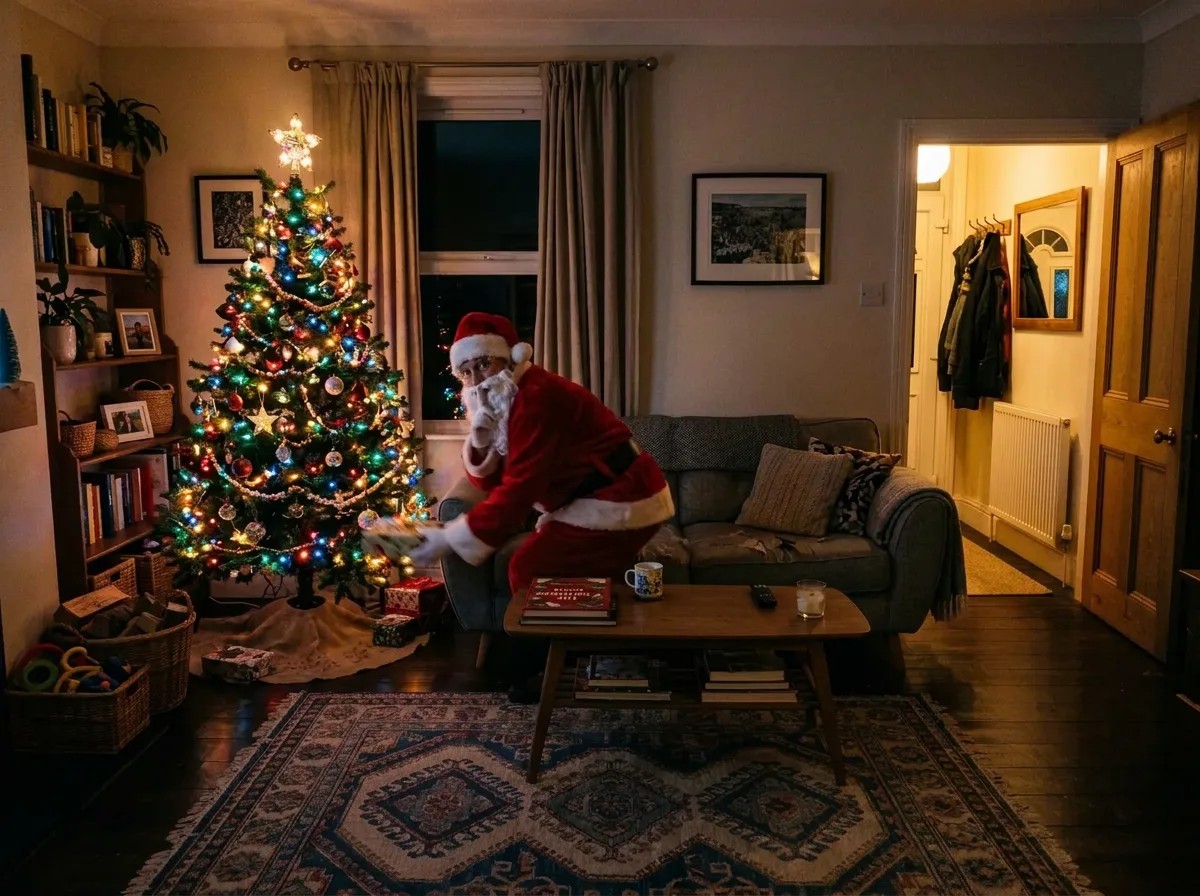

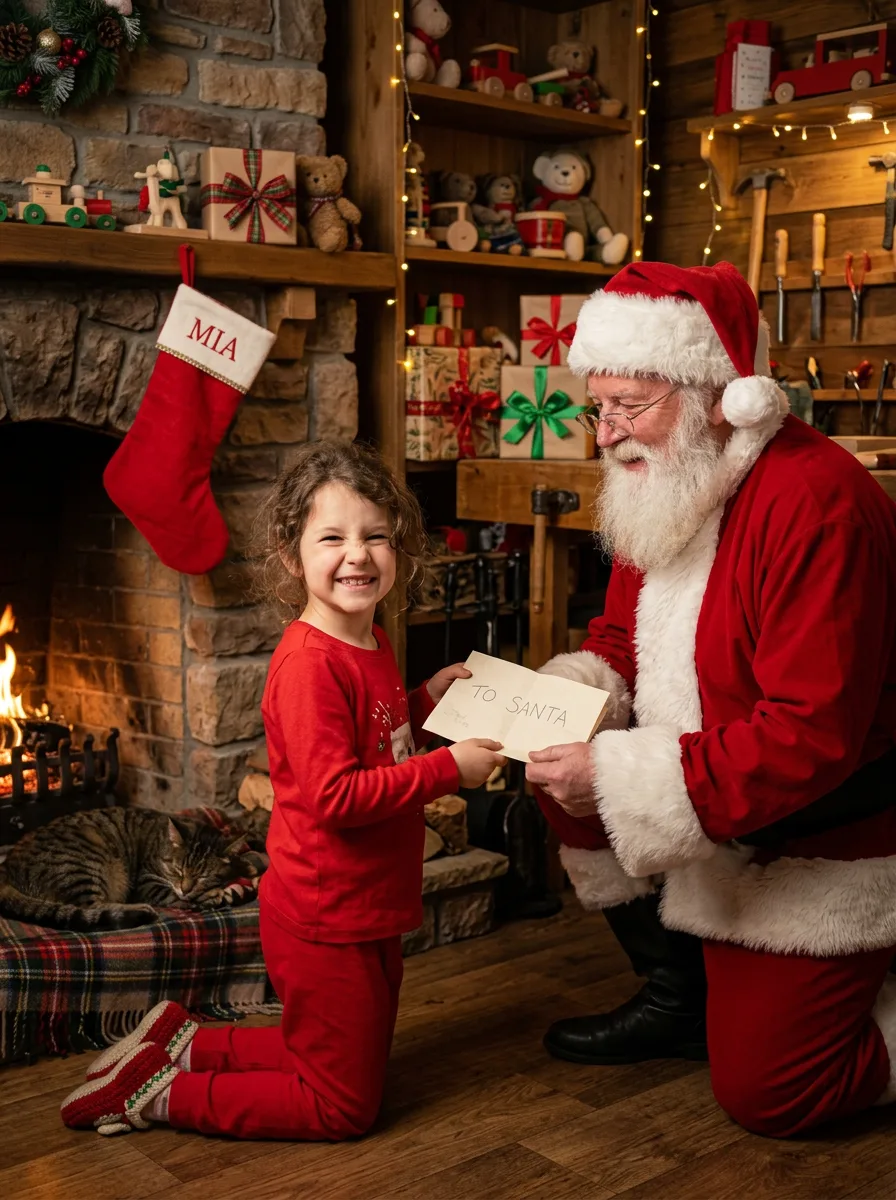
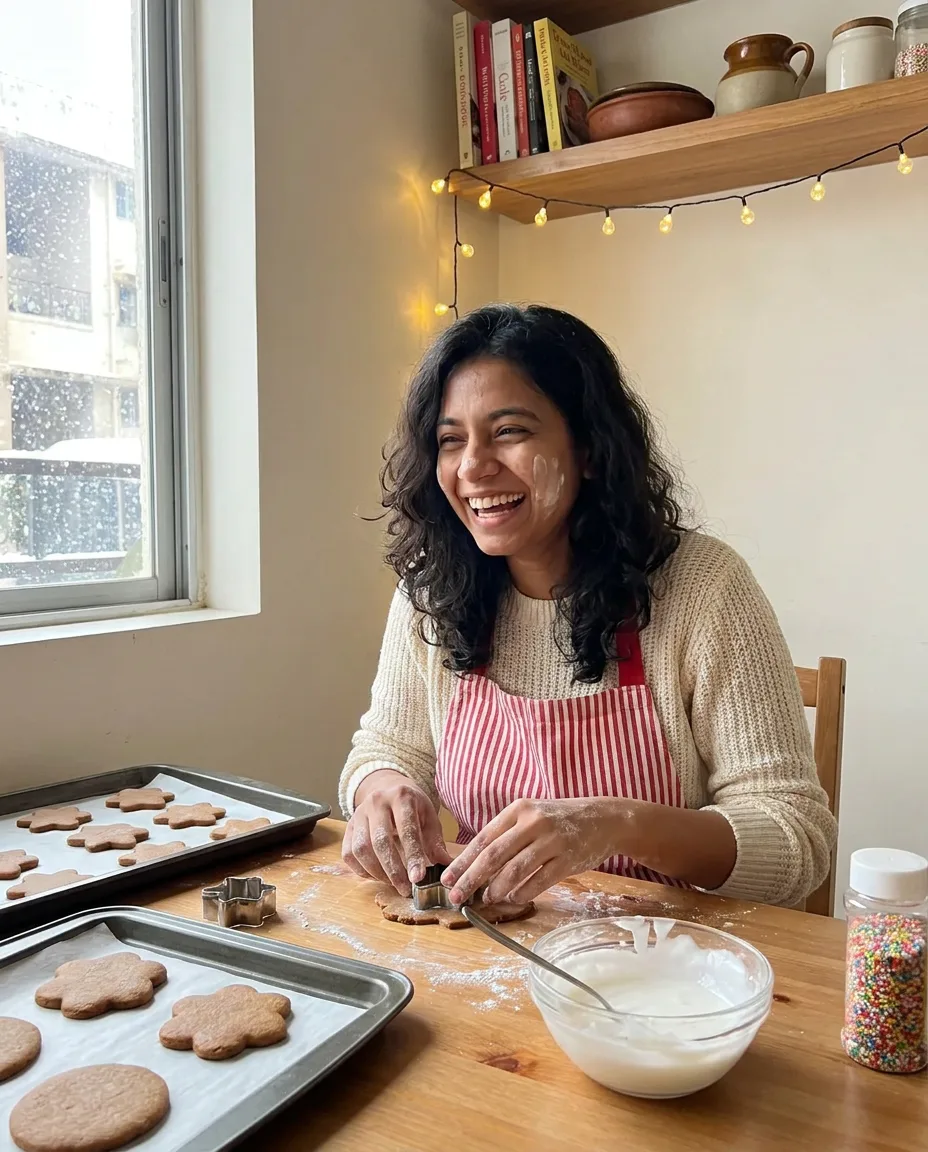
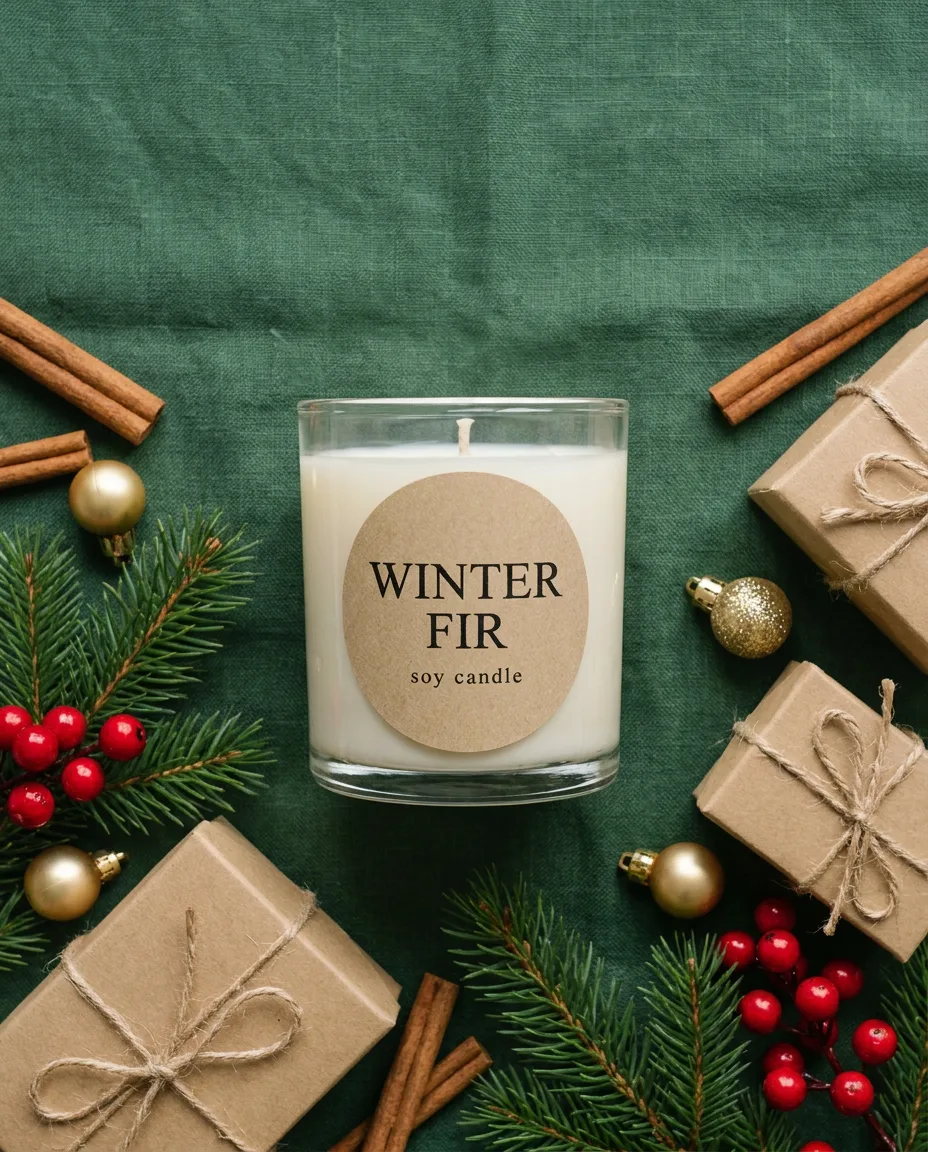
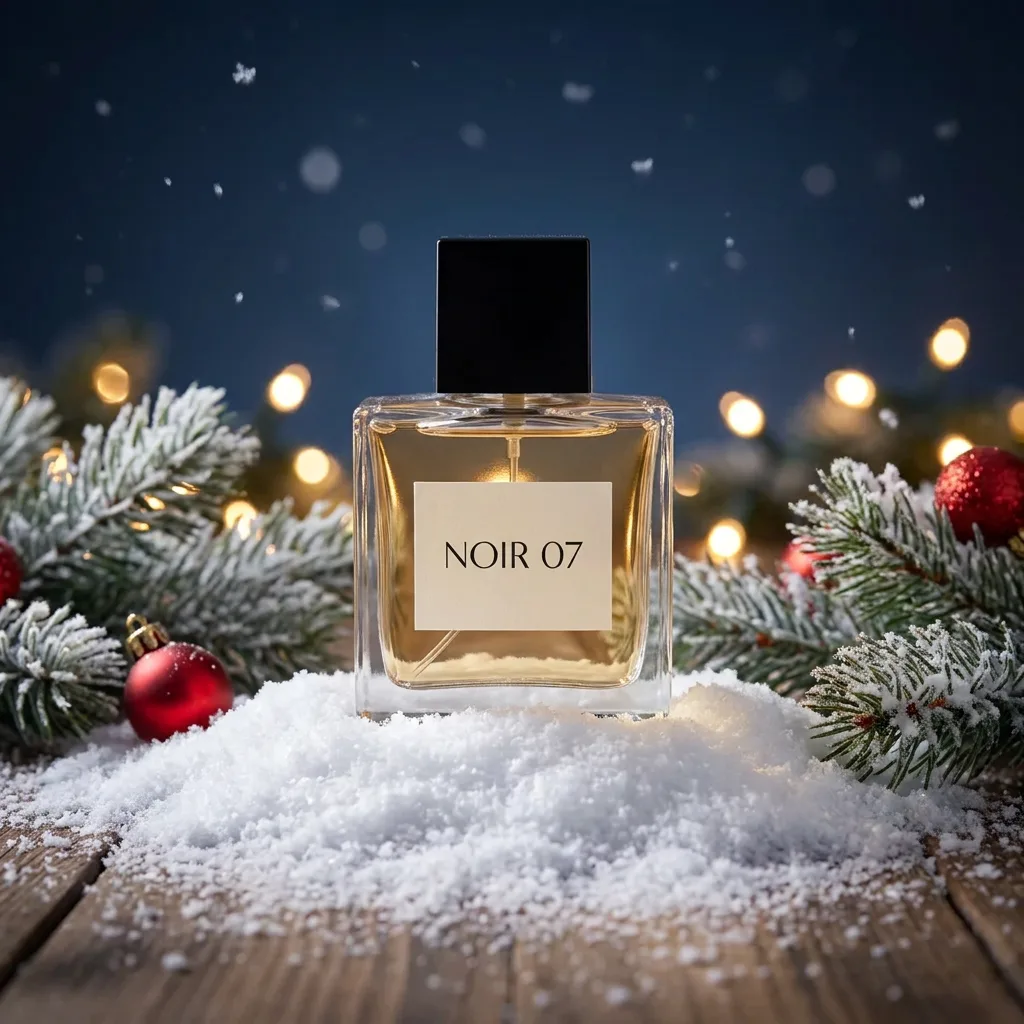
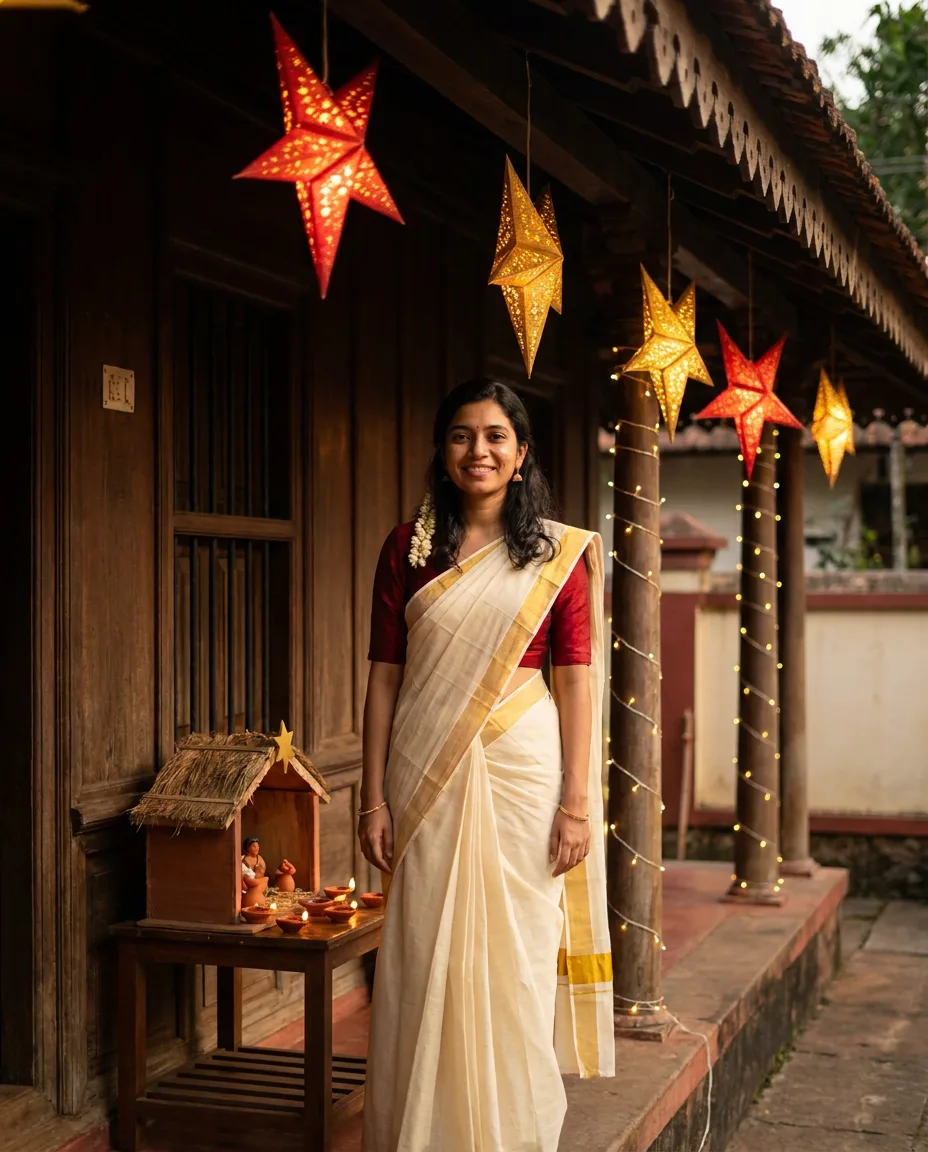
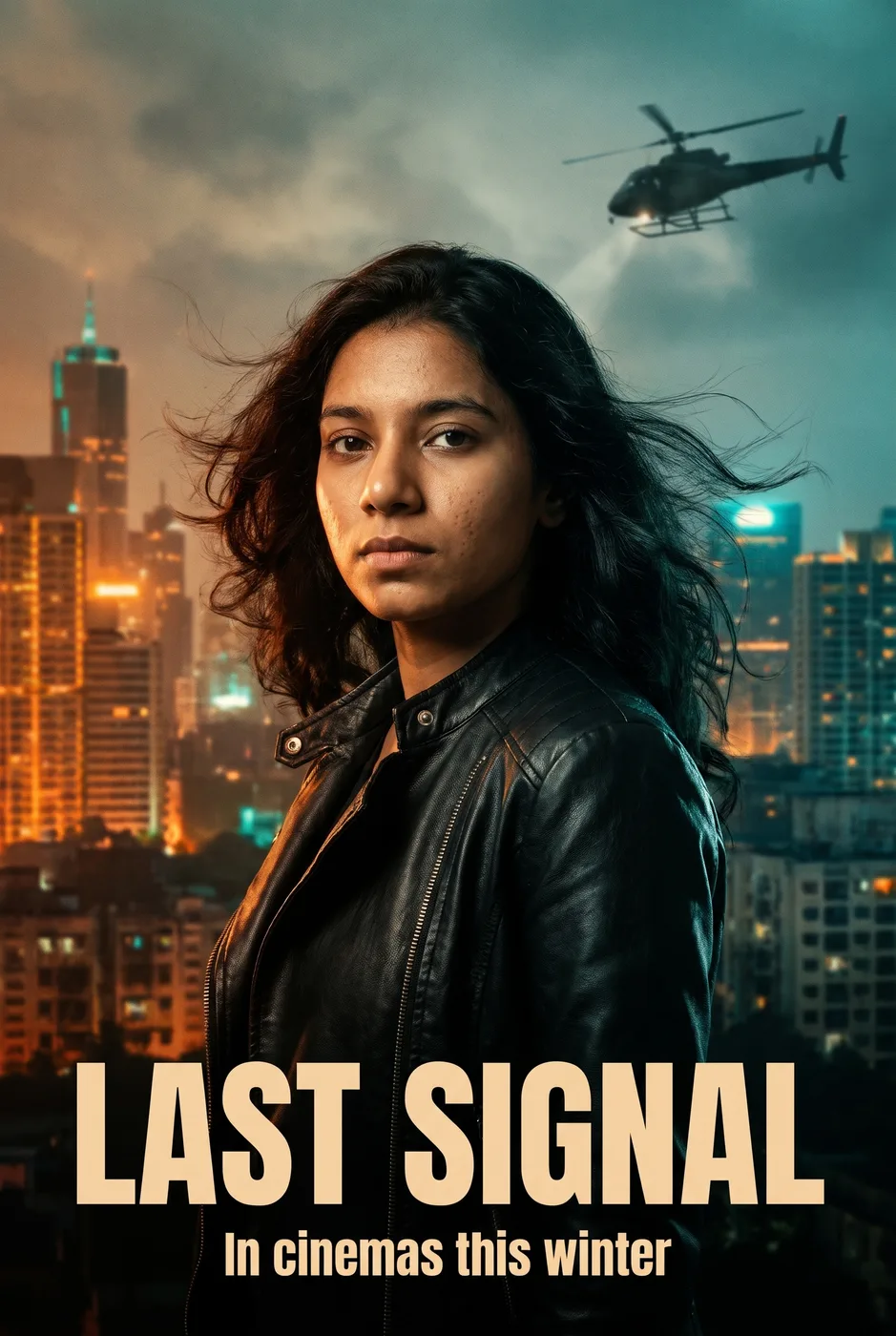
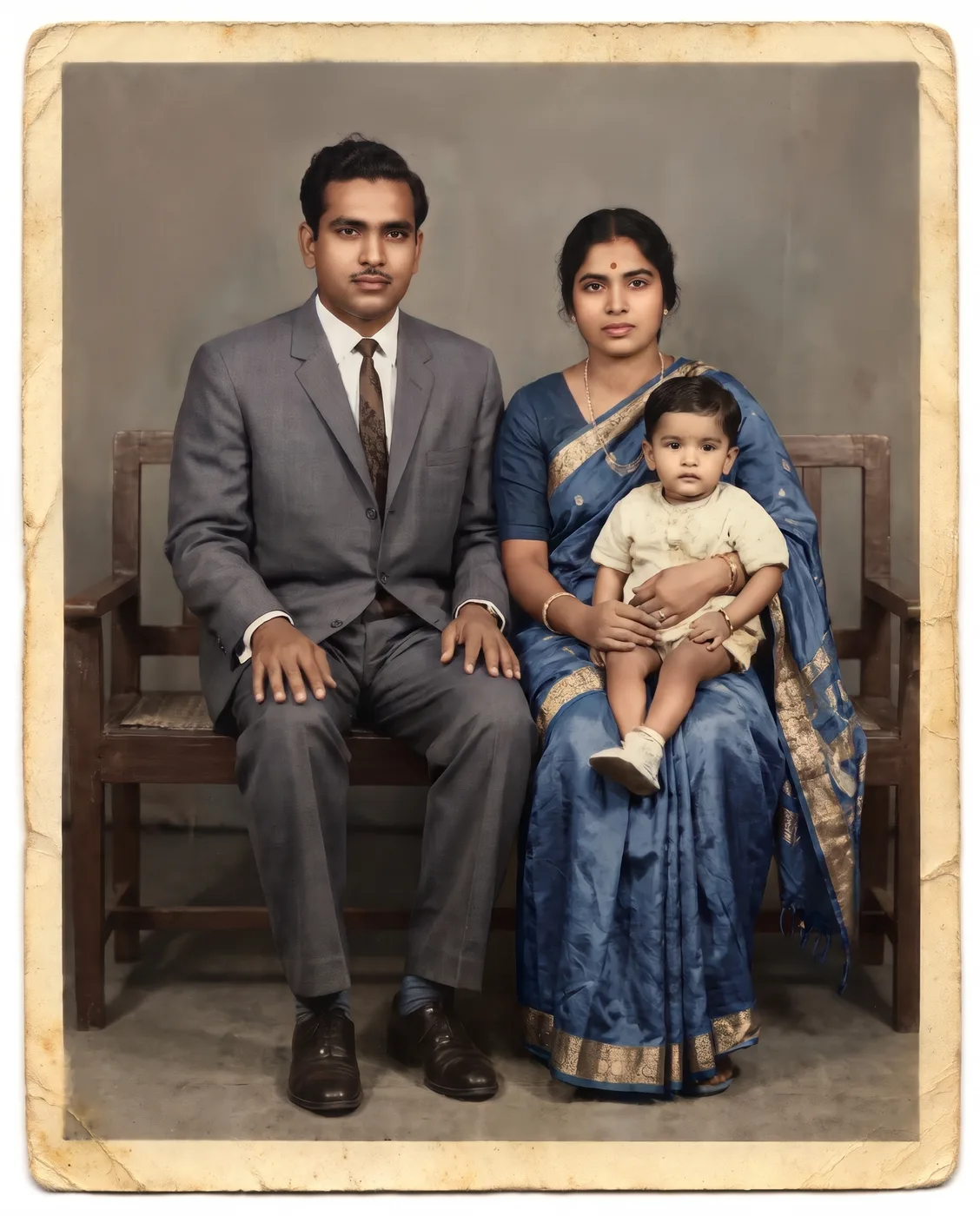

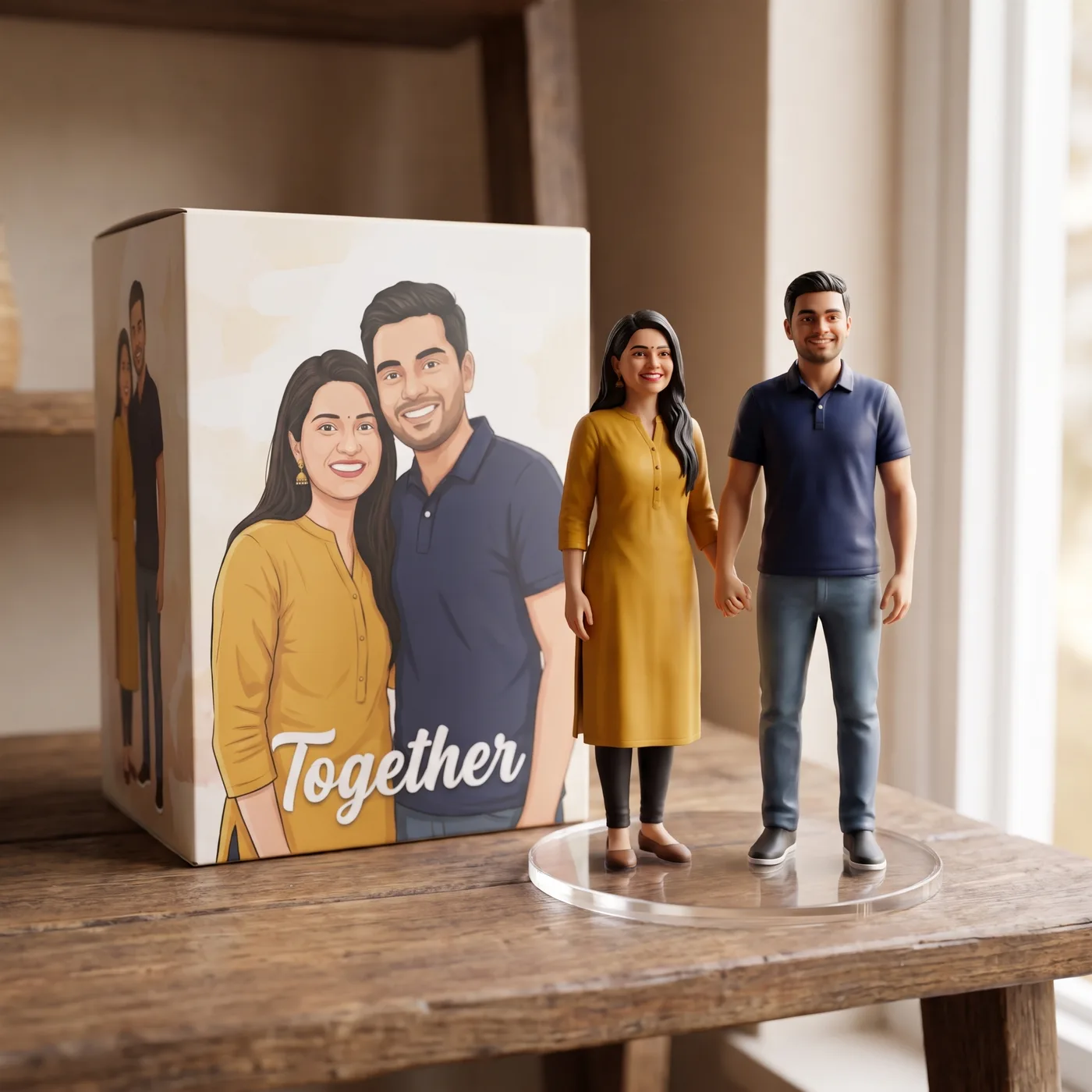
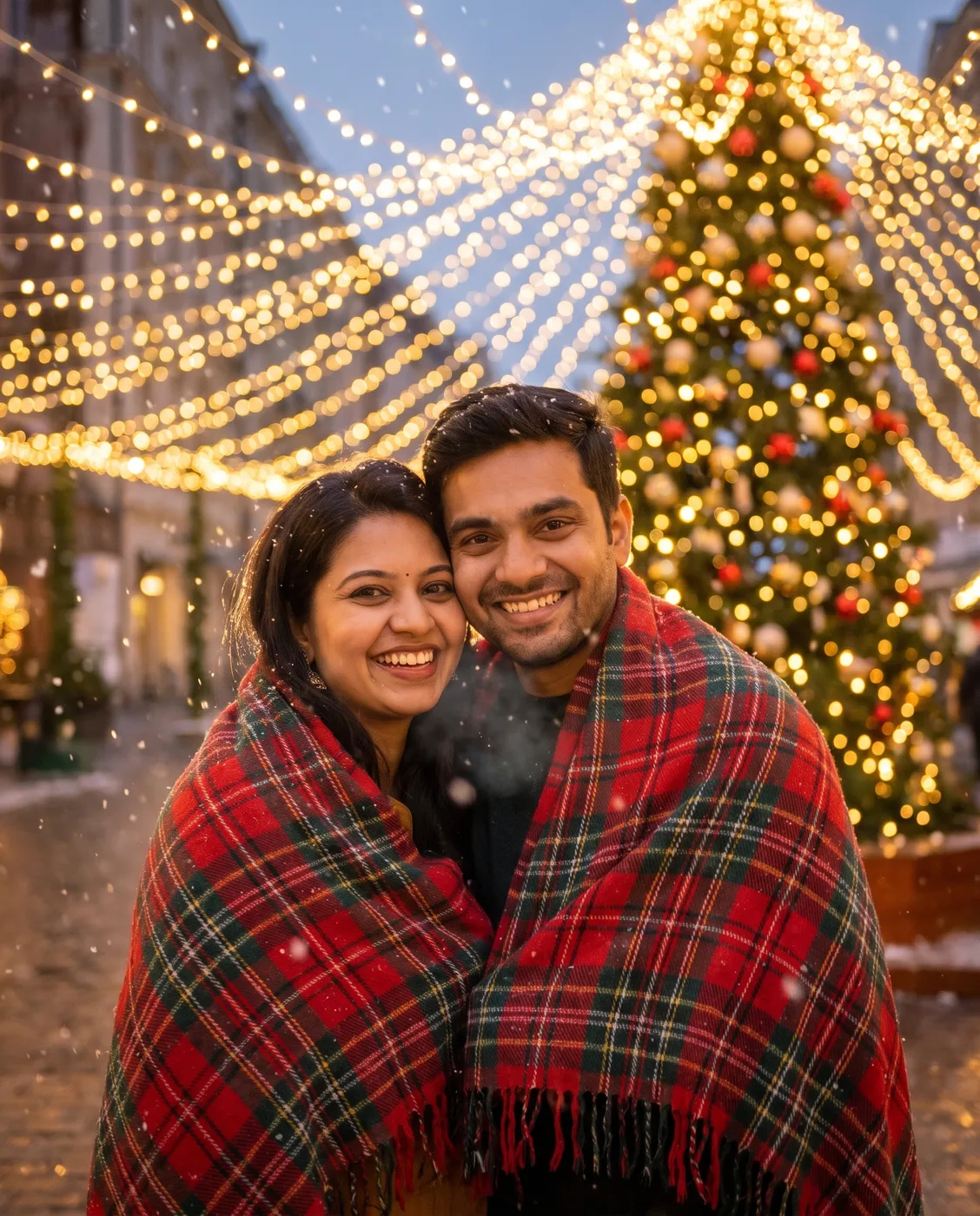


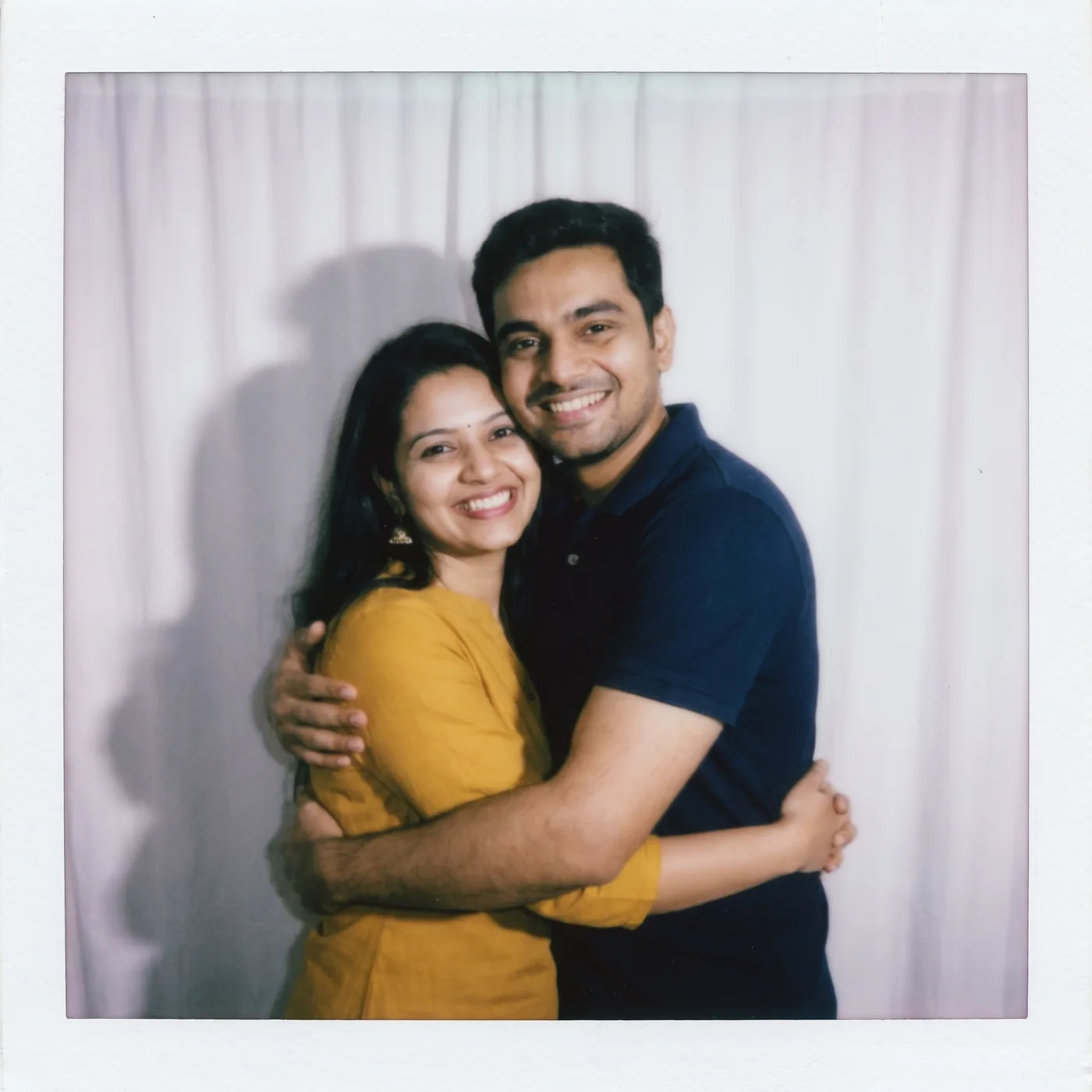
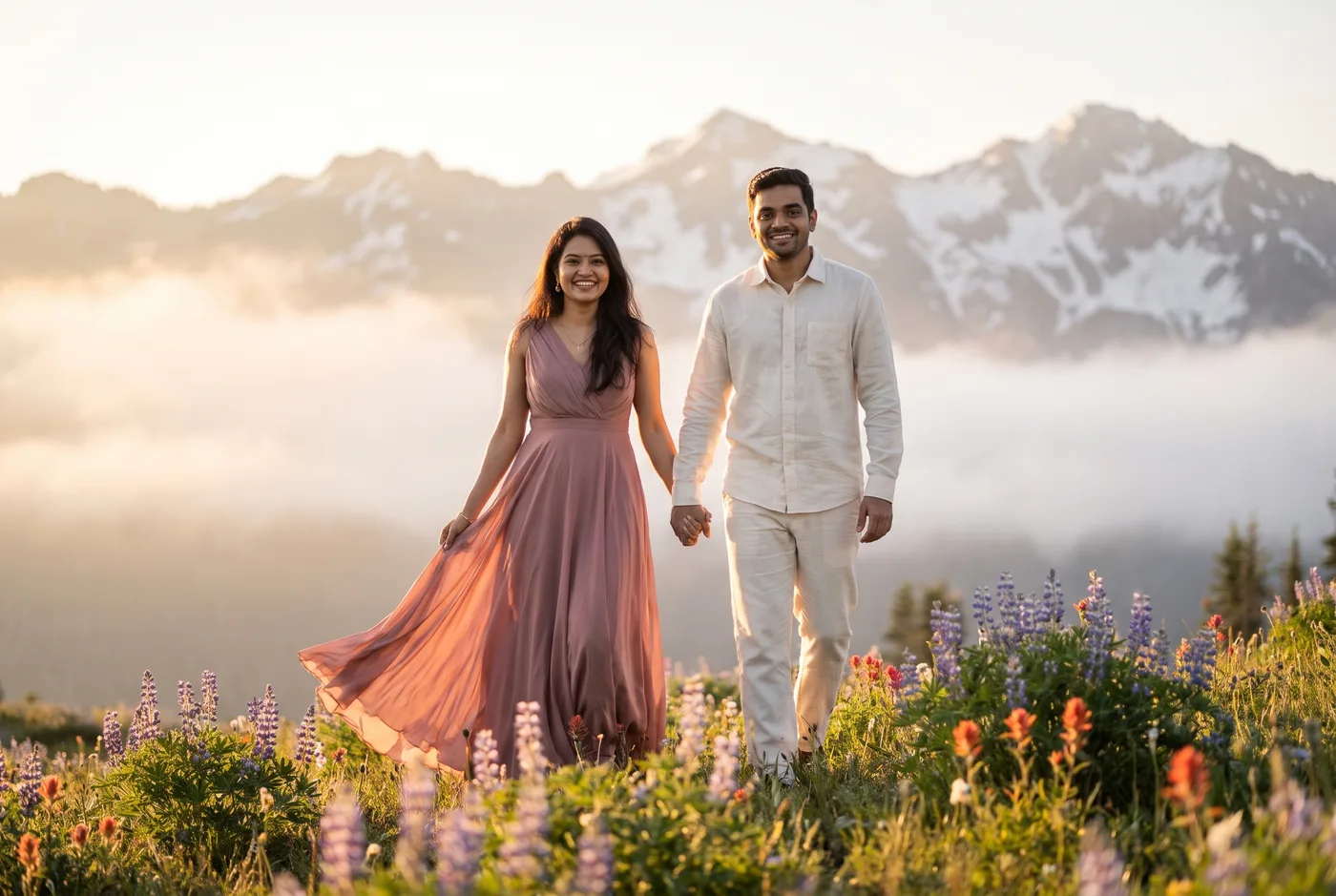
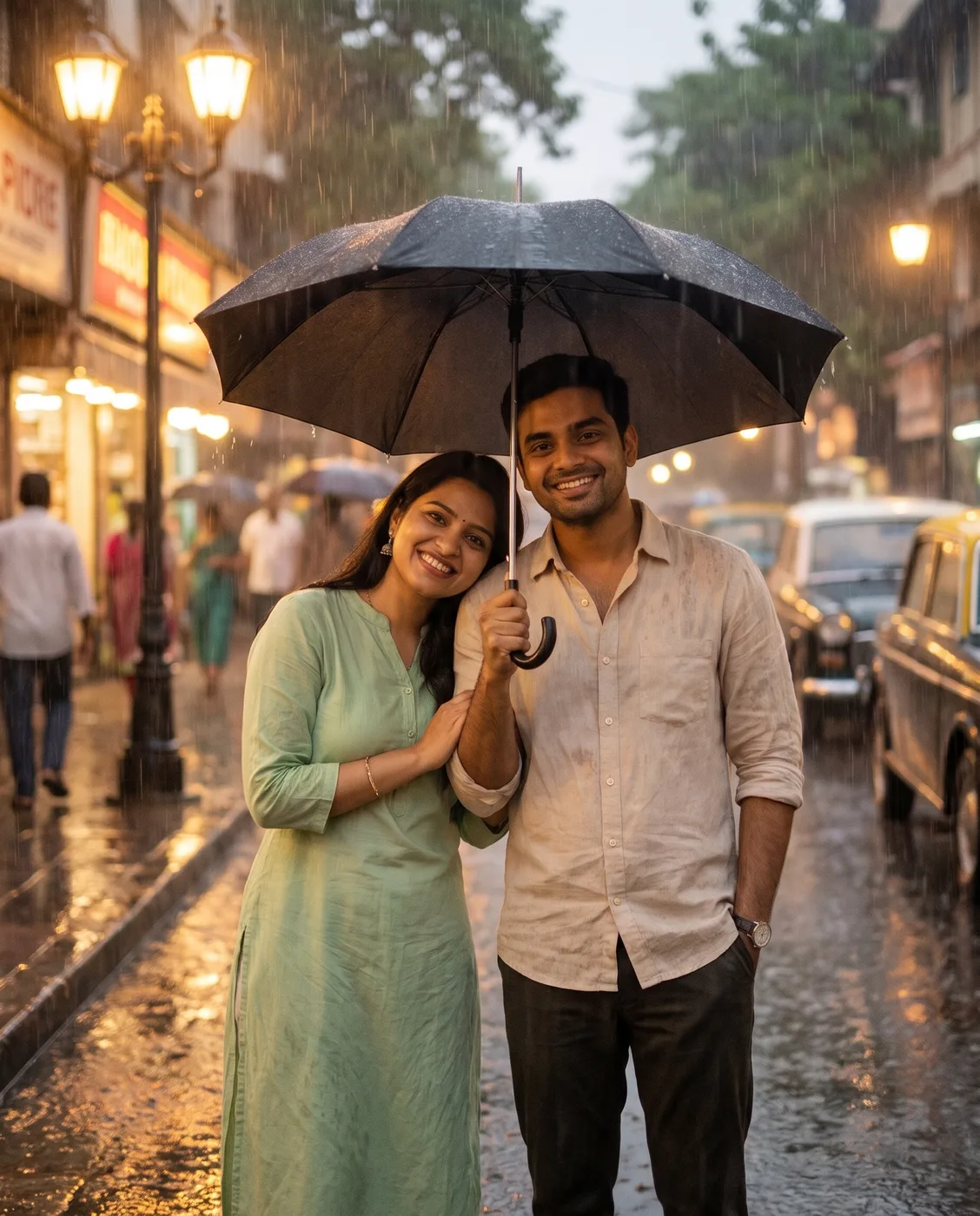
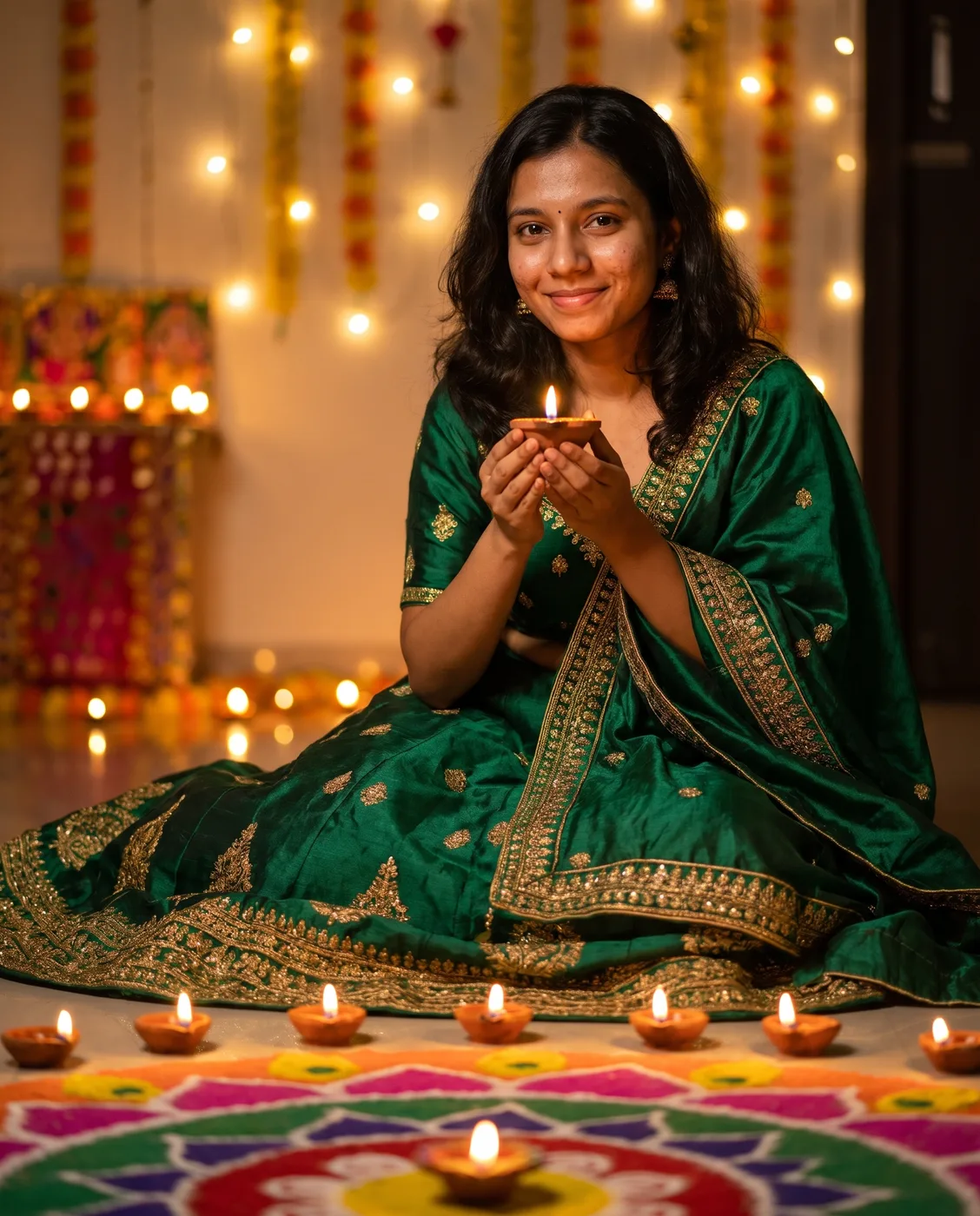
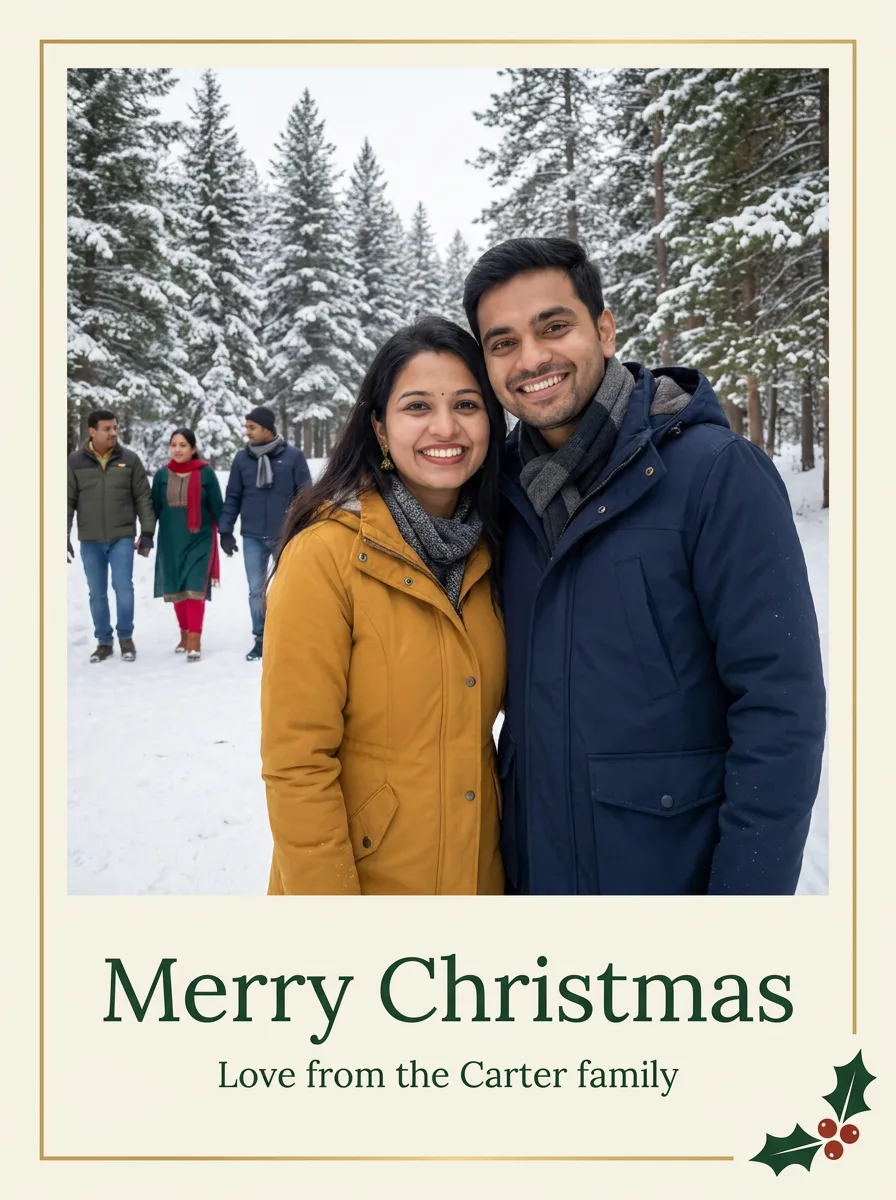
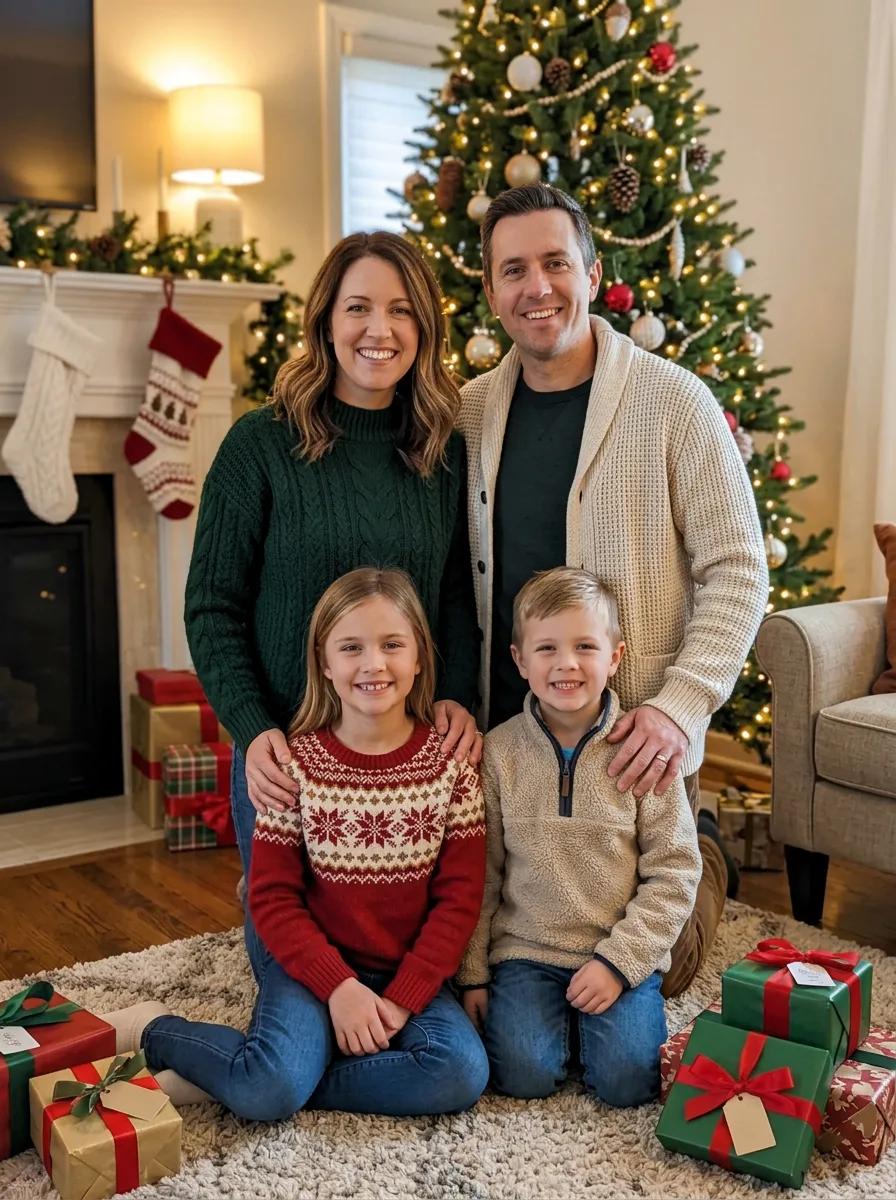

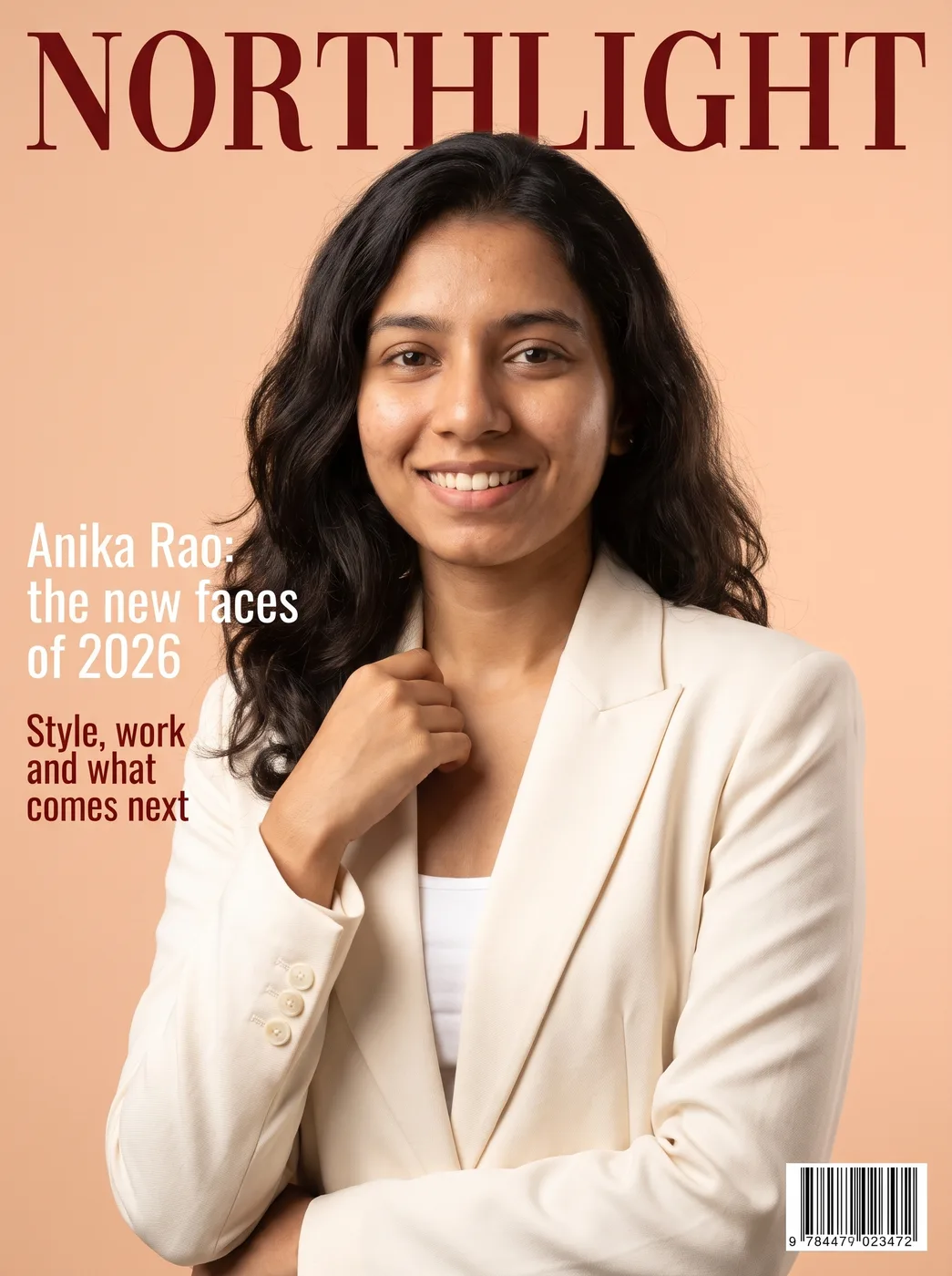
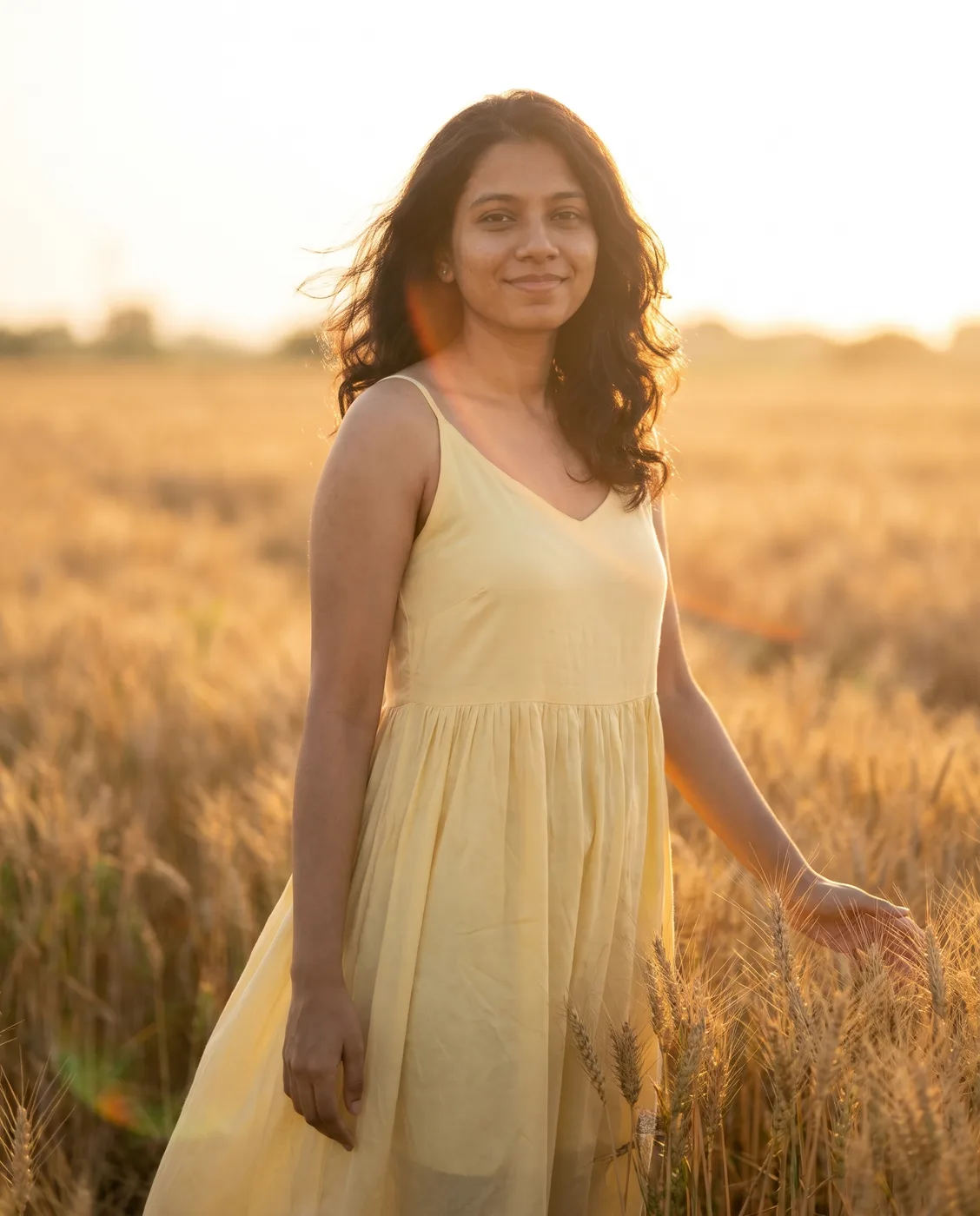
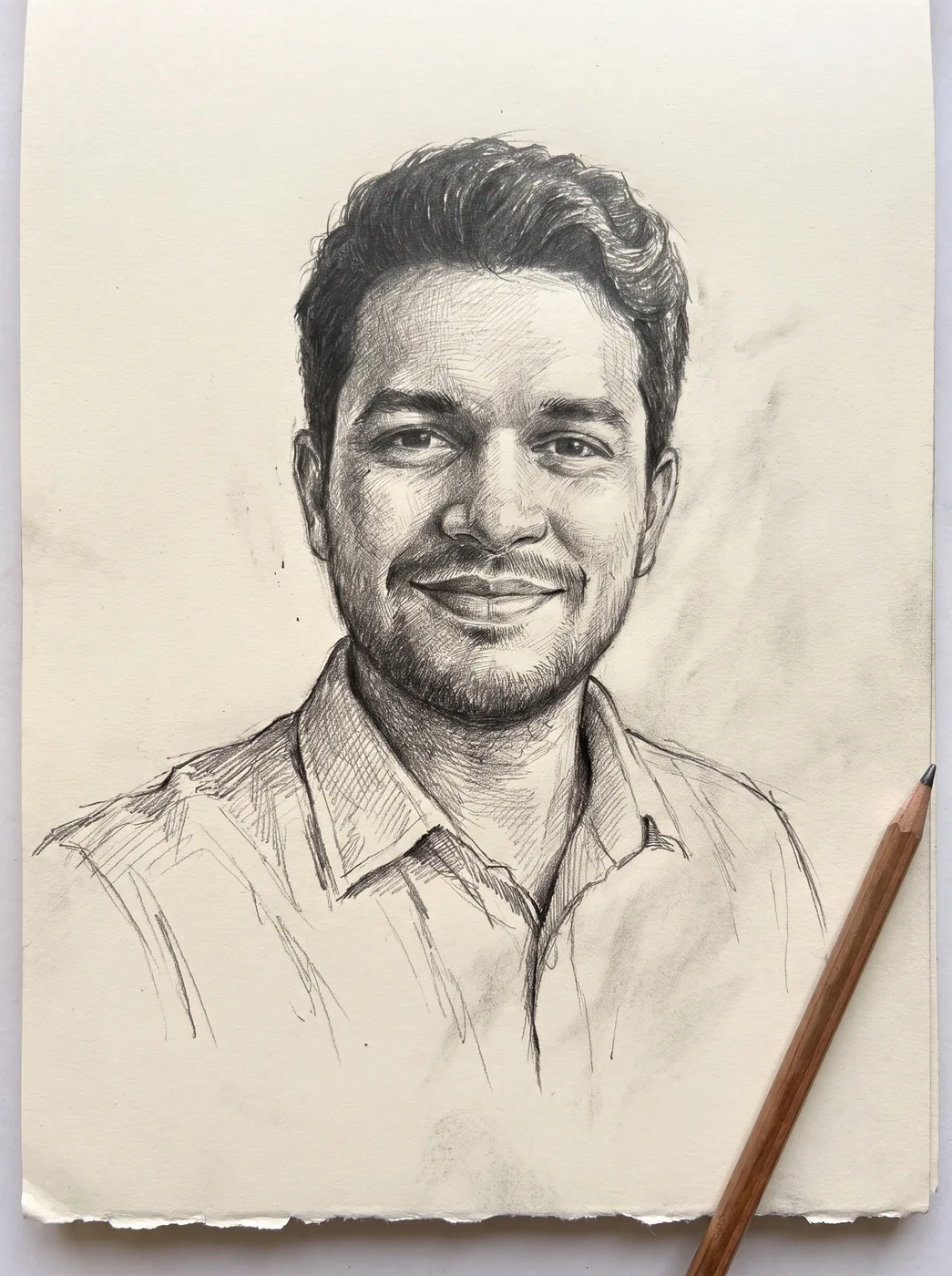

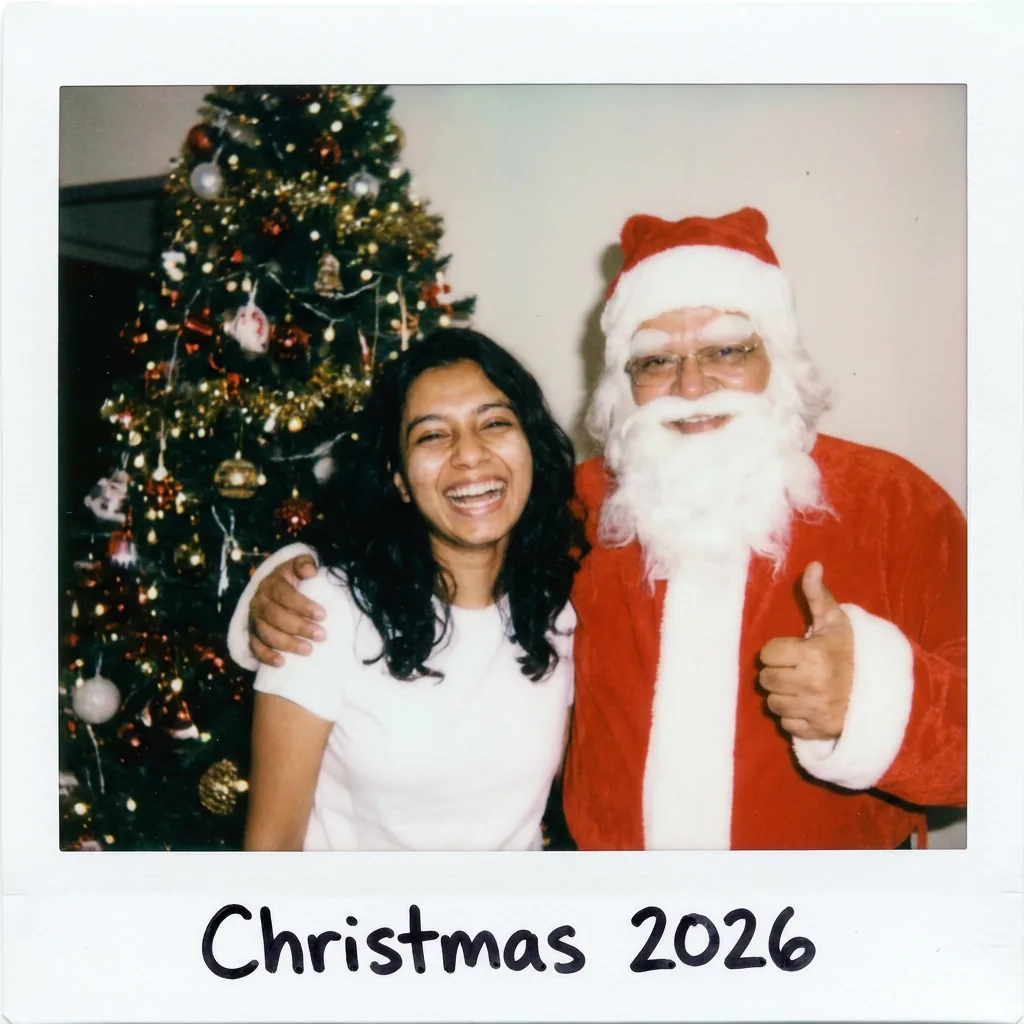

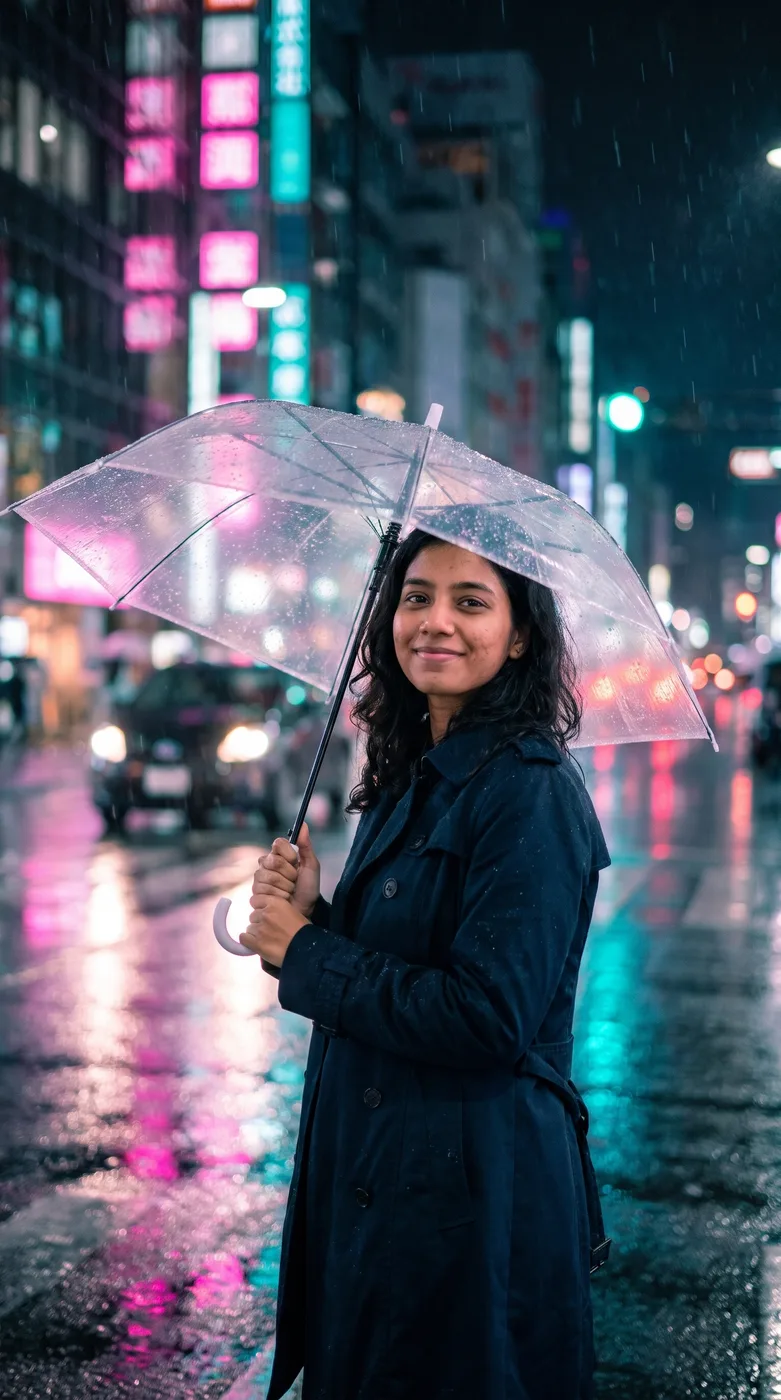
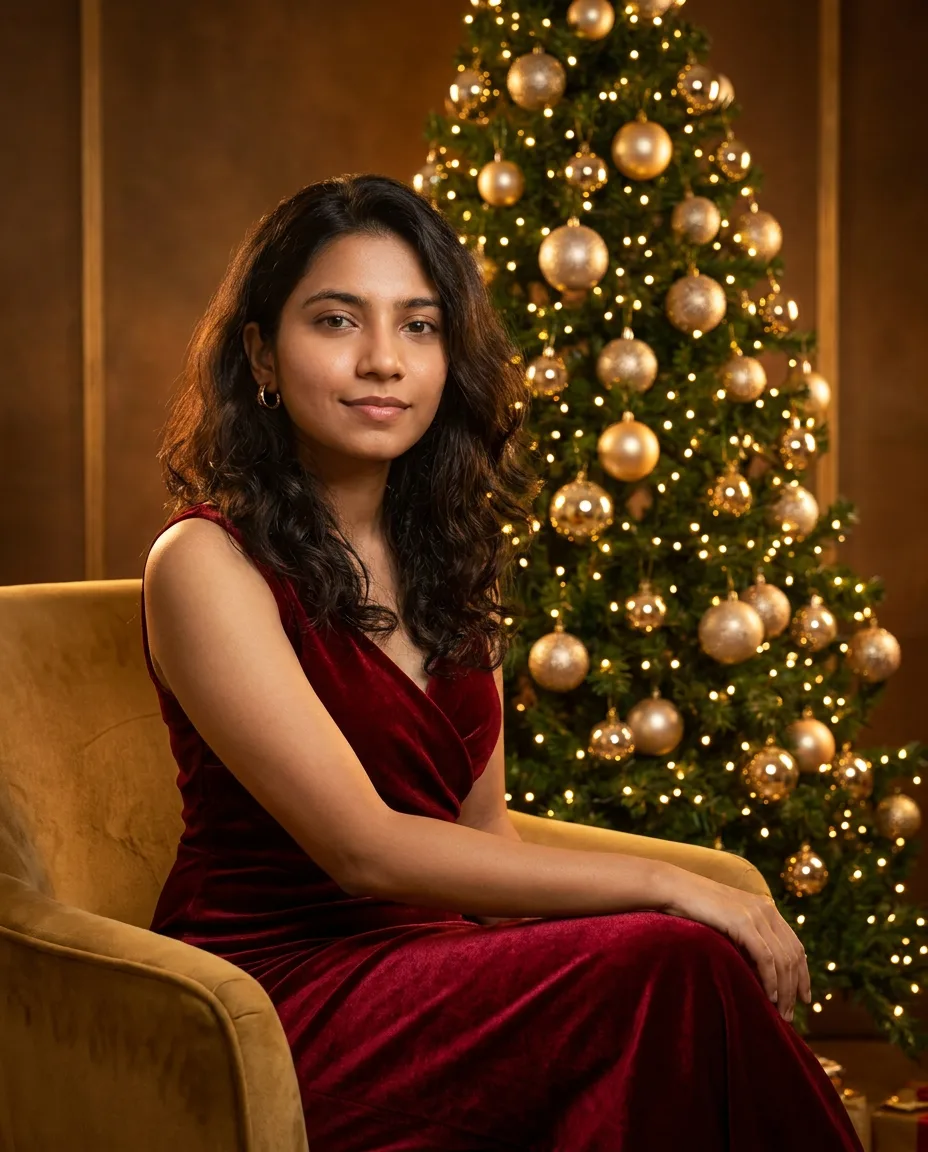

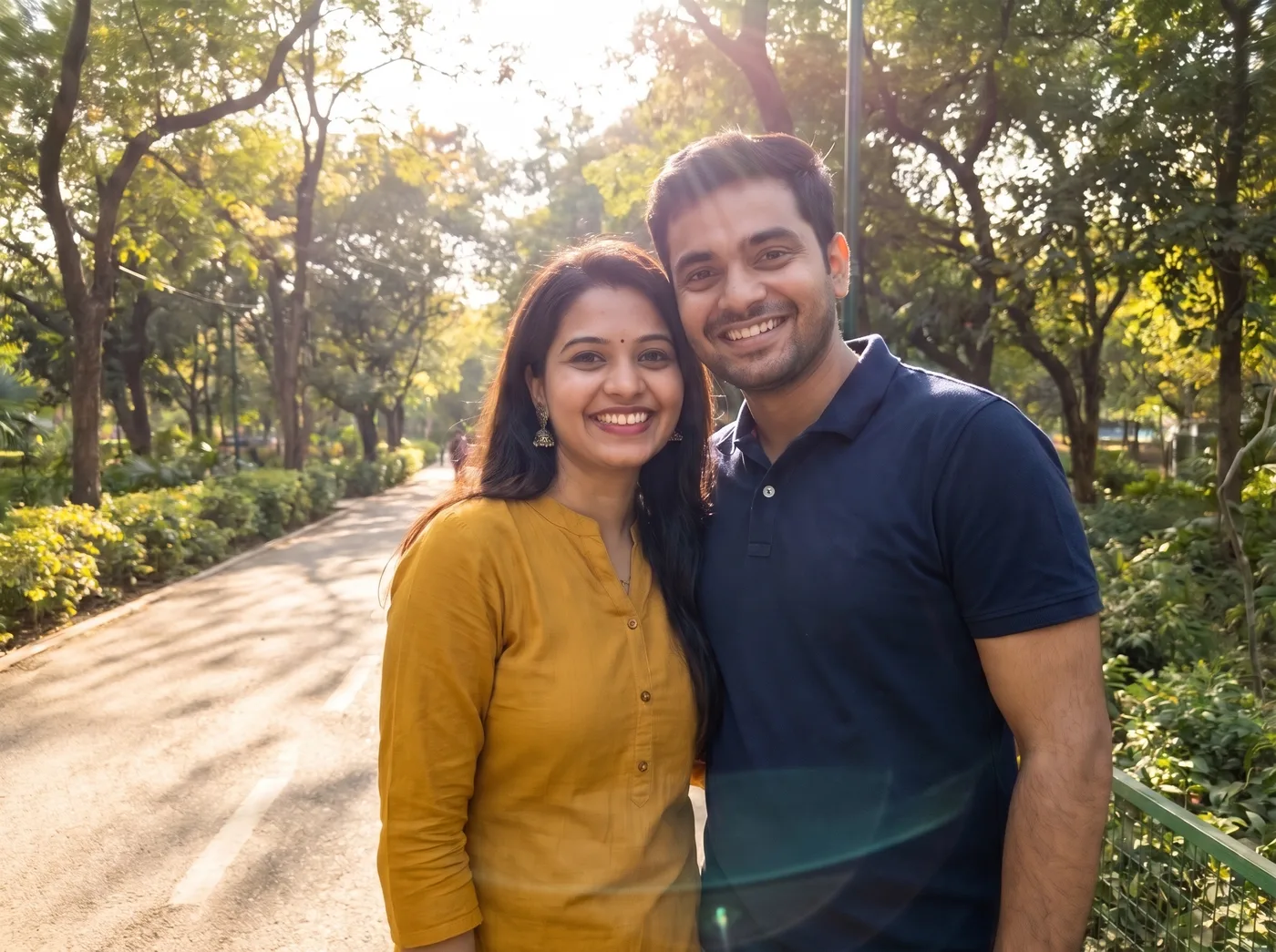
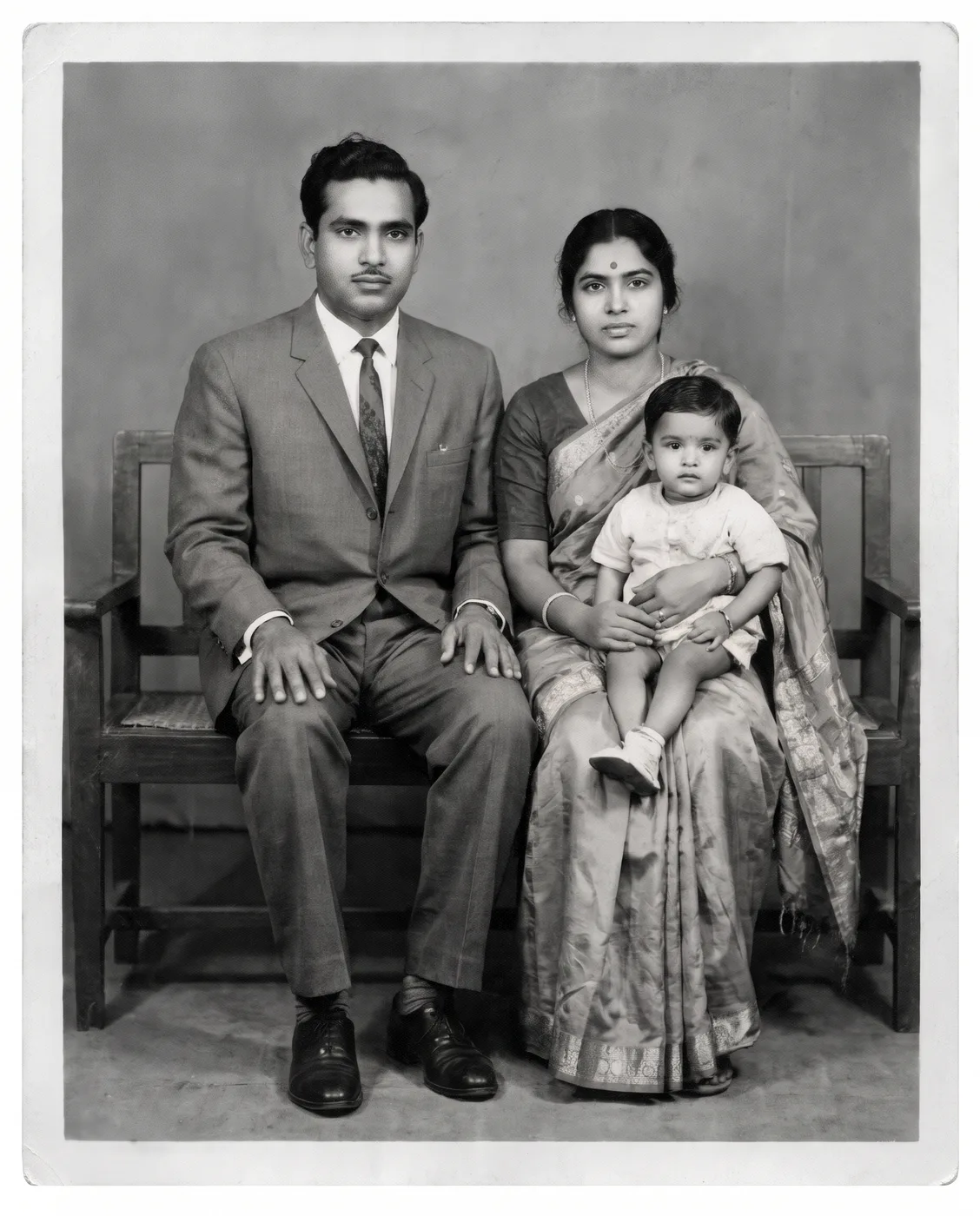
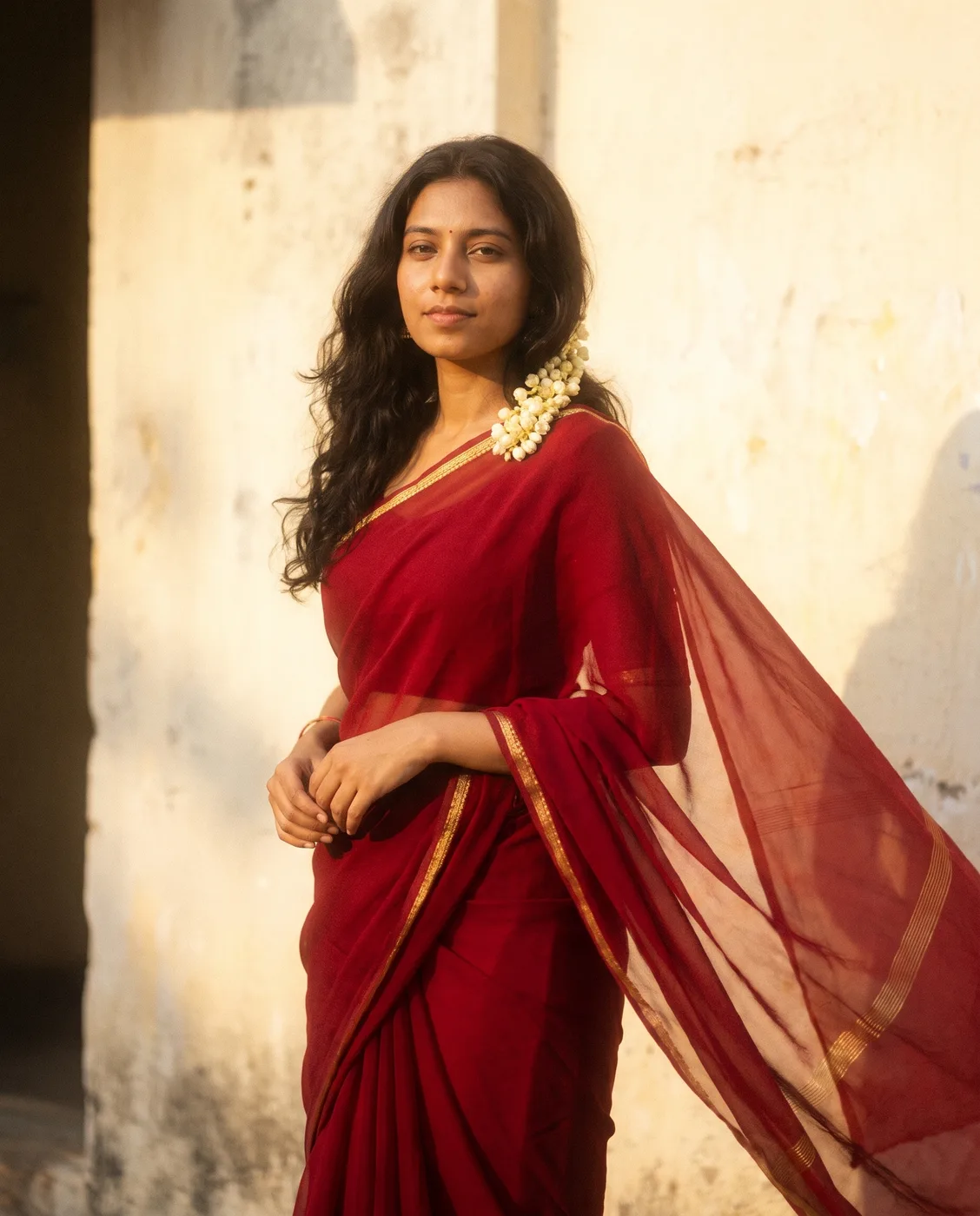
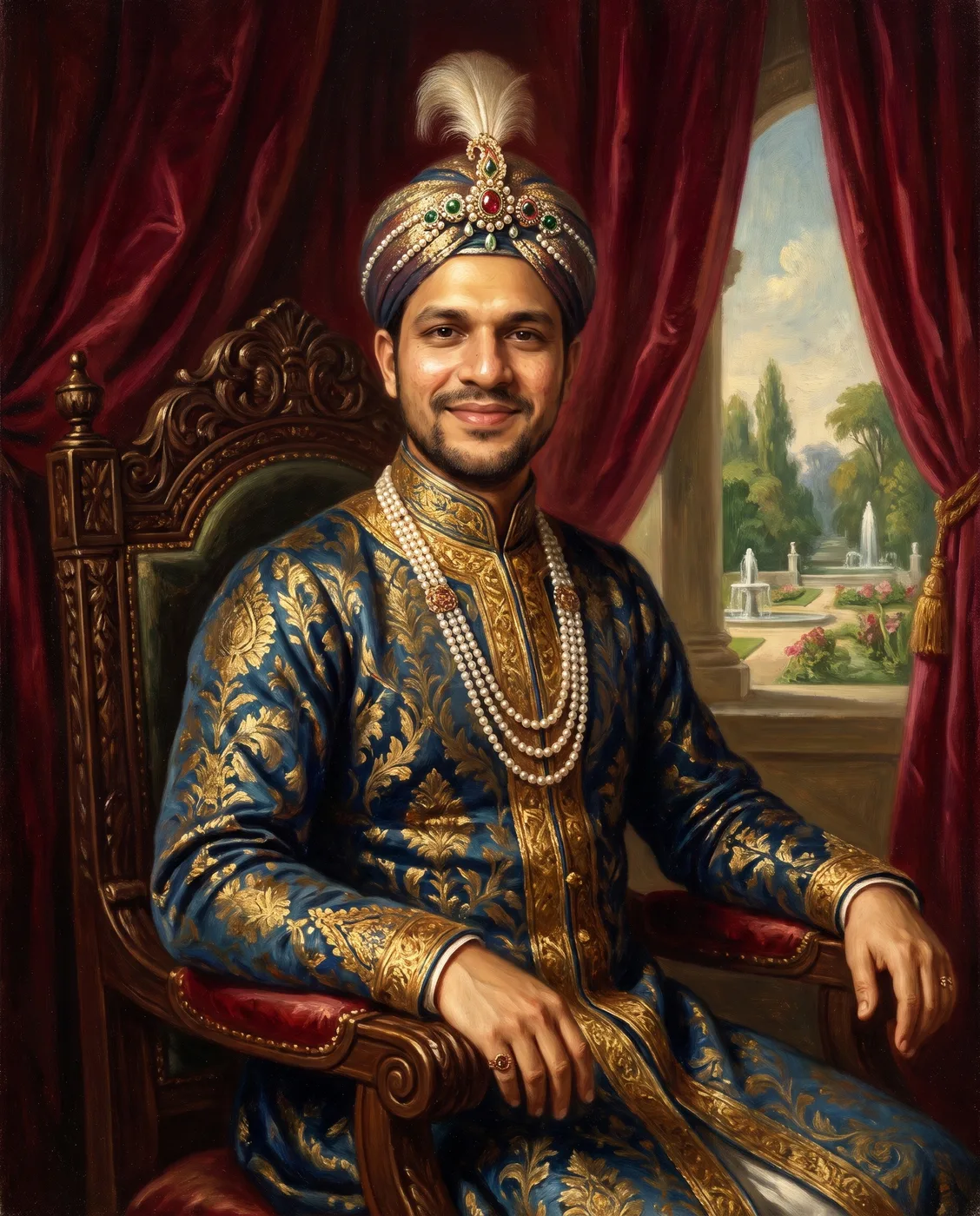
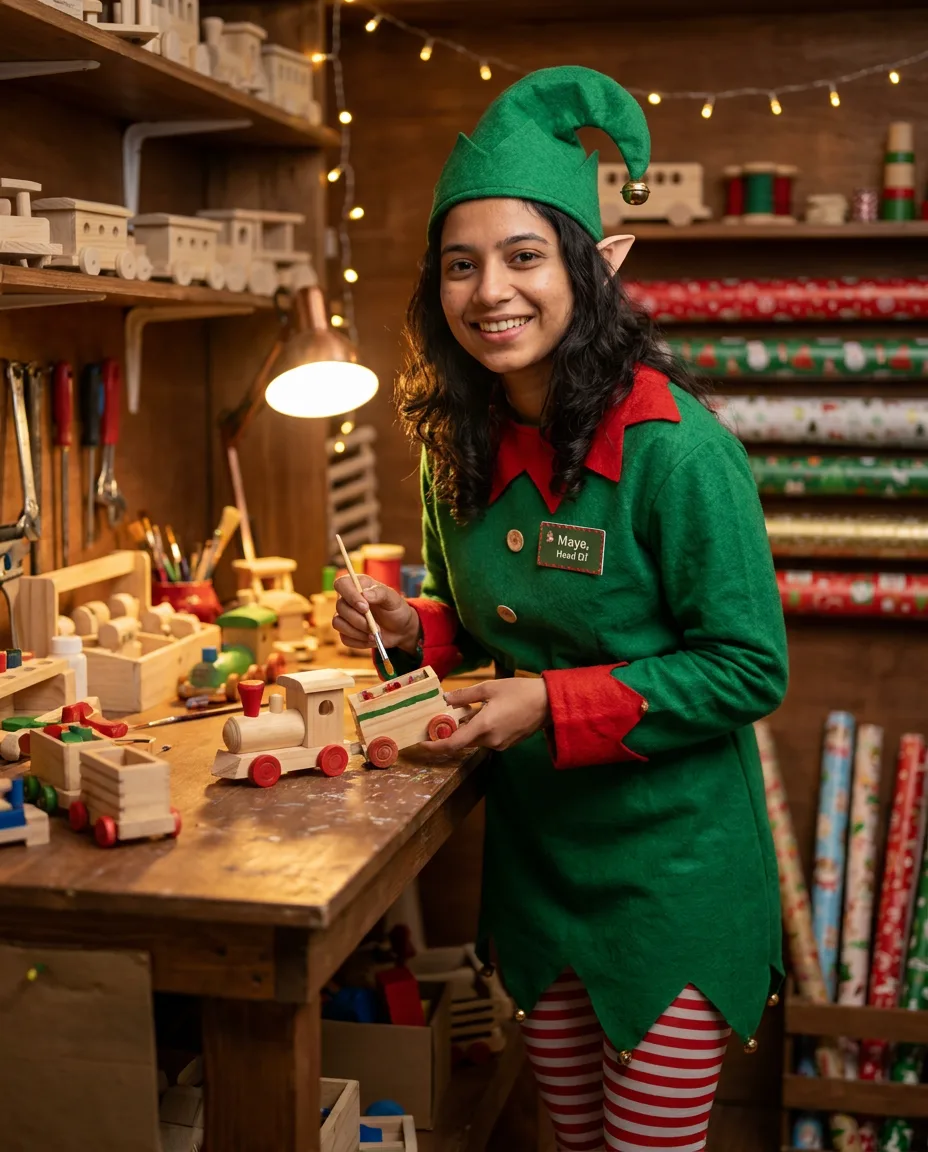

How to use the image prompt generator
Start from a few words or from a picture. The generator fills in what an image model needs and leaves out what it ignores.
- 101Pick the image modelChoose Midjourney, Nano Banana, GPT Image, FLUX, Seedream and Stable Diffusion. Each one gets its own syntax: parameters for Midjourney, sentences for Nano Banana, tags and a negative prompt for Stable Diffusion.
- 202Describe or uploadType the subject, place and mood, or upload a picture to write the prompt from it. Under Options set the aspect ratio (1:1, 4:5, 3:2, 16:9, 9:16) and a style.
- 303Refine, copy or renderMake it shorter or more detailed, try it for another model, then copy it or run it in the studio.
What is the image prompt generator?
It turns a rough description into a prompt an image model follows: subject, setting, composition, light, lens and style, ordered and phrased for the model you pick.
016 image models, one box
Midjourney: comma phrases, then --ar and style parameters. Nano Banana: full sentences: subject, scene, light, camera. GPT Image: plain description, exact text in quotes, layout. FLUX: subject first, rich natural language, no negatives. Seedream: concise scene, style and text in quotes. Stable Diffusion: weighted tags plus a negative prompt.
02Start from a picture
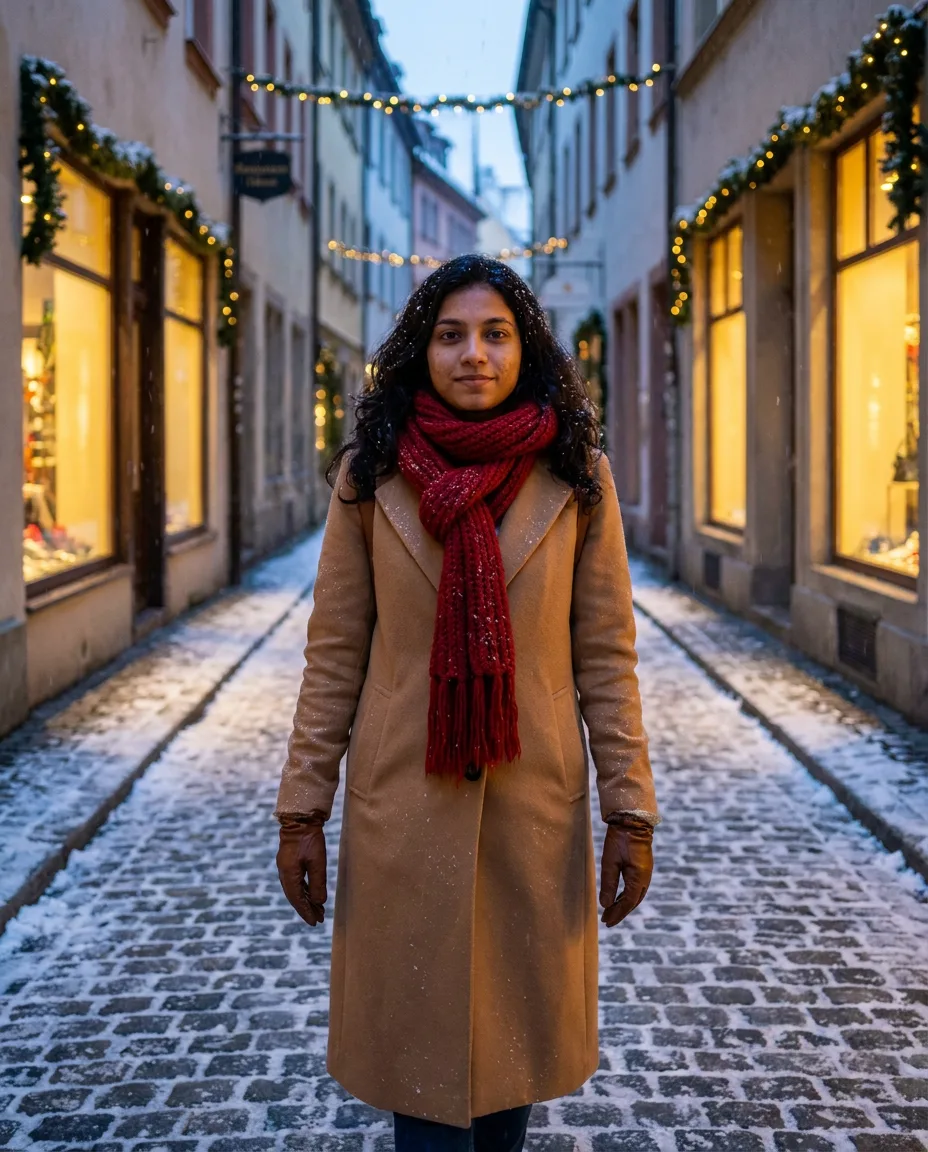
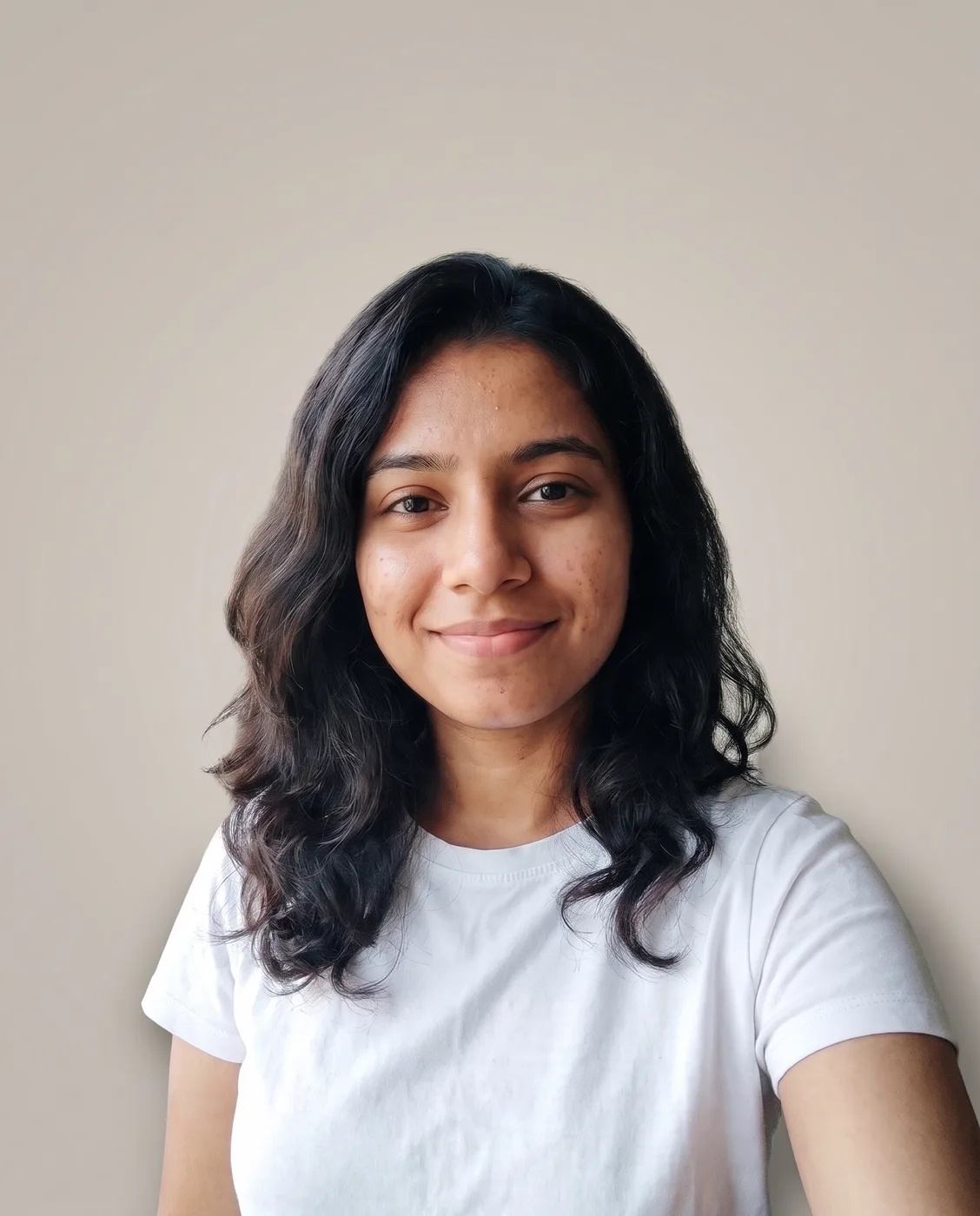
Upload, paste or drop an image and the generator writes the prompt that recreates it. Add a note such as make it night to change one thing.
03Aspect ratio and style built in
Pick the aspect ratio and a style (auto, photo, cinematic, illustration, 3d render, anime and product shot). Midjourney gets them as --ar and parameters, the other models in words.
04Render it in the studio
Send the prompt to the studio and run it on Nano Banana, GPT Image, FLUX or Seedream. New accounts get 60 free credits.
Image prompt generator FAQ
Which models it writes for, how the syntax differs, and how to turn a picture into a prompt.