What each part of the prompt does
- How to fill
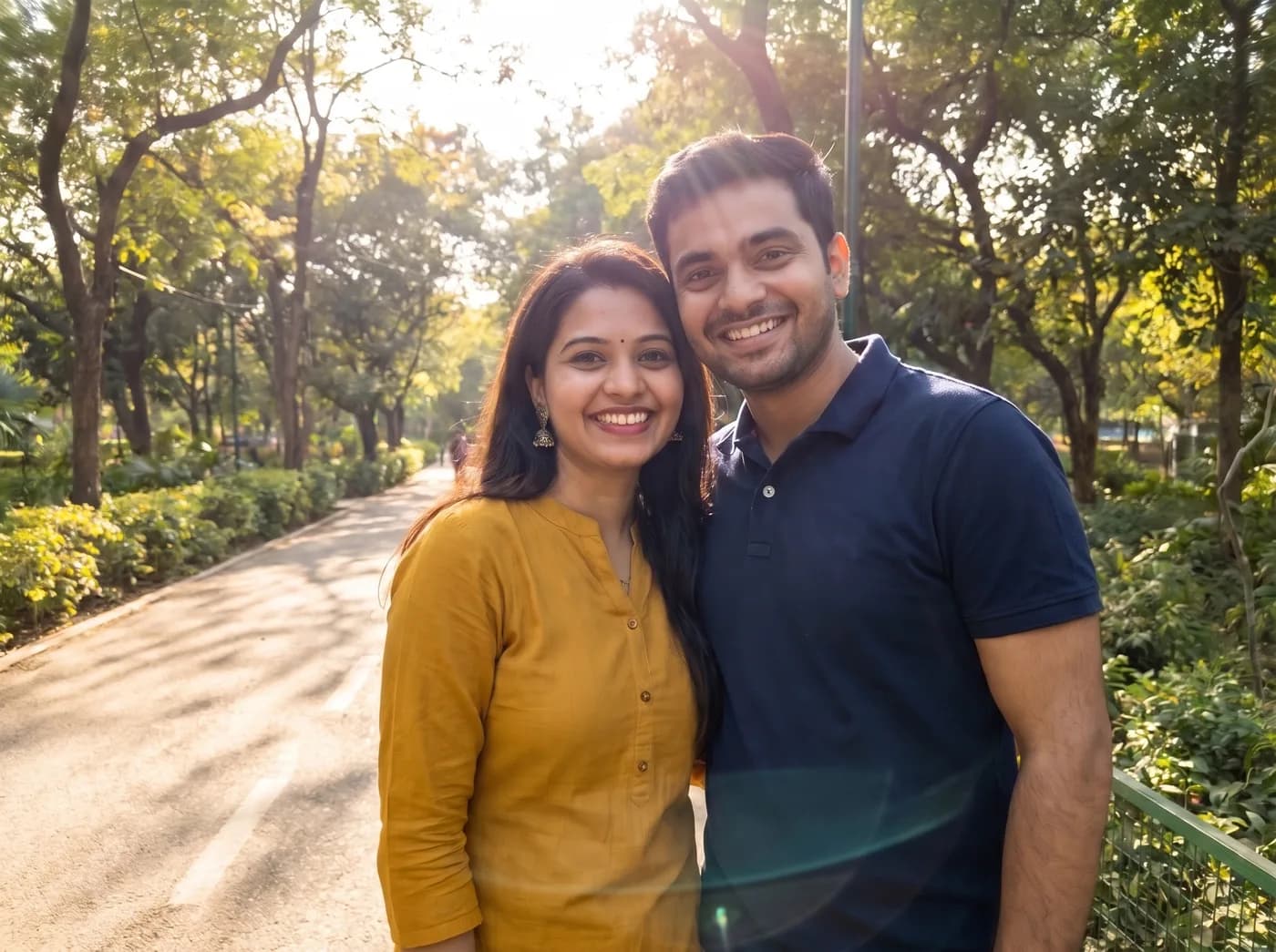
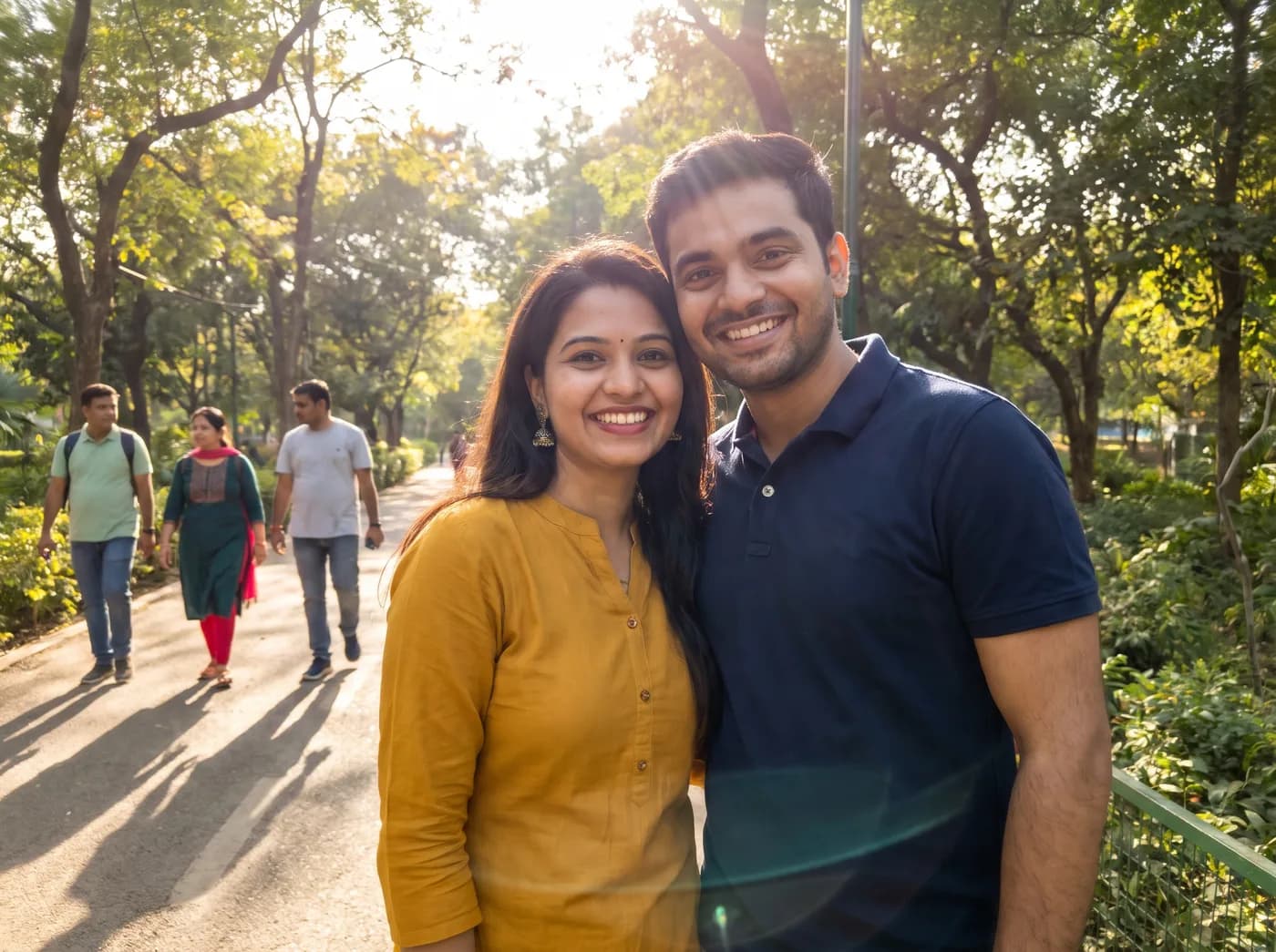
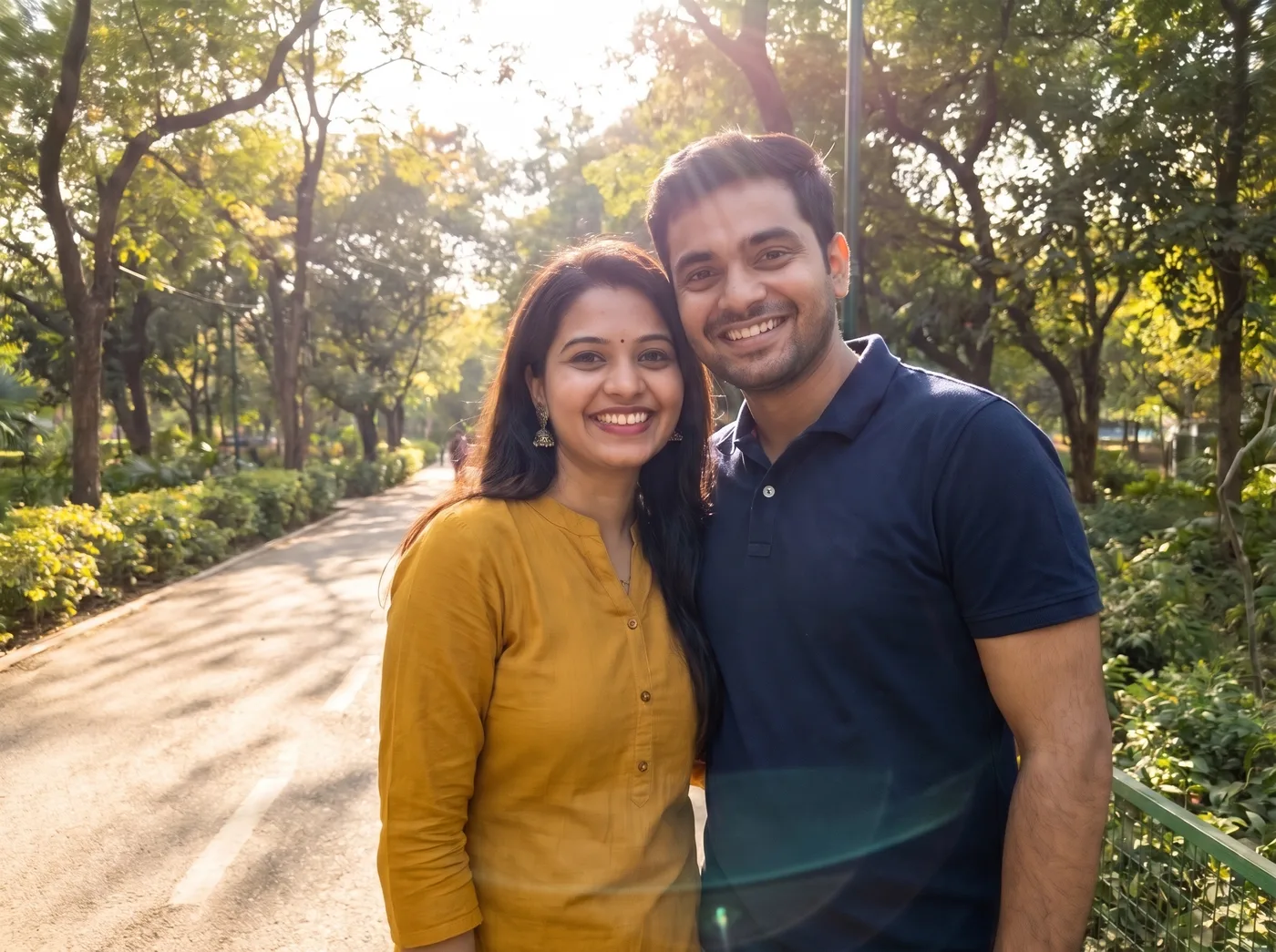
- "Fill the space with what would naturally be there: matching ground, trees, light and shadows" says how to fill the gap as well as what to remove, which avoids blank patches or a smear where people stood.
- Who stays
- "The people in front" separates the subjects from the strangers by position, so the same wording works whether one, two or more people are posing.
- Named failure modes
- "No smudges, repeated patterns or leftover body parts" lists the three usual faults of object removal: smeared texture, cloned bricks or leaves, and a stray arm or foot.
- Full frame back
- Removal tools sometimes crop in to dodge a difficult area; "same framing and aspect ratio as the original" asks for the whole photo back.
Variations to try
Same idea, one thing changed. These have no example image yet.
One specific person Remove only the person in the red jacket on the right side of my uploaded photo and fill the space with what would naturally be there: matching ground, walls, light and shadows. Keep the people in front exactly as they are, including their faces, clothes, pose and lighting. No smudges, repeated patterns or leftover body parts. Same framing and aspect ratio as the original.
People and parked vehicles Remove the other people and the parked cars and scooters in the background of my uploaded photo and fill the space with what would naturally be there: matching road, buildings, light and shadows. Keep the people in front exactly as they are, including their faces, clothes, pose and lighting. No smudges, repeated patterns or leftover body parts. Same framing and aspect ratio as the original.
Remove and soften the background Remove the other people in the background of my uploaded photo and fill the space with what would naturally be there: matching ground, trees, light and shadows. Then add a gentle background blur, like a portrait lens. Keep the people in front exactly as they are, including their faces, clothes, pose and lighting. No smudges, repeated patterns or leftover body parts. Same framing and aspect ratio as the original.
If the result isn't right
- When Gemini removes someone you wanted to keep, name them by place: "keep the two people in the centre foreground, remove everyone behind them".
- If a ghost outline or shadow is left behind, reply "also remove the shadow and any outline left where the person on the left stood".
- Large crowds are hard in one pass; remove a few people at a time, starting with those closest to you.
- If leaves or tiles look cloned, ask for "varied, natural texture with no repeating patterns in the filled area".