Image to Prompt Generator
Upload a picture and get the prompt that recreates it on Midjourney, Nano Banana, GPT Image, FLUX and more. Free, no sign-up.
Already have a prompt? Generate an image
More AI tools
Prompt library
Prompts with the image each one made, ready to copy.
 Nano Banana ProCut a product out onto a clean white background
 nano-banana-2Extend a photo beyond its edges
 nano-banana-2Passport-style ID photo from a selfie
 nano-banana-2Preview a photo as your phone lock screen
 nano-banana-2Relight a portrait with a classic studio lighting setup
 nano-banana-2Reshoot a phone photo with real camera settings
 Nano Banana ProSharpen a blurry or low-resolution photo
 nano-banana-2Try a makeup look on your own photo
 nano-banana-2Try nine hairstyles on your own face
 nano-banana-2Turn your pet into a plush toy
Three images, three prompts
Two prompts recreate the whole picture, in sentences for Nano Banana and in weighted tags for Stable Diffusion. One keeps only the style for a new subject.
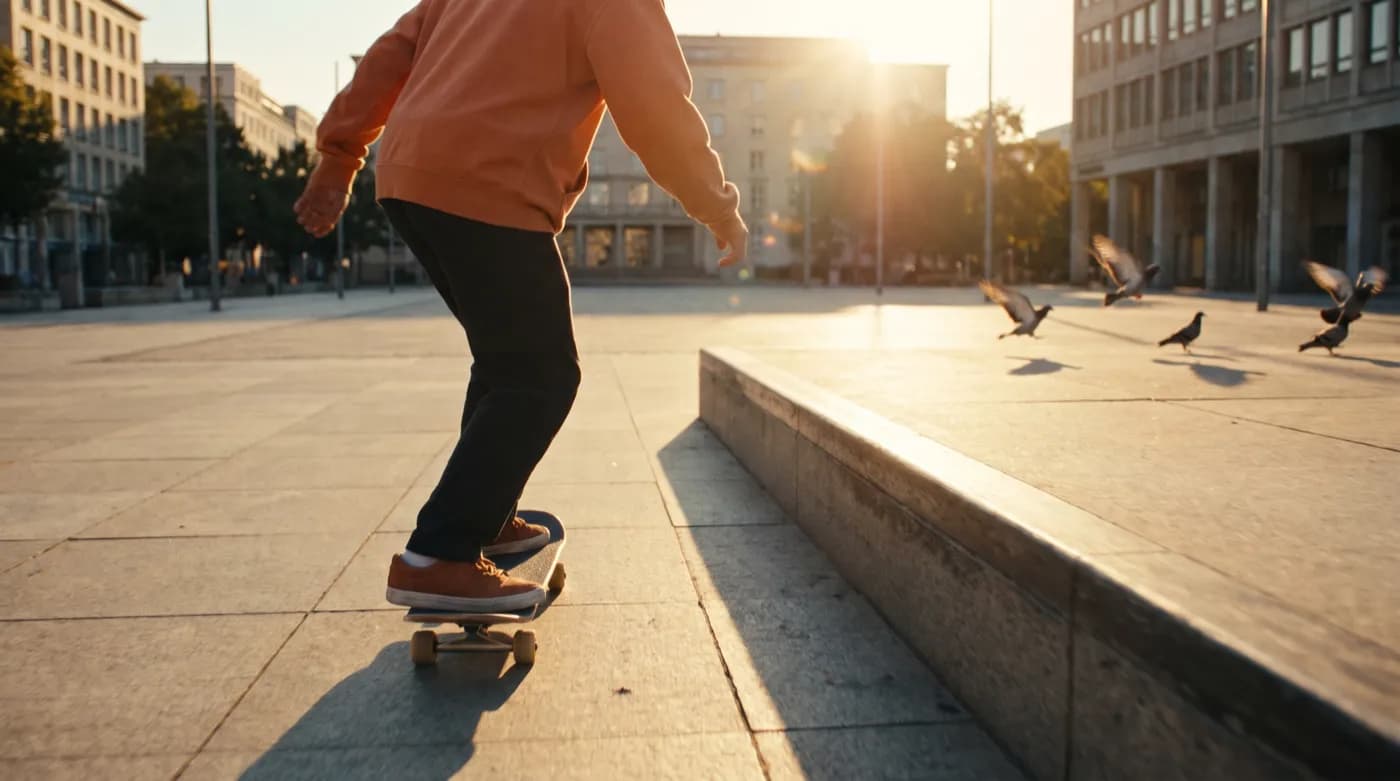 Whole image
Prompt for Nano Banana A skateboarder in a faded orange hoodie and dark jeans rolls toward a long concrete ledge across an empty city plaza at golden hour. The camera sits low beside the board, so the wheels and the textured paving fill the foreground while pigeons lift off behind the rider. Warm, low sunlight from behind creates a soft flare and long shadows. Cinematic, slightly desaturated colour, shallow depth of field, wide 16:9 frame.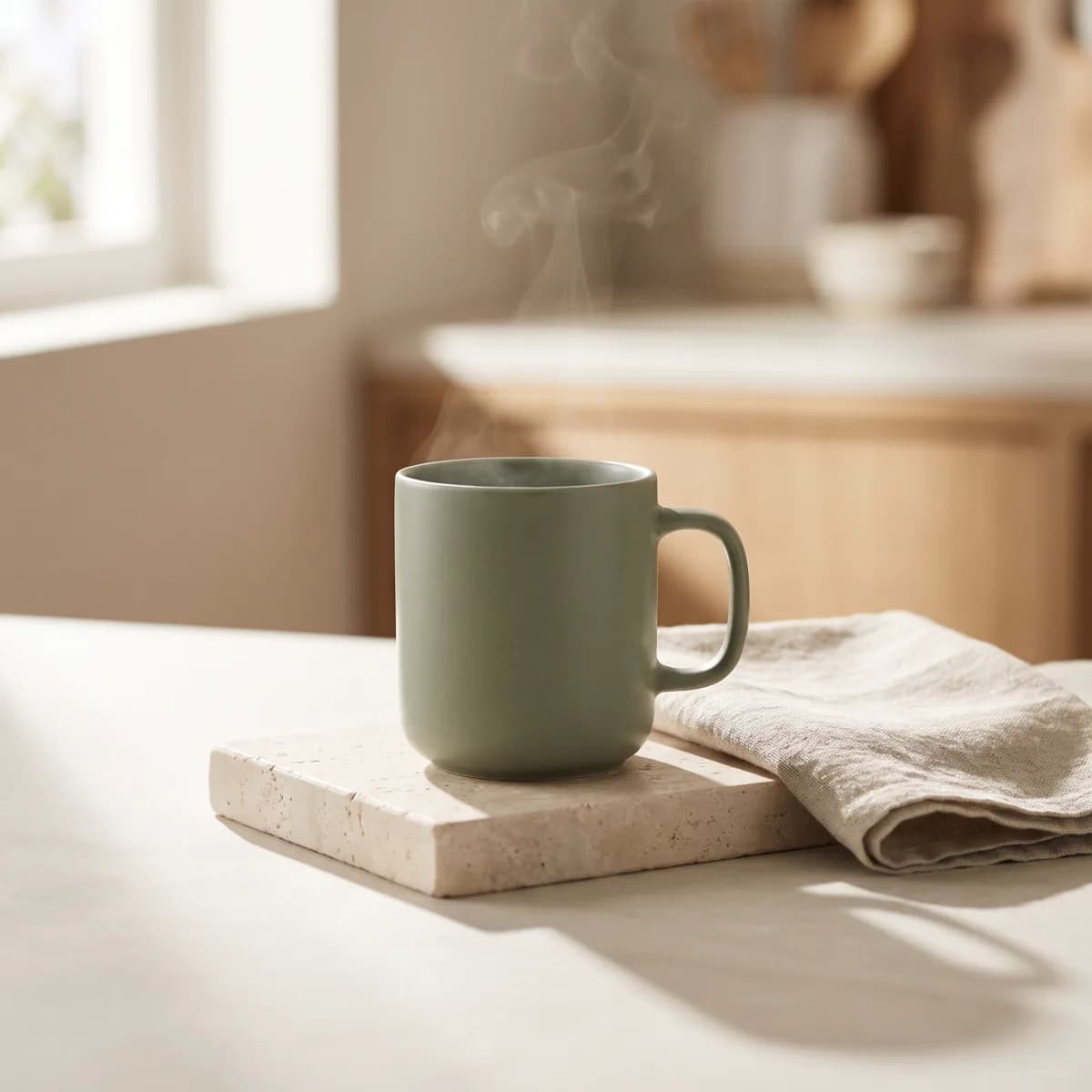 Style only
Prompt for FLUX [SUBJECT] on a pale travertine block with a folded linen napkin beside it, photographed in the calm, warm style of a premium homeware catalogue. Soft morning light from a window on the left casts a long, gentle shadow to the right. Muted sage, cream and stone palette, matte textures, eye-level camera with an 85mm lens and shallow depth of field, lots of quiet negative space, square 1:1 frame.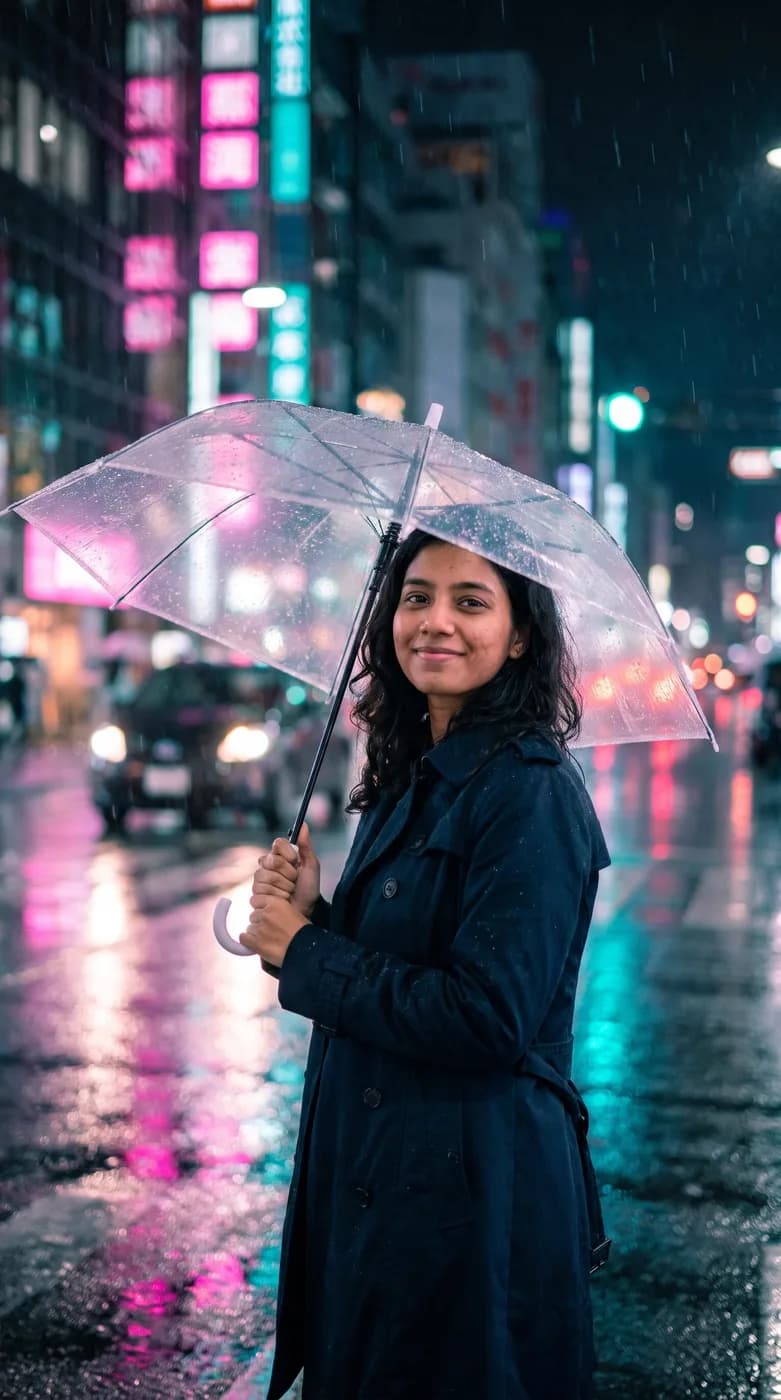 Whole image
Prompt for Stable Diffusion (young woman with long dark wavy hair:1.2), gentle smile, navy trench coat, holding a clear umbrella, (rainy city street at night:1.2), (pink and teal neon reflections on wet asphalt:1.1), blurred car headlights, falling rain, bokeh, cinematic colour grade, 50mm, shallow depth of field, vertical 9:16, photo, high detail Negative prompt: blurry face, extra fingers, deformed hands, warped umbrella, text, watermark, overexposed, low contrast
What is Image to Prompt?
It looks at a picture and writes the text prompt that would make an AI image model produce something like it. A vision model reads the subject, setting, composition, light and style, and the prompt is written in the syntax your chosen model follows.
- Whole image
- Recreates the picture as it is: subject, setting, composition, light, lens and style. Use it when you want a close copy on another model, or a starting point you then edit.
- Style only
- Keeps the look and drops the content. The subject becomes [SUBJECT], so you can reuse a lighting setup, colour grade or illustration style on something new.
- Subject only
- Describes the main subject closely (shape, materials, clothing, pose) and leaves the scene as [SETTING]. Good for putting the same product or character somewhere else.
- Add a change
- Type one change, such as night instead of day or a teapot instead of the mug, and the prompt is written with it.
Why use Image to Prompt?
Most image to prompt tools only copy the picture. Choosing what to capture gives you a prompt you can reuse.
- Written for the model you use
- Midjourney prompts end with --ar and --stylize, Stable Diffusion prompts get weighted tags and a negative prompt, and Nano Banana, GPT Image and FLUX get full sentences.
- A prompt you can reuse
- Style only and Subject only leave [SUBJECT] or [SETTING] in the prompt, so one picture gives you a look or a product you can place anywhere.
- Free every day
- 10 prompts a day on each device without an account, 20 a day with a free account.
- Your image is not kept
- Your browser shrinks the image and removes its metadata. It is sent once to write the prompt and is not saved on our servers.
The same image, written for each model
- Midjourney
- Comma phrases, then --ar and style parameters
- Nano Banana
- Full sentences: subject, scene, light, camera
- GPT Image
- Plain description, exact text in quotes, layout
- FLUX
- Subject first, rich natural language, no negatives
- Seedream
- Concise scene, style and text in quotes
- Stable Diffusion
- Weighted tags plus a negative prompt
- Any model
- Plain description that works in any image tool
How to use Image to Prompt
Three steps from a picture to a prompt you can paste.
- 11. Add an imageDrop it in, paste it from your clipboard, or choose a file. Photos, renders, illustrations and screenshots all work.
- 22. Pick the model and what to captureChoose where you will paste the prompt and whether you want the whole image, its style, or just its subject. Add a change if you want one.
- 33. Copy or run itCopy the prompt into your tool, or run it in the studio on Nano Banana, GPT Image or FLUX to compare the result with the original.
Frequently asked questions
What people ask before they upload.
1What is an image to prompt generator?
2Is it free?
3Do you keep the images I upload?
4Which models can it write prompts for?
5Will the new image look exactly like mine?
6How is this different from Midjourney's /describe?
7Can I use it on photos of people?
Turn any image into a prompt
Free, 10 a day, no sign-up. Pick the model and what to capture, then copy the result.
Add an image