
What each part of the prompt does
- Direction and shape
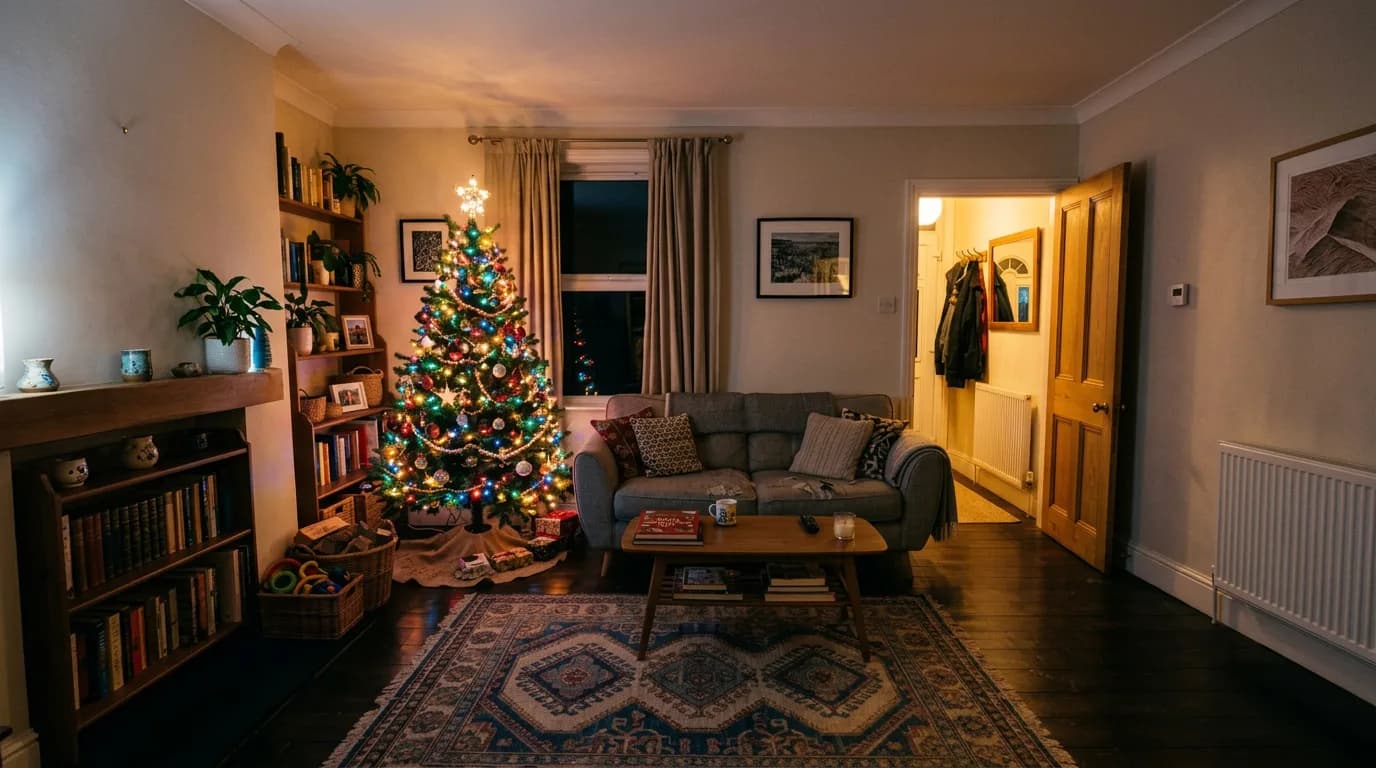
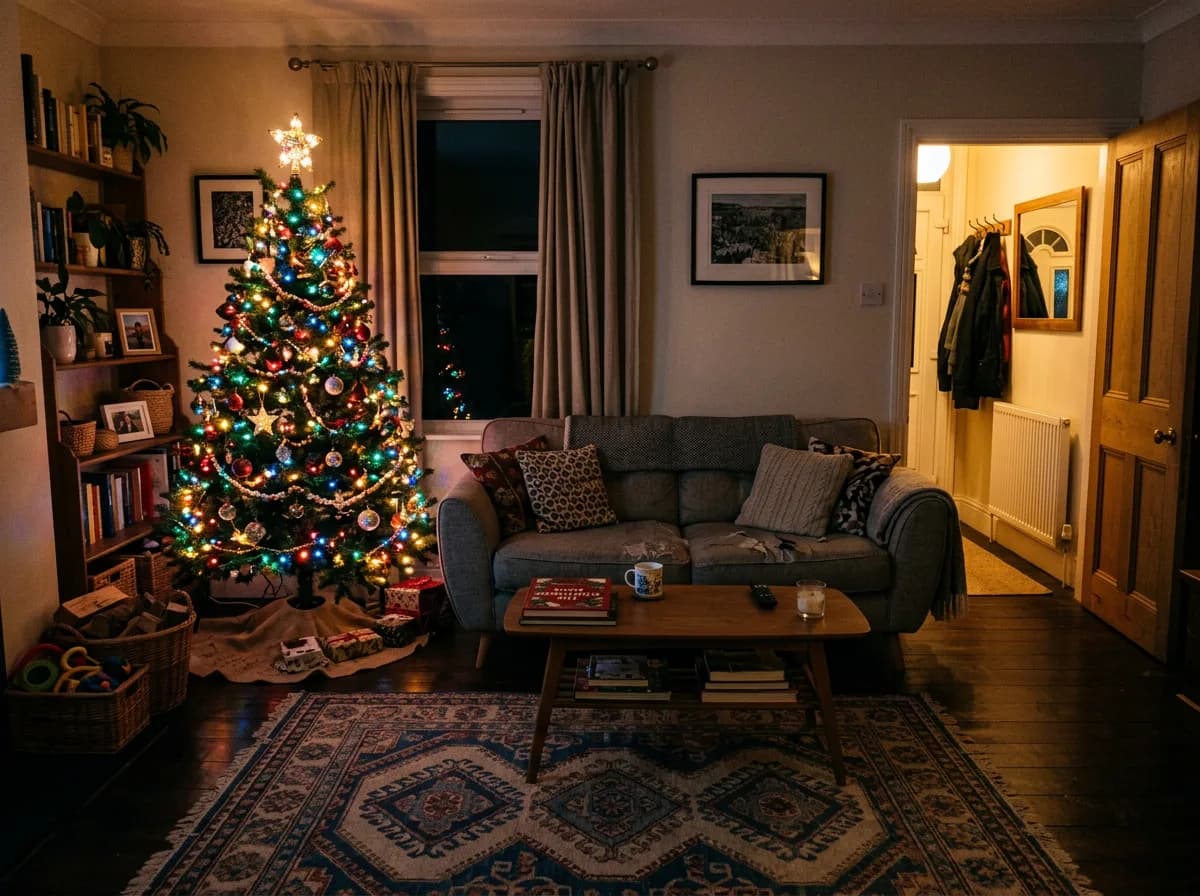
- Saying where to extend (left and right, up, down) and naming the final frame gives the model a clear target. Asking only for a bigger image often just zooms in.
- What goes in the new space
- A short description of what should appear stops it from inventing a window or a person in the empty area. Plain continuation is usually what you want.
- Original stays put
- "Same place and at the same size" is the key line. Without it the model may redraw and shift the original content while extending.
- Invisible seam
- Light direction, colour, grain and perspective are the four things that give away a join. Naming them makes the model match the new area to the old.
Variations to try
Same idea, one thing changed. These have no example image yet.
Vertical for a phone story Extend my uploaded photo upwards and downwards into a tall frame, filling the new space so it continues the scene naturally: more ceiling above and more floor and rug below, in the same style. Keep everything that is already in the photo exactly the same, in the same place and at the same size; only add new area around it. Match the light direction, colour, grain and perspective of the original so no seam is visible. Tall 9:16 frame.
Space for a headline Extend my uploaded photo to the left into a wide frame, filling the new space so it continues the scene naturally: a calm, uncluttered stretch of the same wall with no objects, leaving clean space for text. Keep everything that is already in the photo exactly the same, in the same place and at the same size; only add new area around it. Match the light direction, colour, grain and perspective of the original so no seam is visible. Wide 16:9 frame, with the original photo on the right side.
Square for a post Extend my uploaded photo upwards and downwards into a square frame, filling the new space so it continues the scene naturally: more of the same scene above and below. Keep everything that is already in the photo exactly the same, in the same place and at the same size; only add new area around it. Match the light direction, colour, grain and perspective of the original so no seam is visible. Square 1:1 frame.
If the result isn't right
- Placing your photo on a larger canvas with a transparent checkerboard around it before uploading often gives better extensions, because the model sees exactly where to paint.
- If the original part changes, reply "leave the original pixels untouched, only fill the added area".
- Repeating patterns such as tiles or bookshelves can look cloned; ask for "natural variation, no repeated objects".
- Extend in one direction at a time for large changes, then extend again.