Gemini AI photo prompts
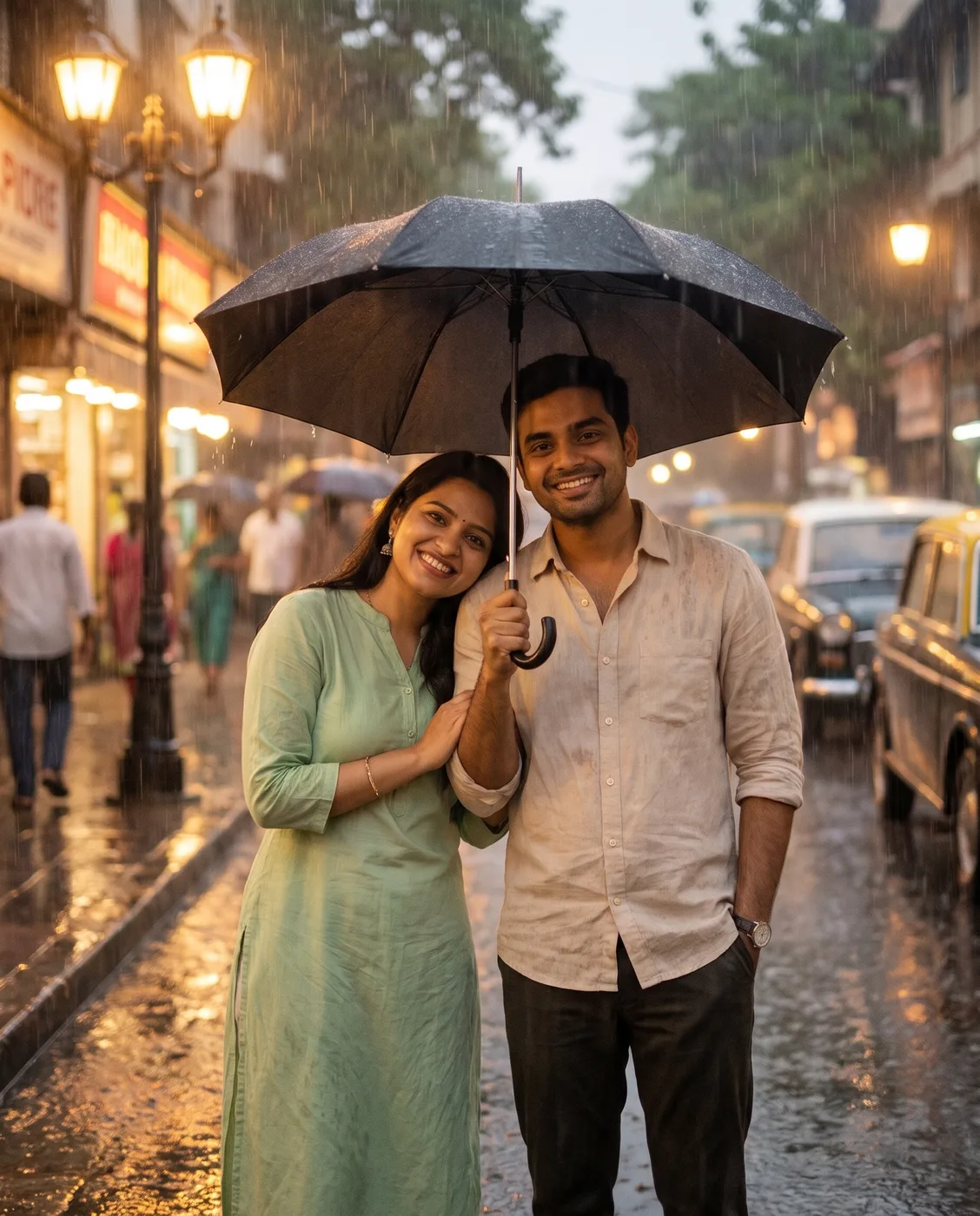
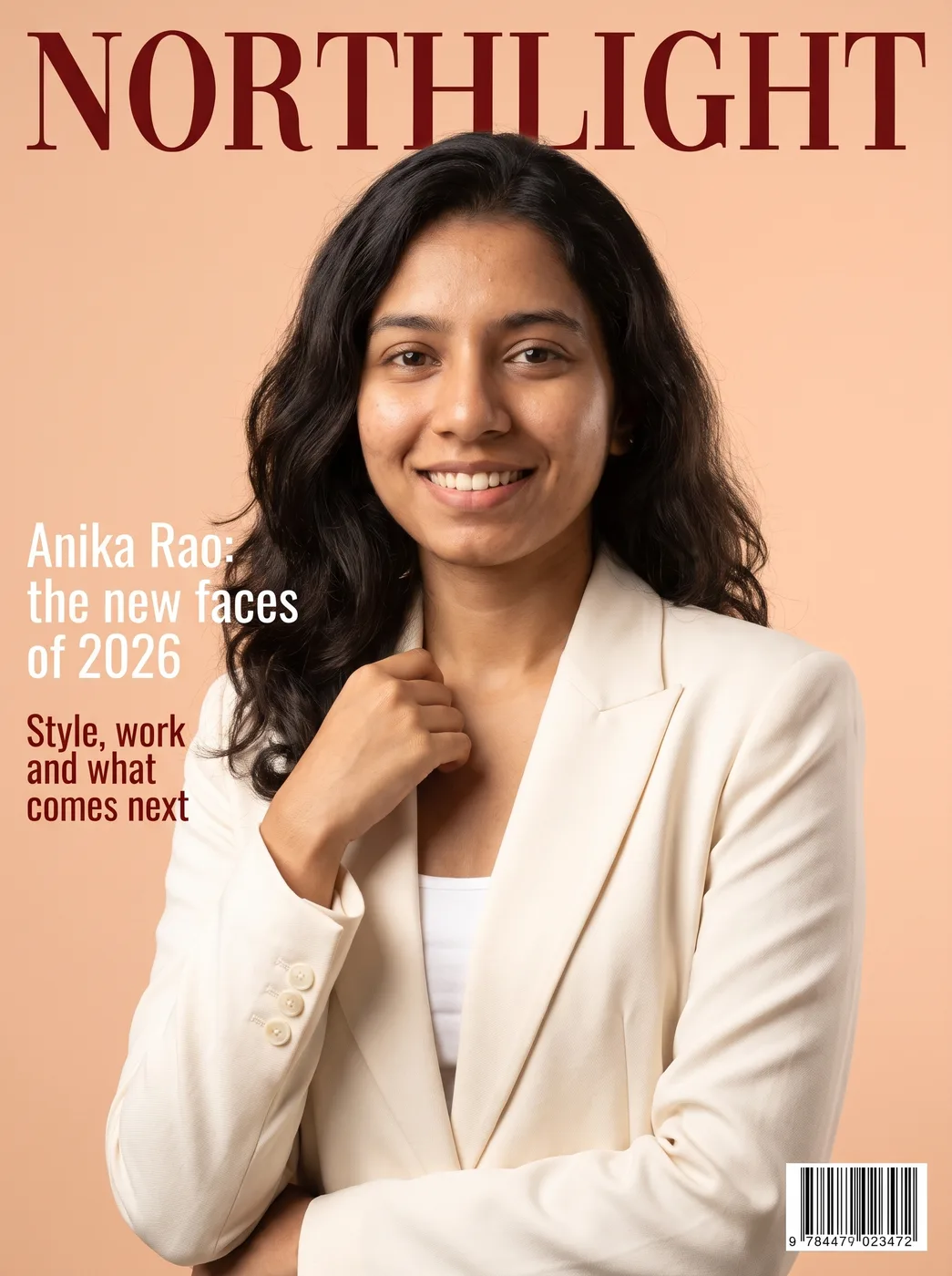
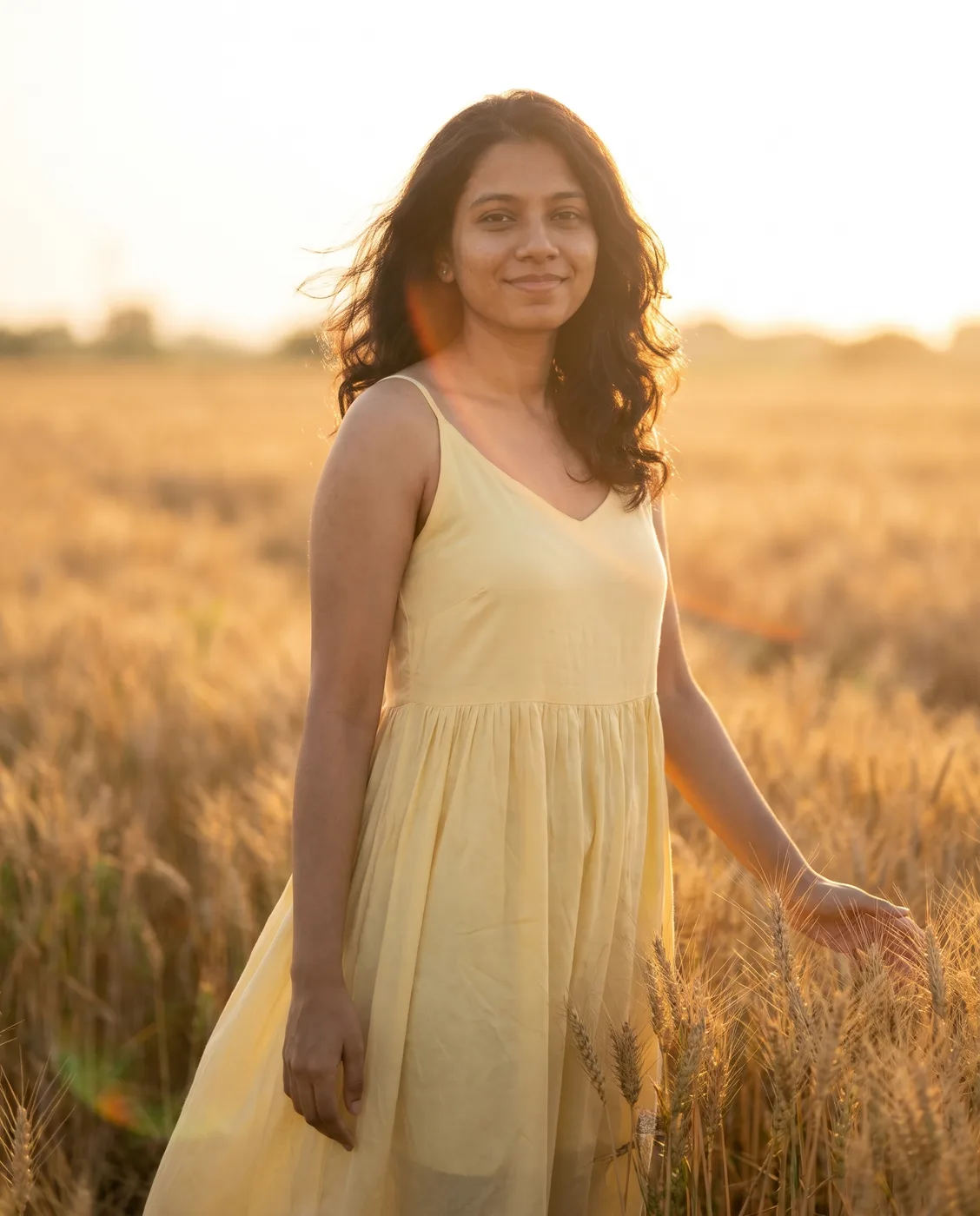
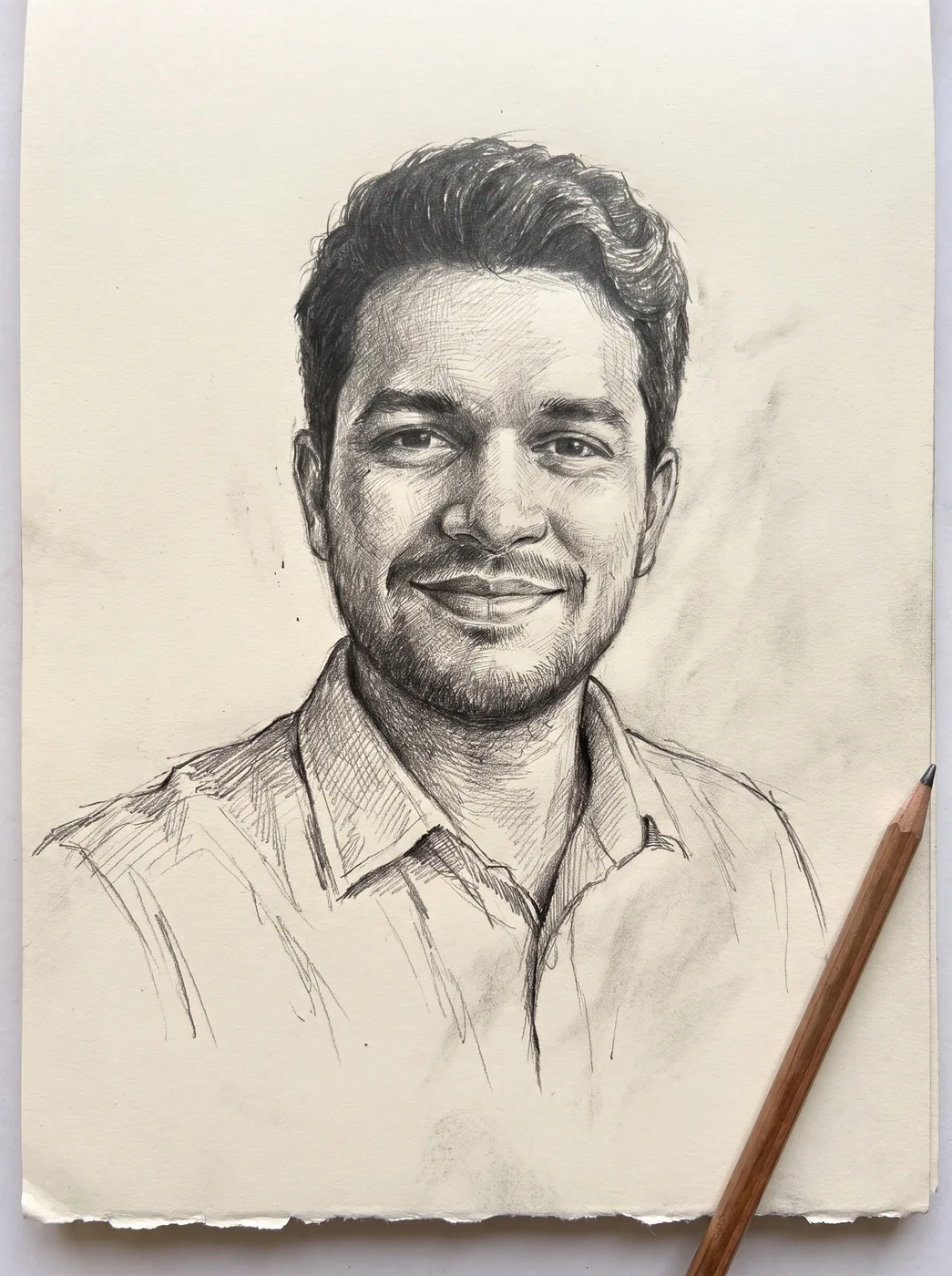
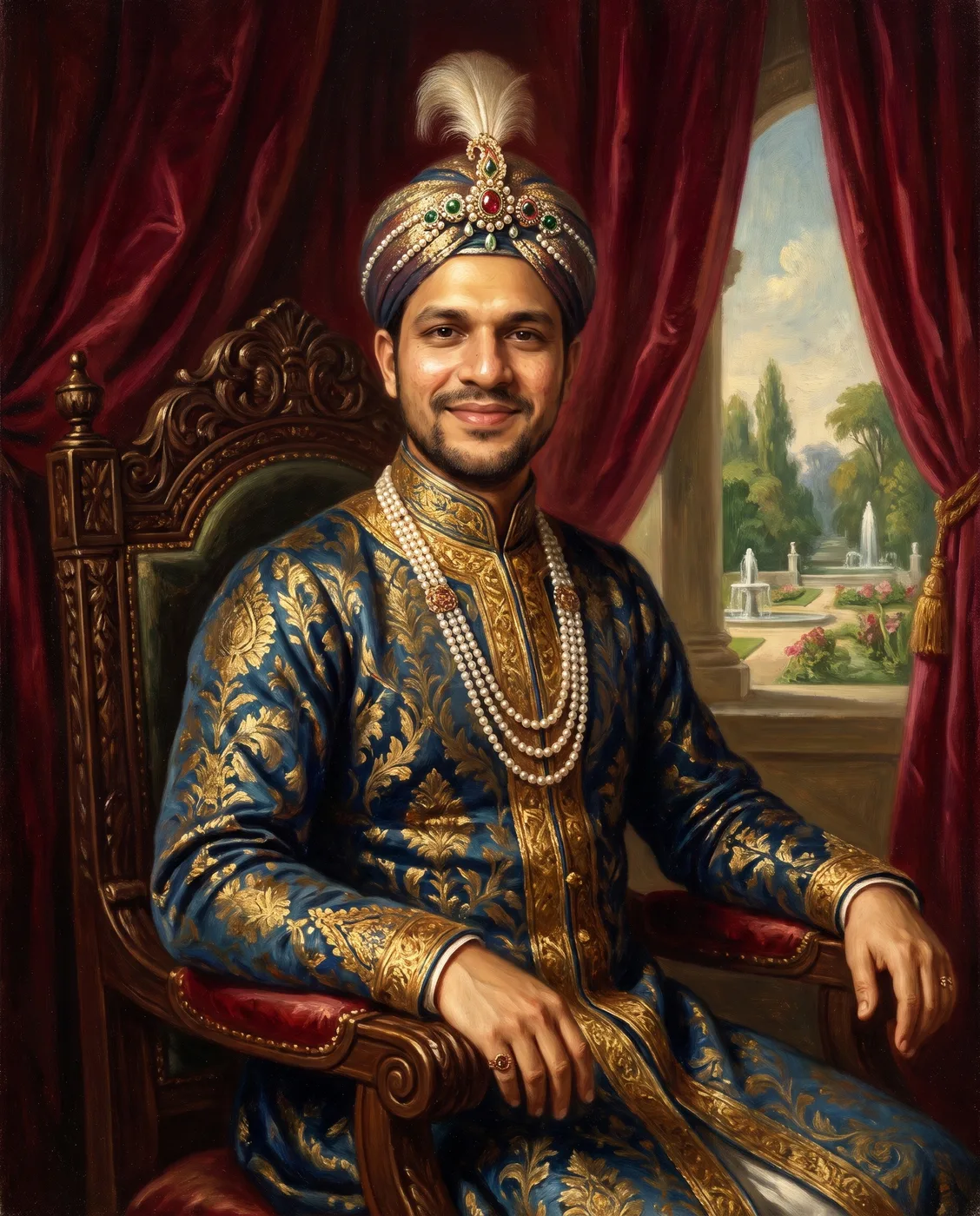
Copy-paste Gemini AI photo prompts for portraits, couples, festivals and photo edits, each shown with a real before and after from Nano Banana Pro.
40 prompts










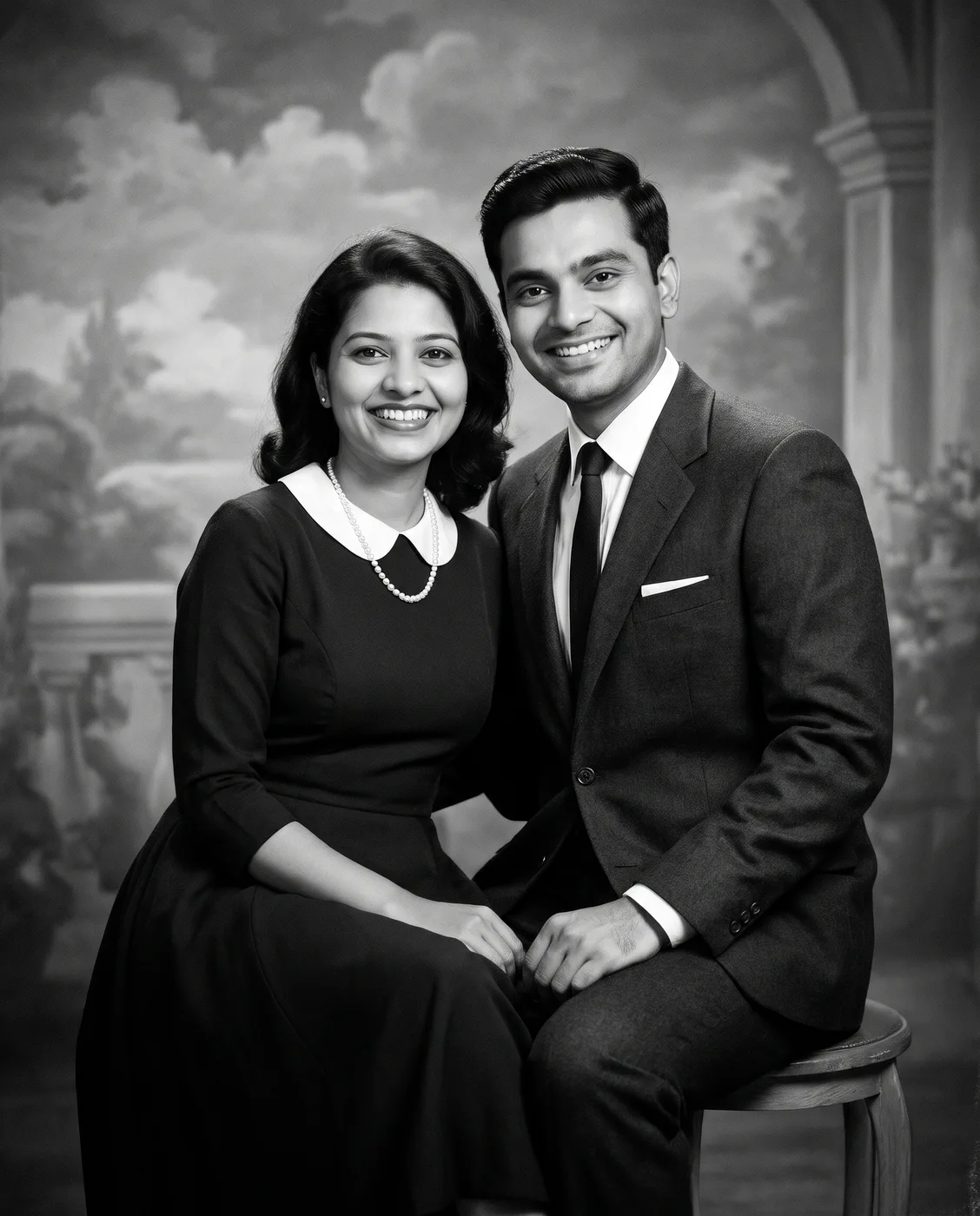
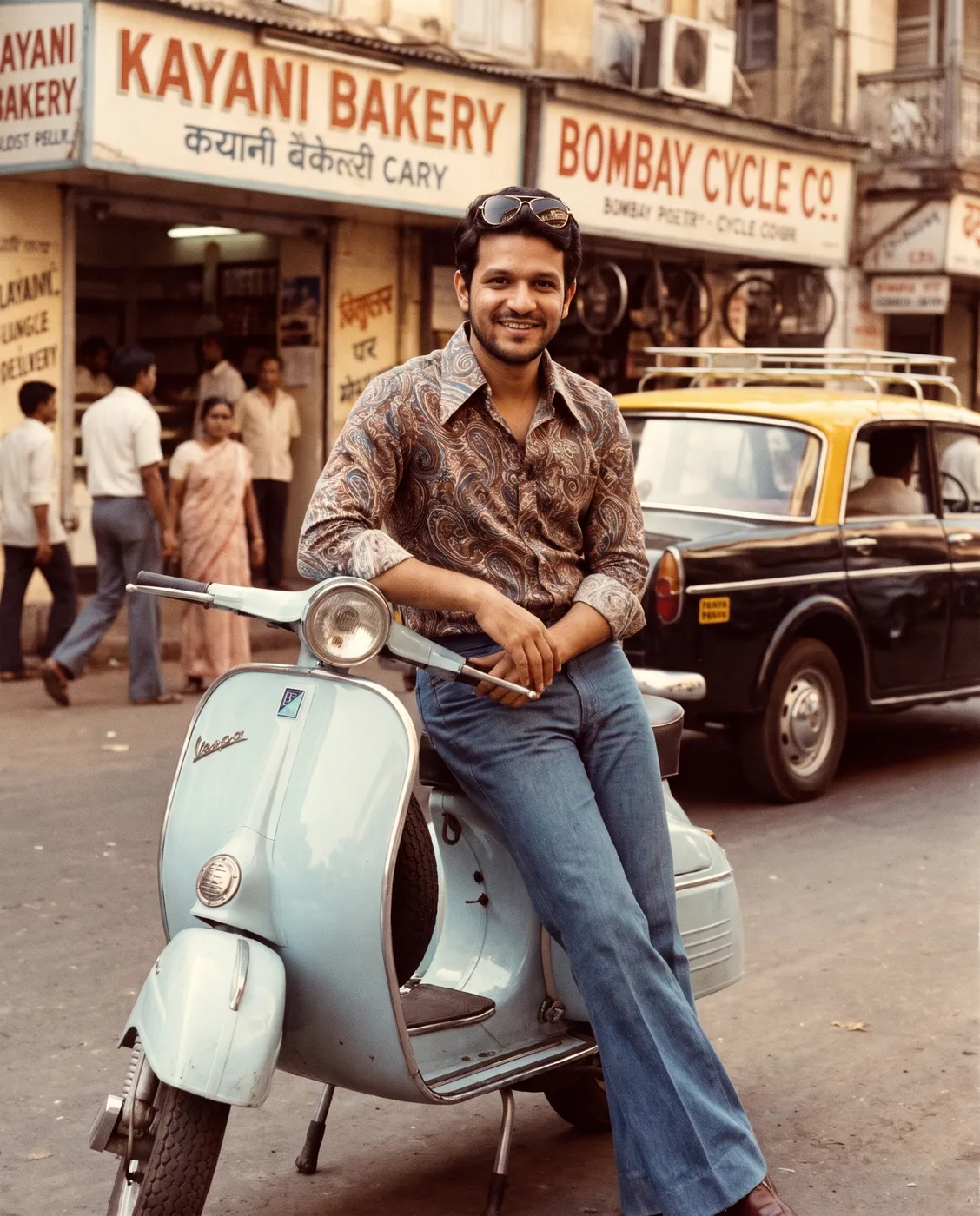
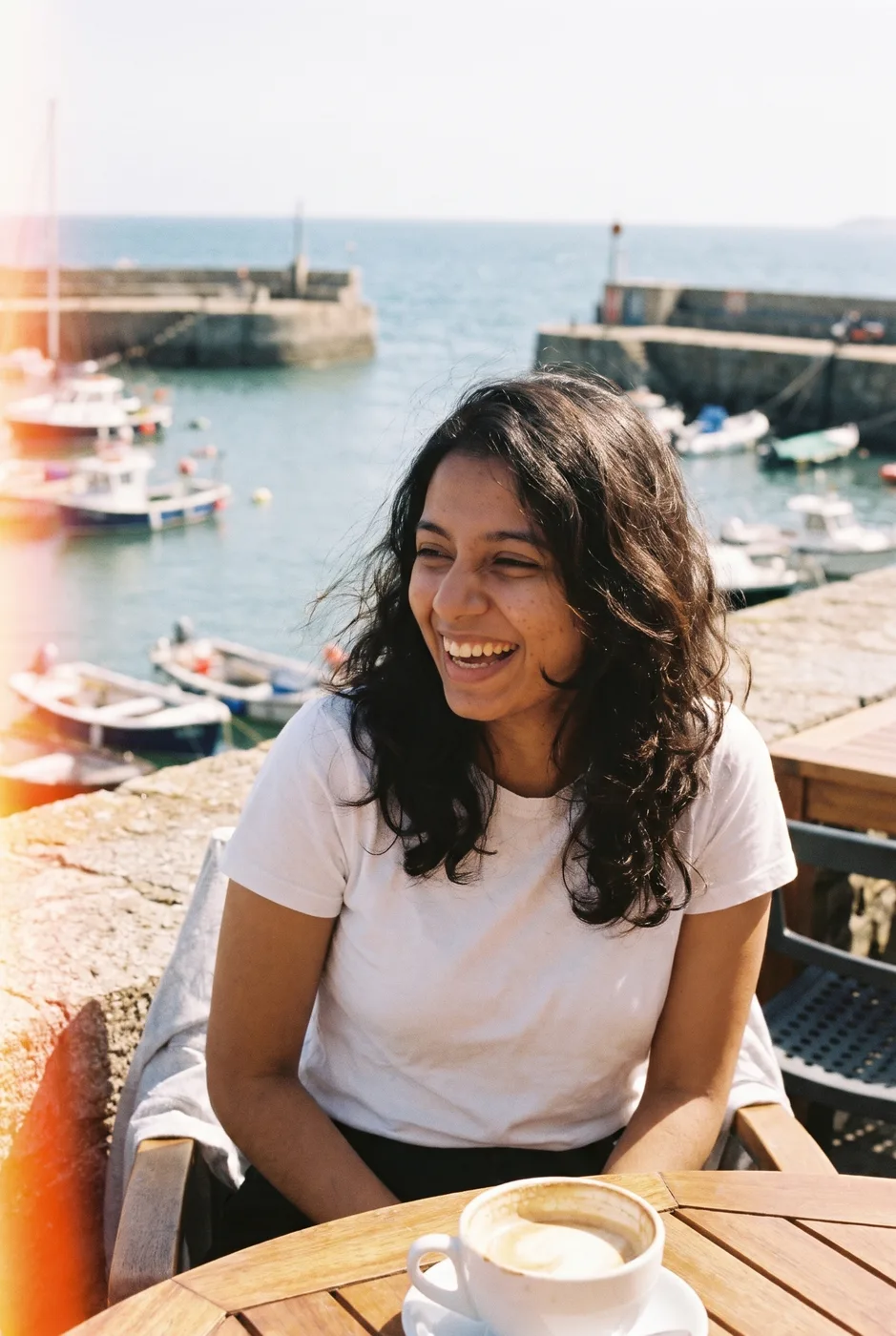
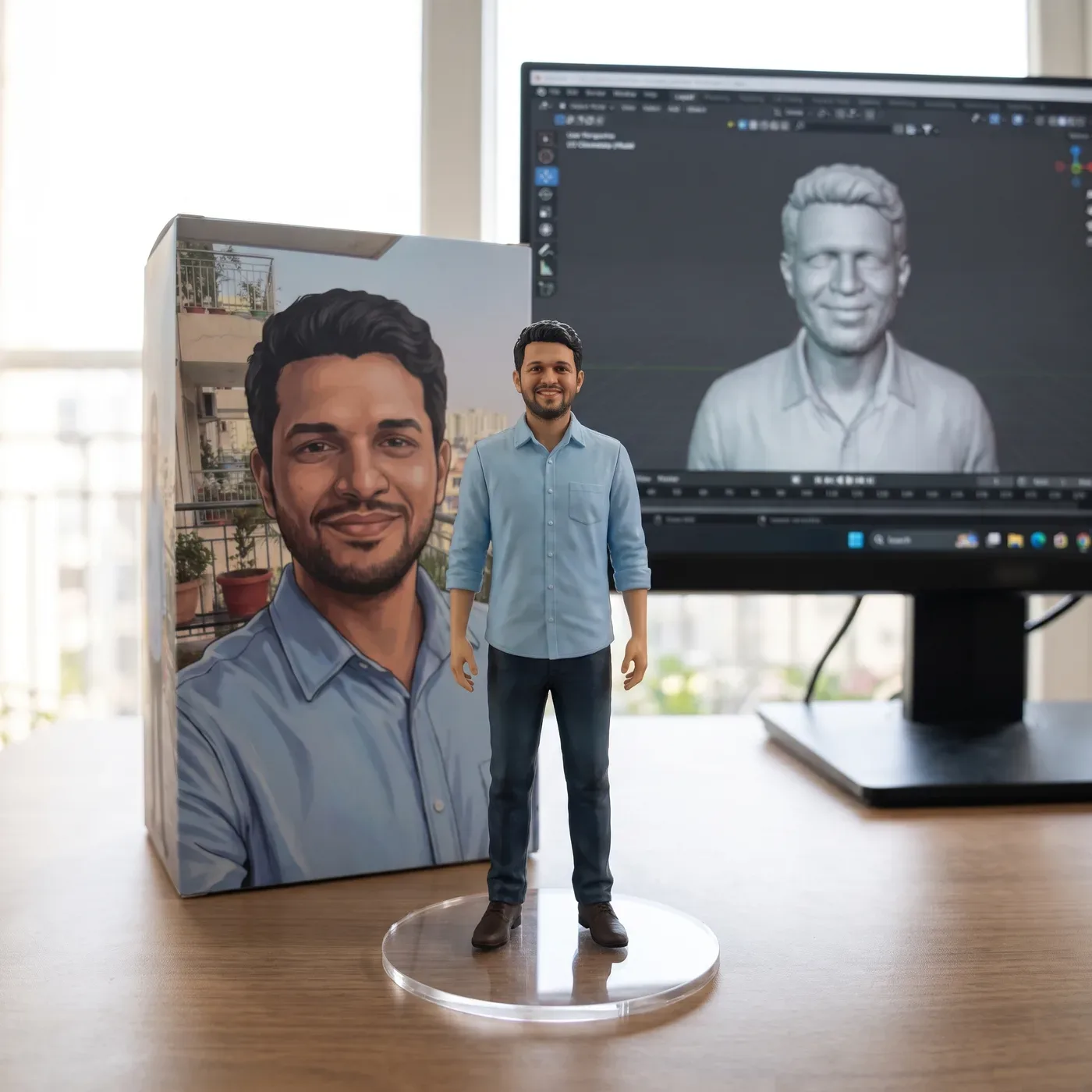


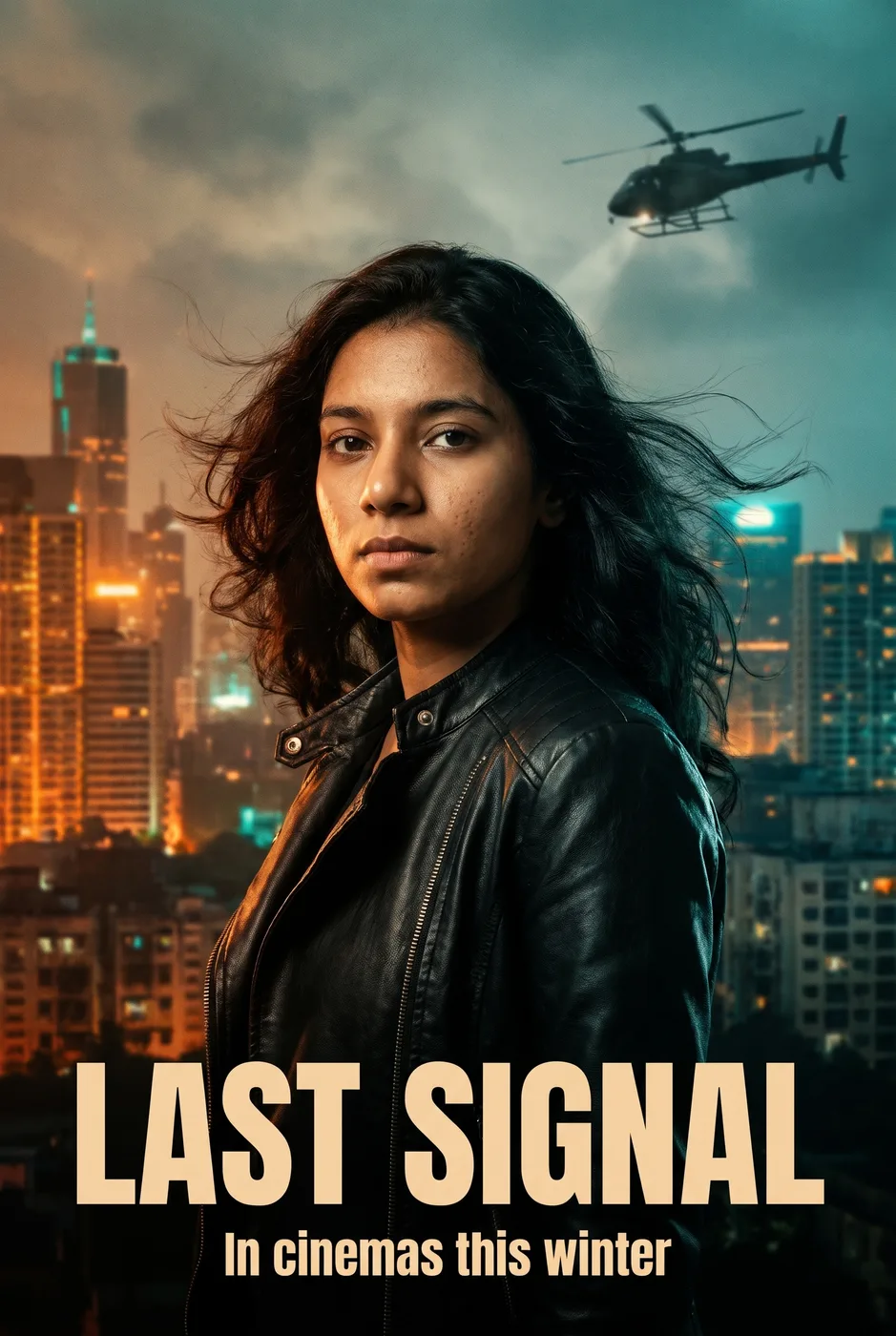
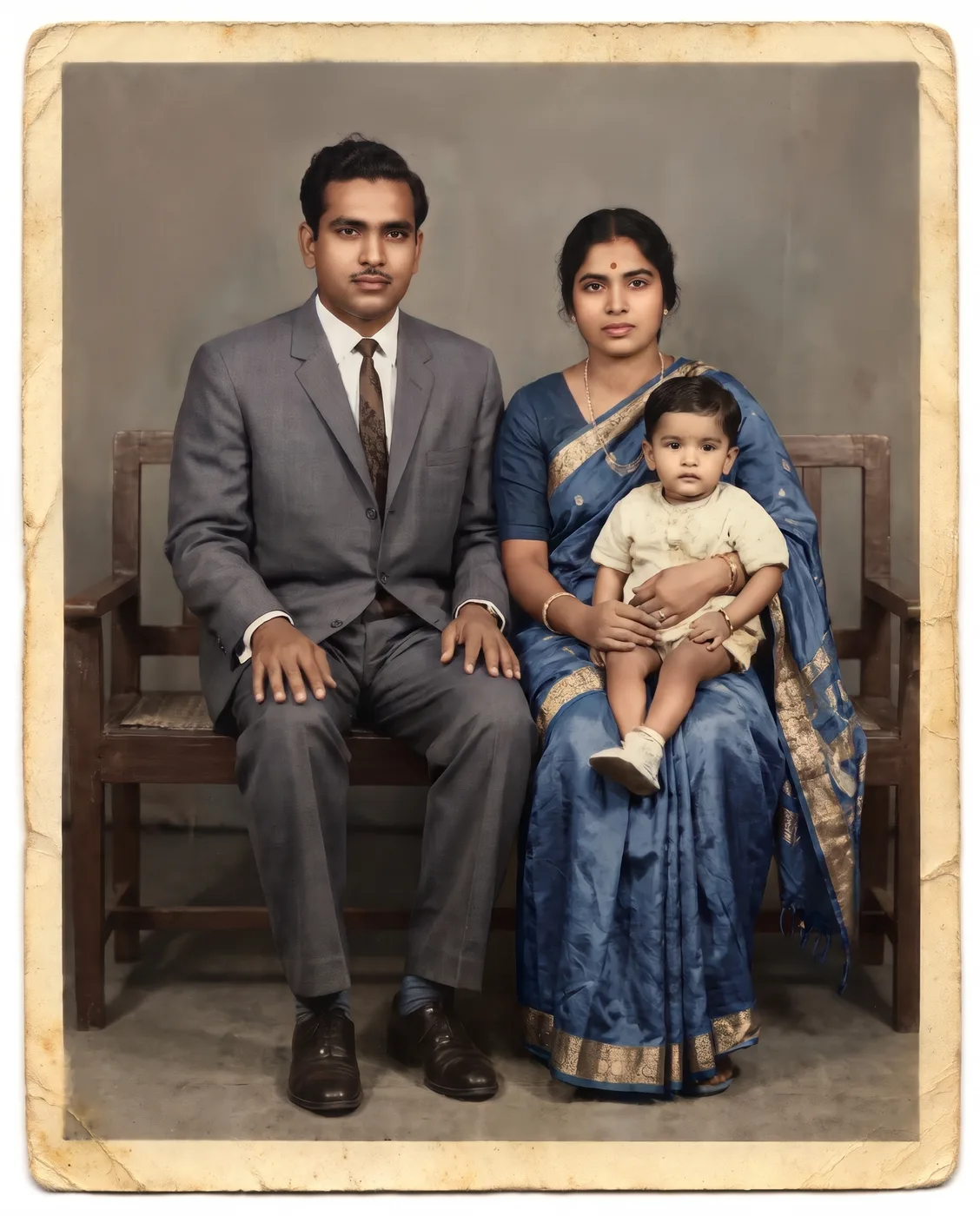

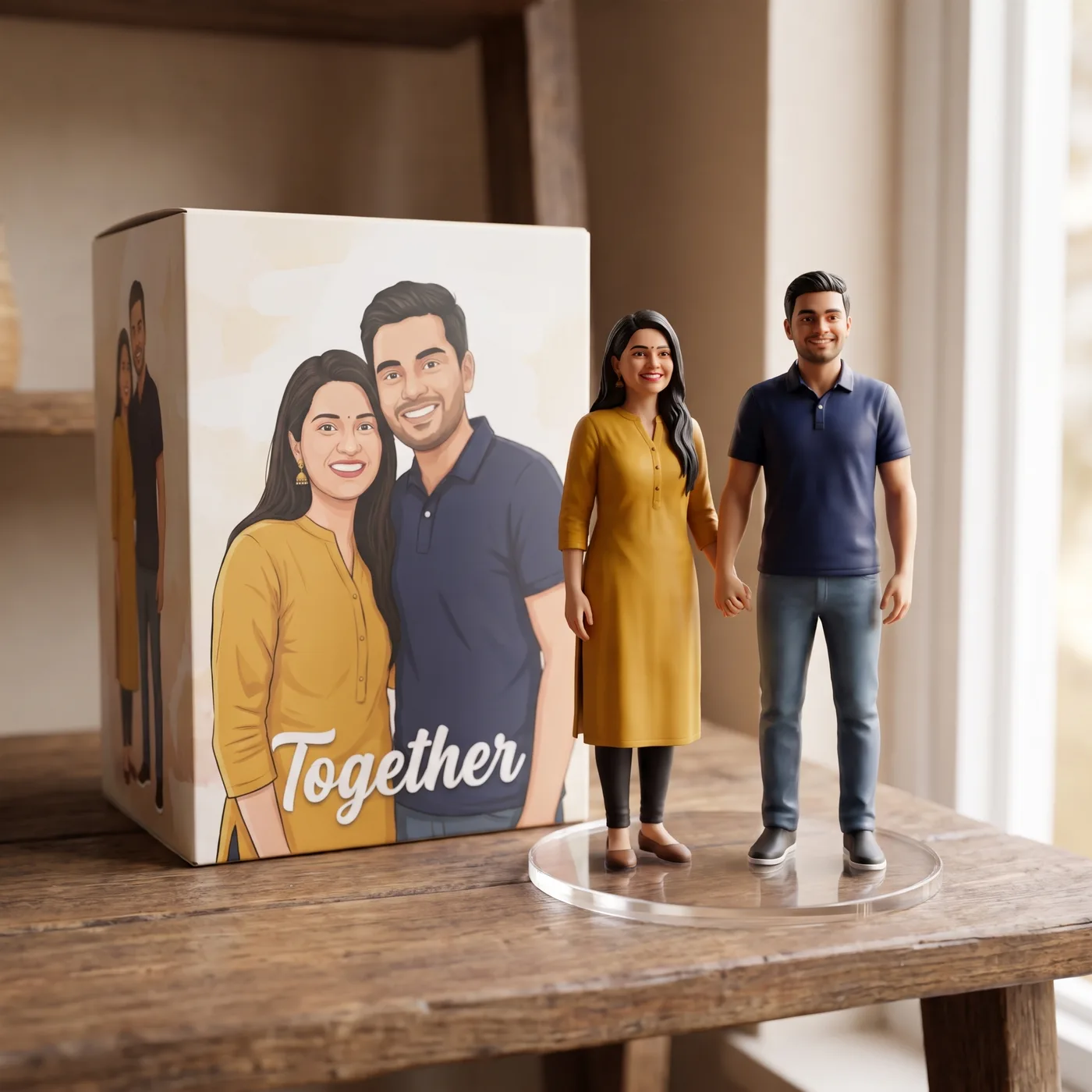

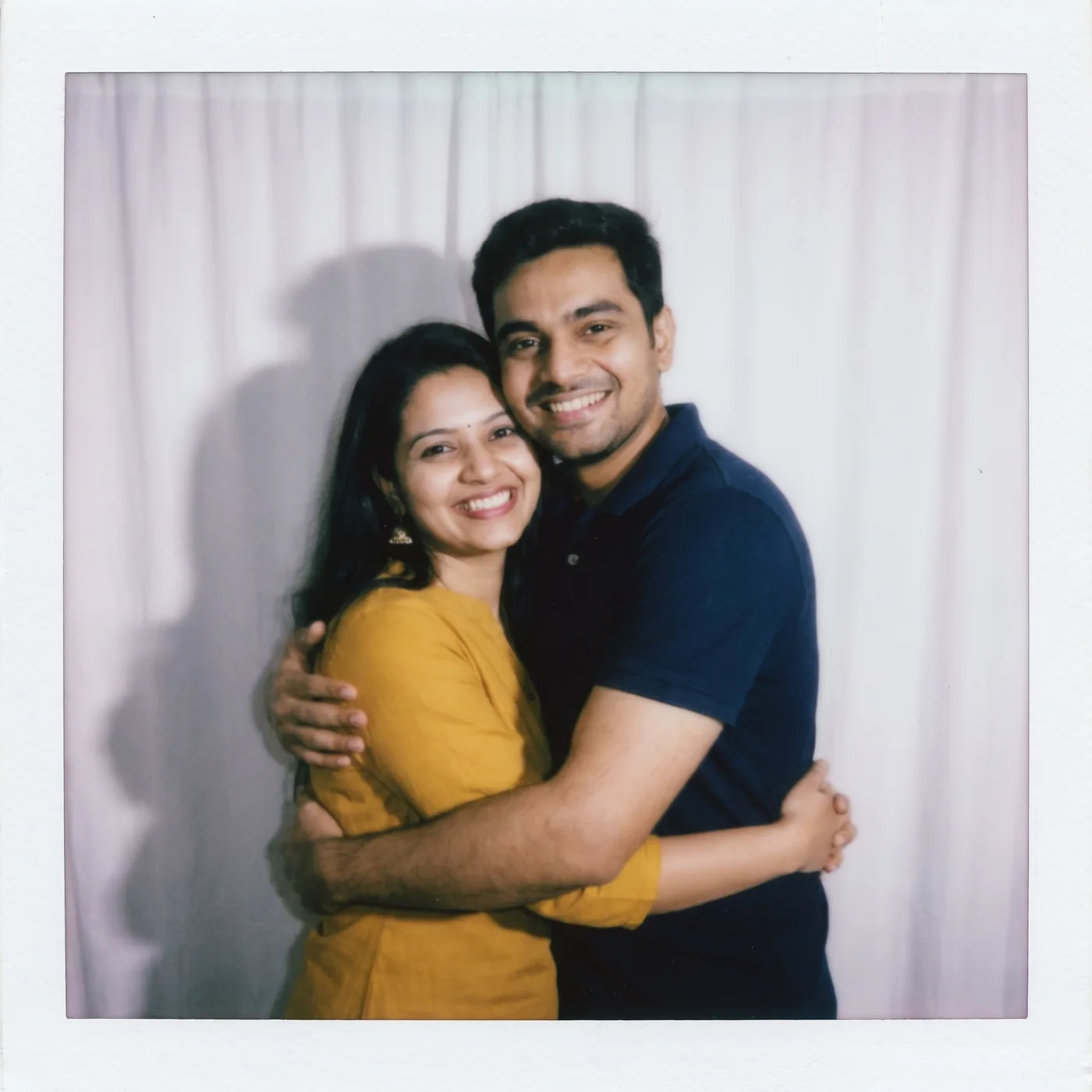



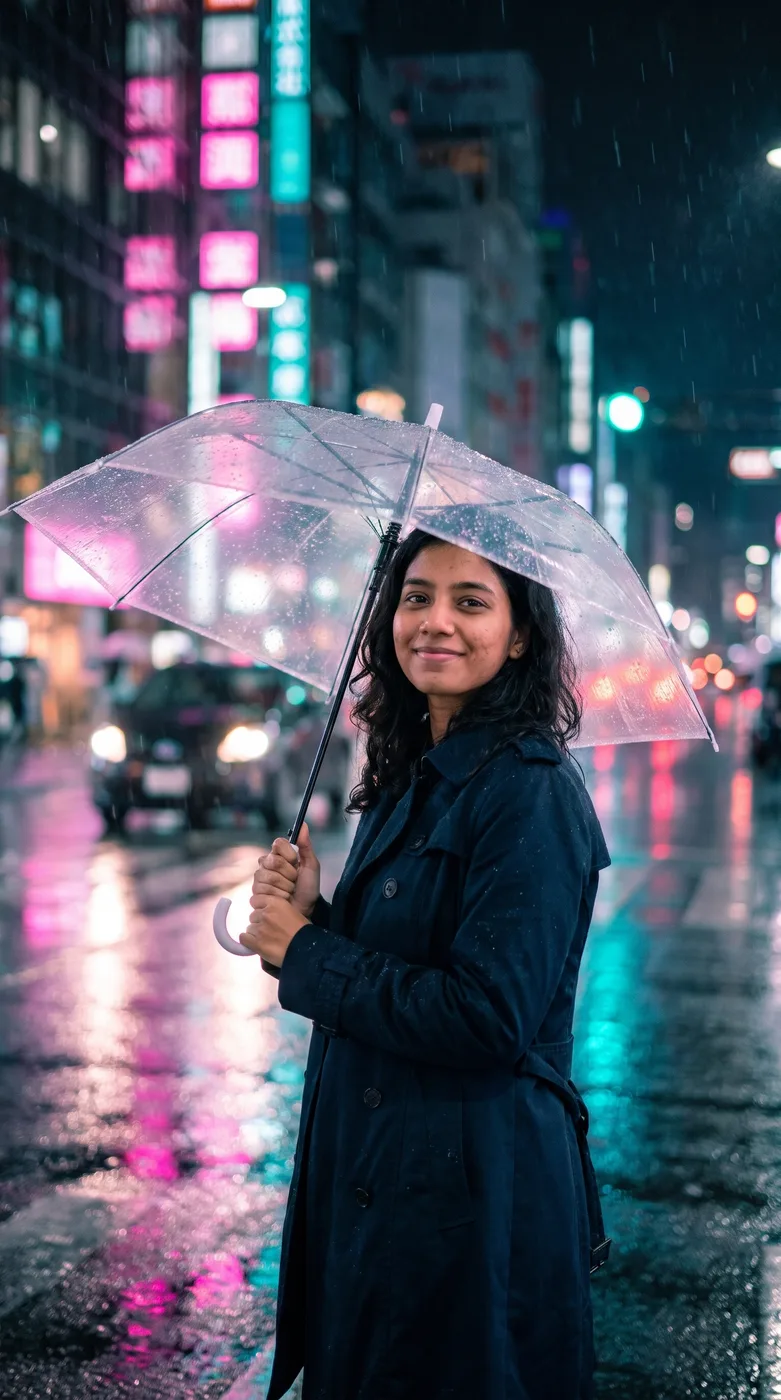

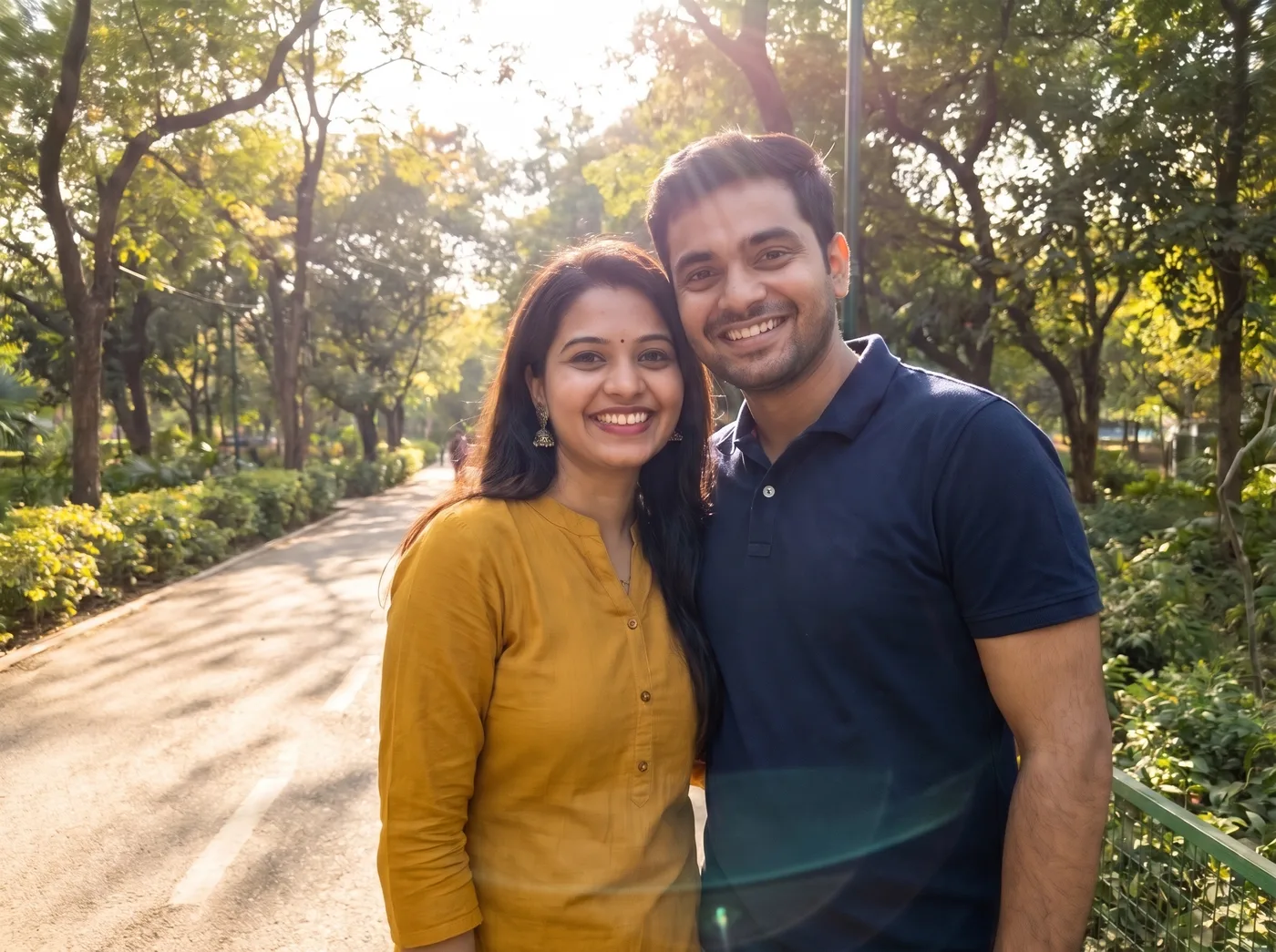
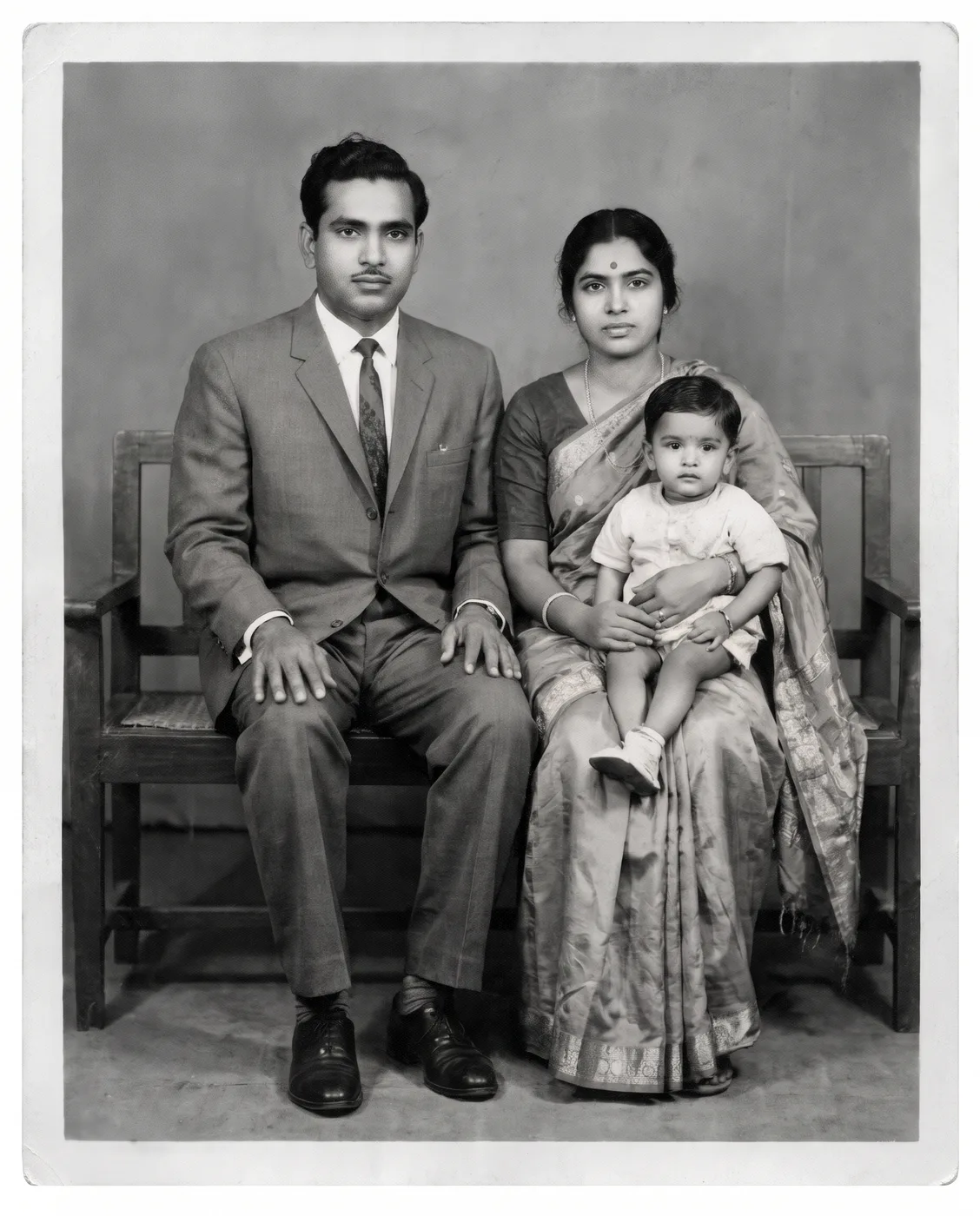
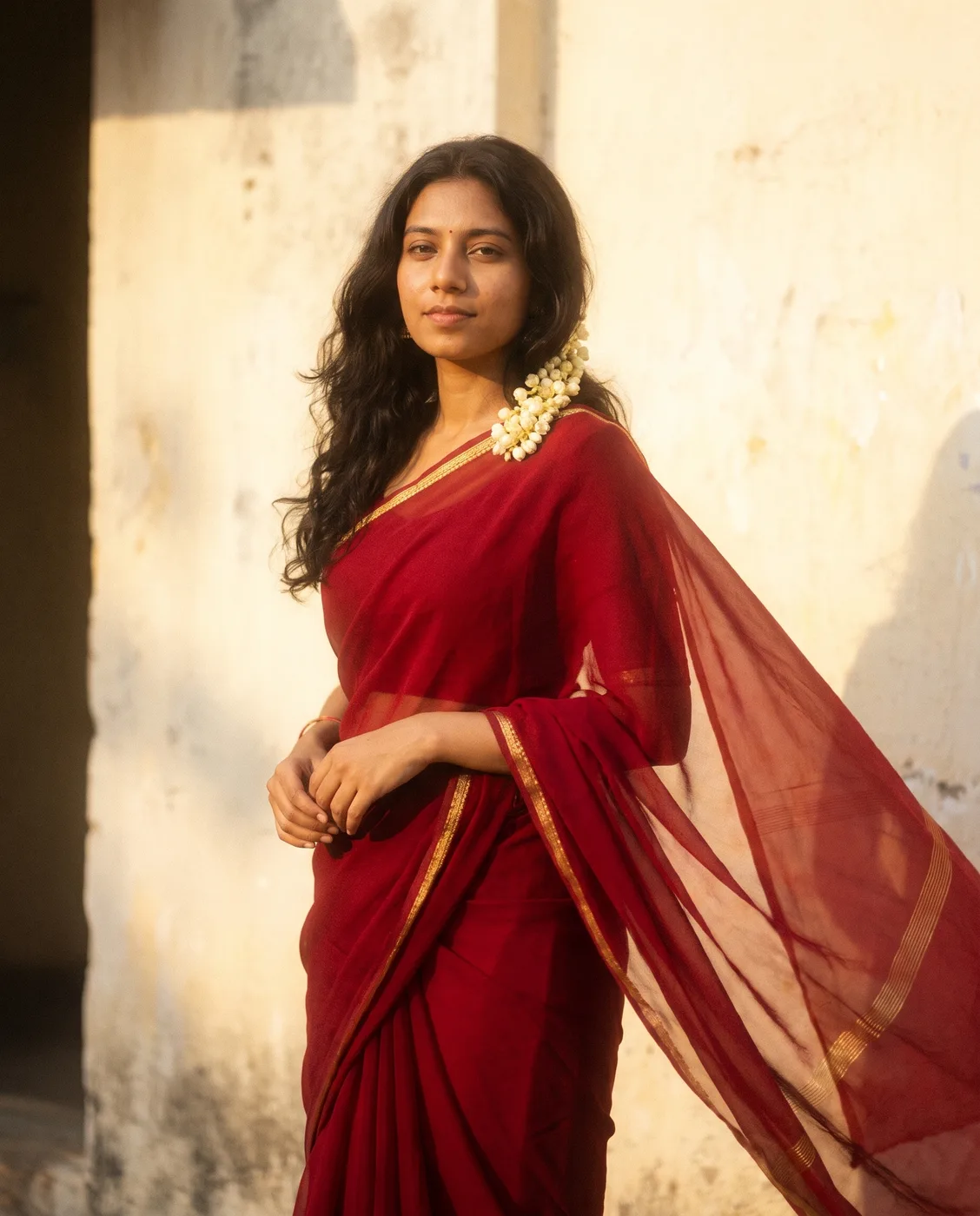

About these prompts
Gemini AI photo prompts are instructions you paste into Gemini together with your own photo to turn it into a new picture: a retro saree portrait, a 3D figurine of yourself, a Diwali or Christmas photo, or a clean LinkedIn headshot. Gemini's image model, Nano Banana, keeps your face and changes what the prompt describes.
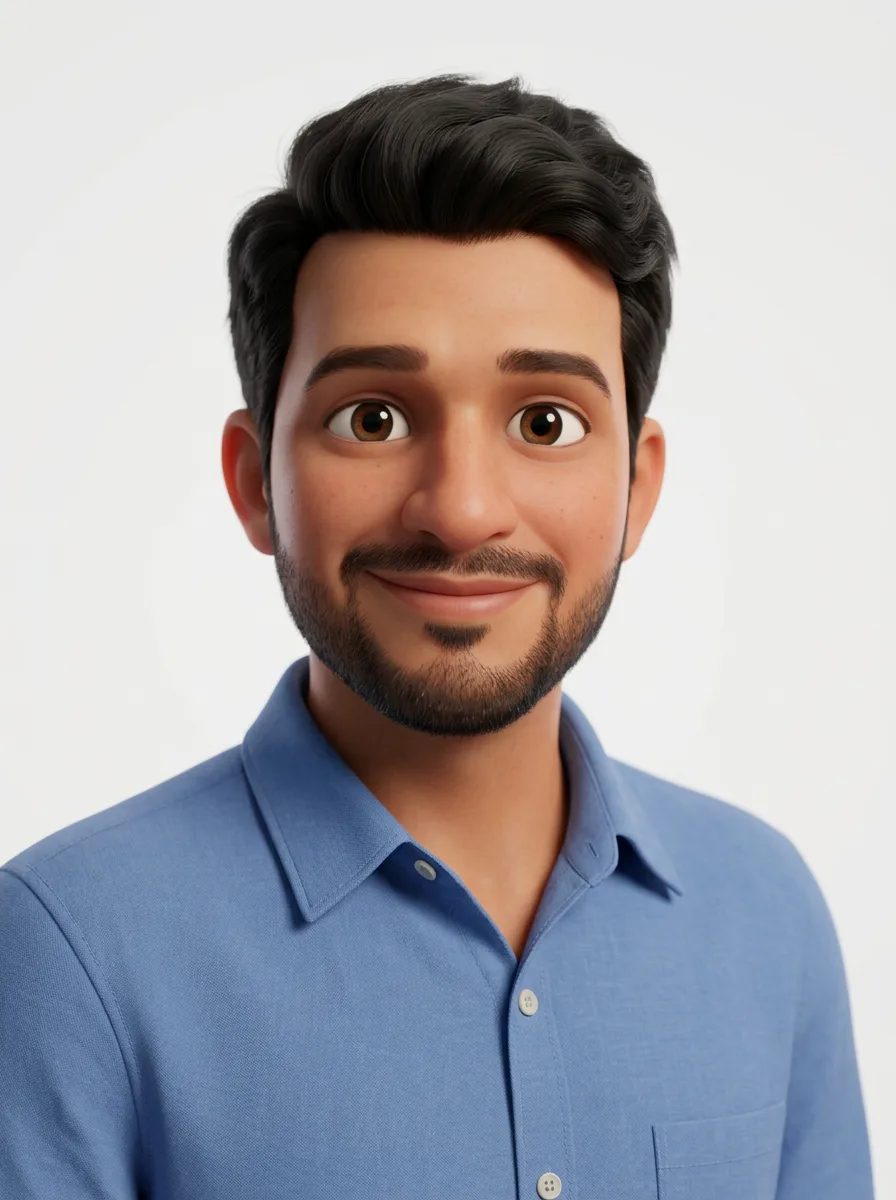
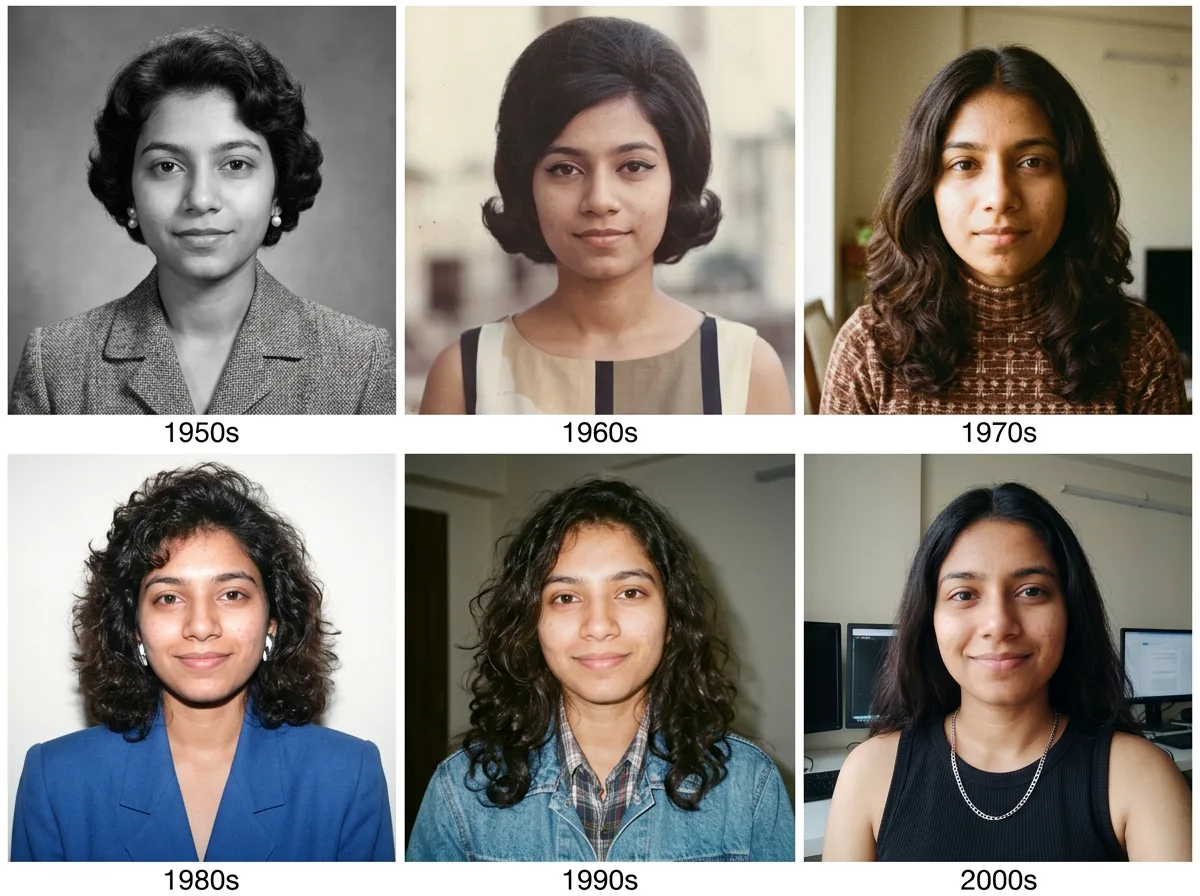
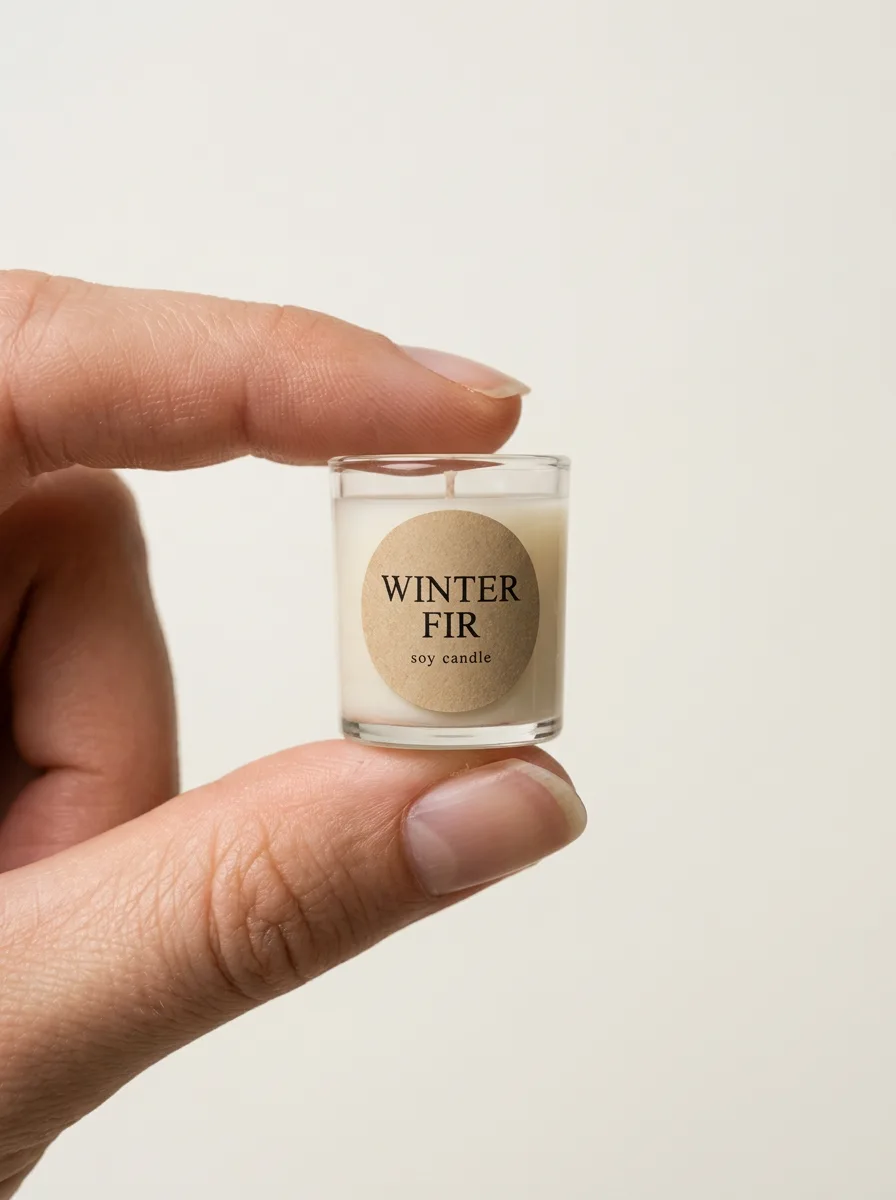
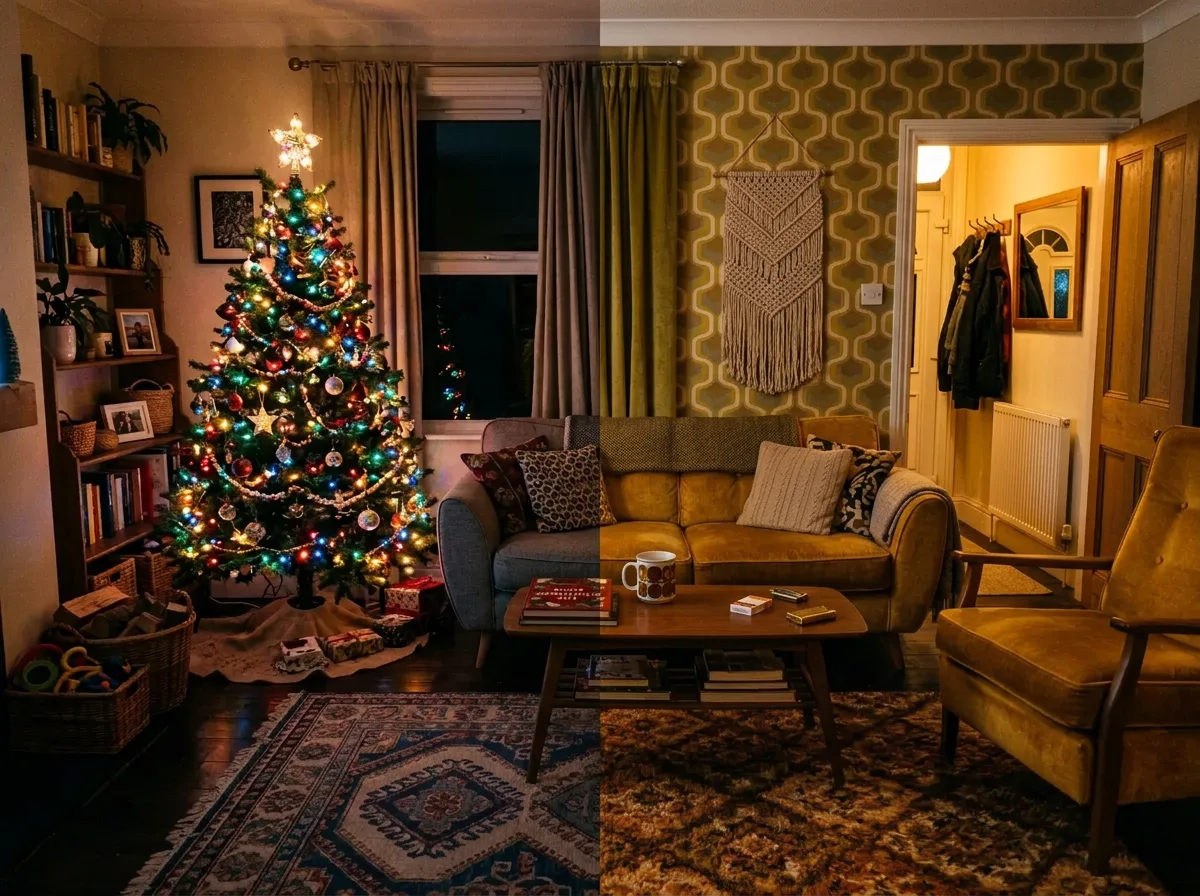
Every prompt here was run on a sample photo with Nano Banana Pro, so you can see the before and after before you try it. The people in the sample photos are AI-generated; no real person's picture was used.
40 prompts, 40 with a before and after
How to use these prompts
- 101Add your photo in GeminiIn the Gemini app or at gemini.google.com, tap the plus button and upload a clear photo where your face is well lit and facing the camera.
- 202Paste the promptCopy a prompt from this page and send it in the same message as the photo. Change colours, clothes or the setting in the text if you want something different.
- 303Check the face, then refineIf the face drifts, reply with "Keep my face exactly as in the original photo" and send it again. Ask for one change per message rather than several at once.
Want a prompt for your own idea?
Describe the picture you want and get a prompt written for Nano Banana, Midjourney or GPT Image, or upload a photo you like and get the prompt that recreates it.