AI photo editing prompts
AI photo editing prompts for Gemini: swap backgrounds, relight to golden hour, restore and colourise old photos, remove people and change outfits.
15 prompts









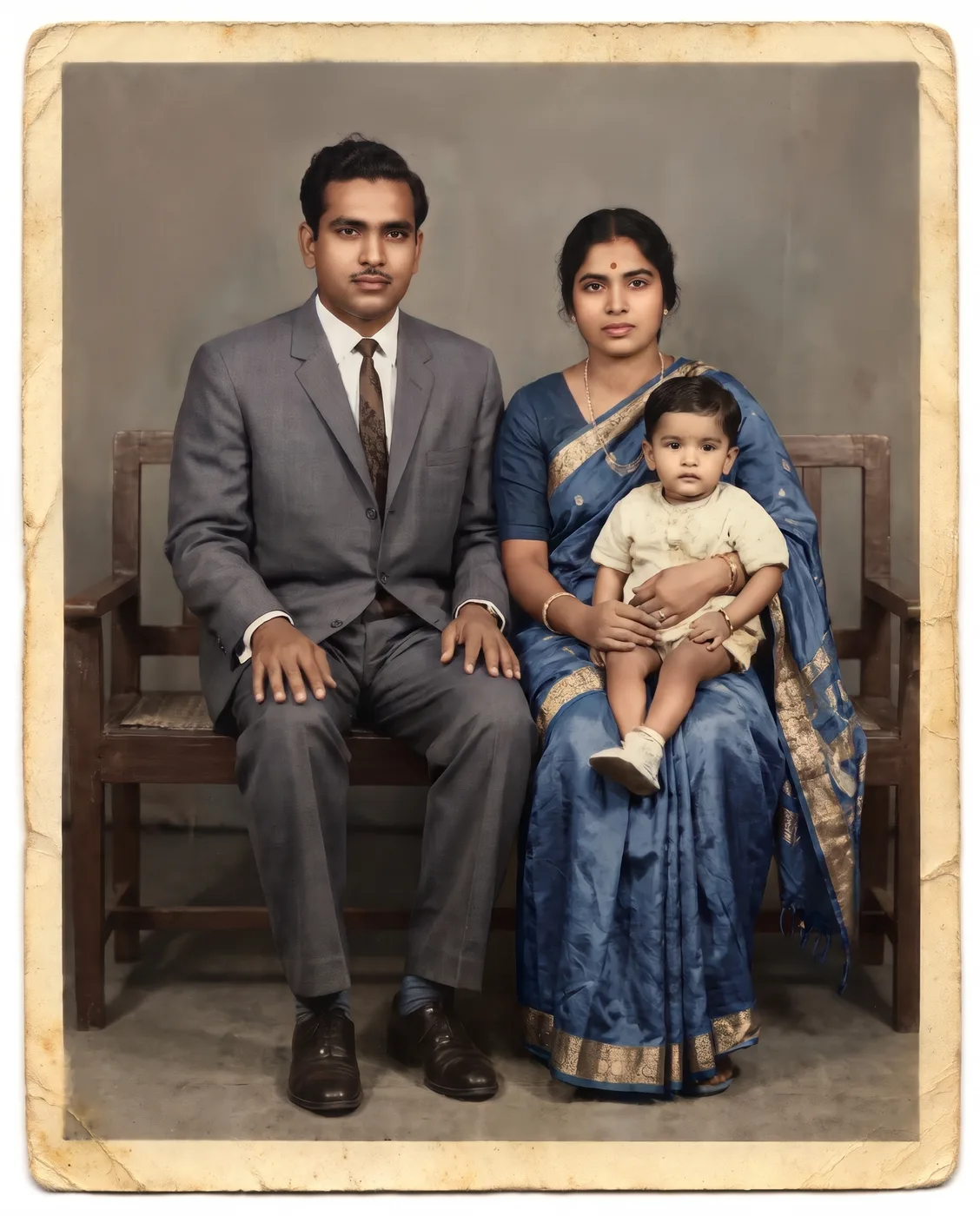


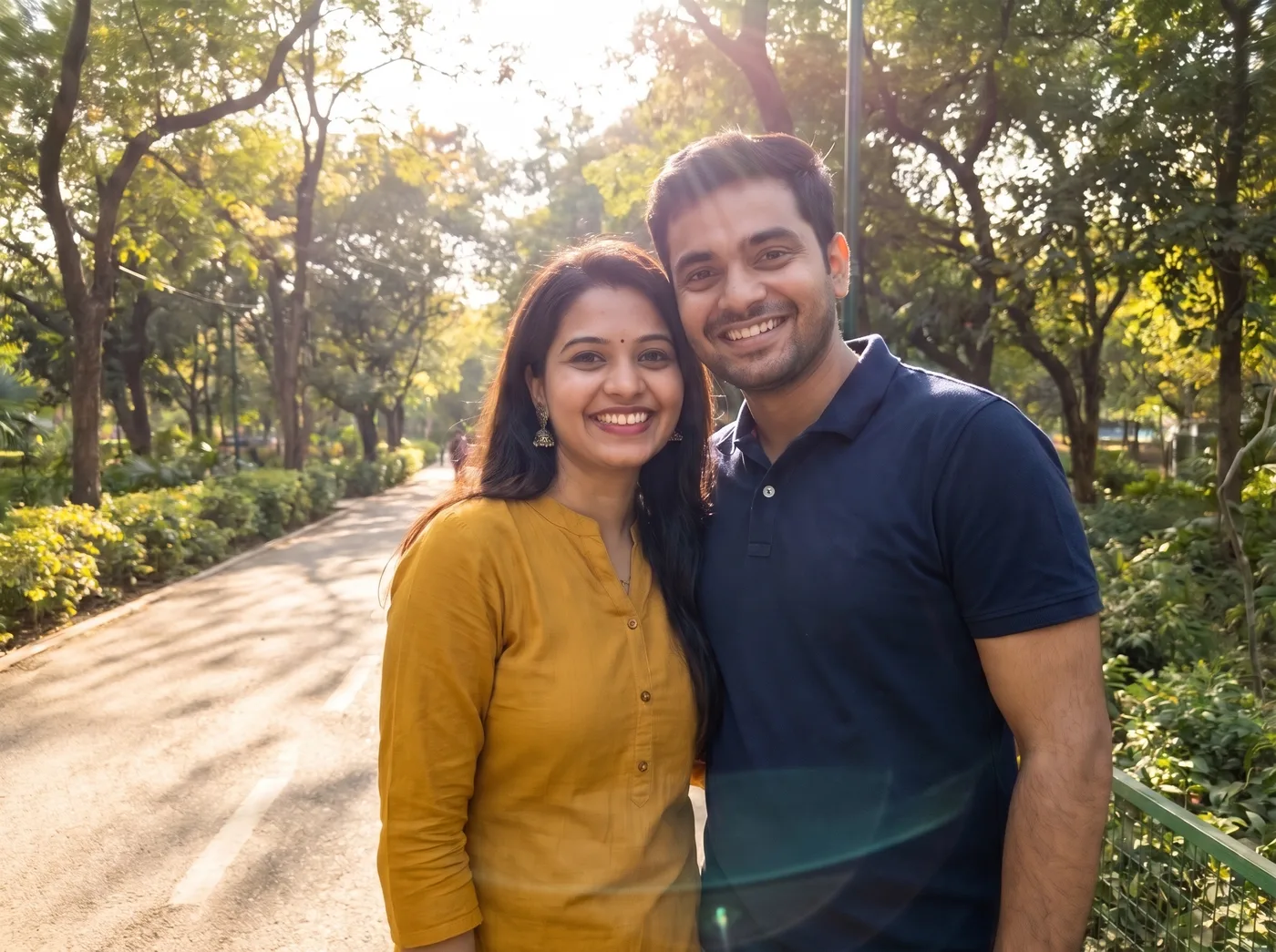
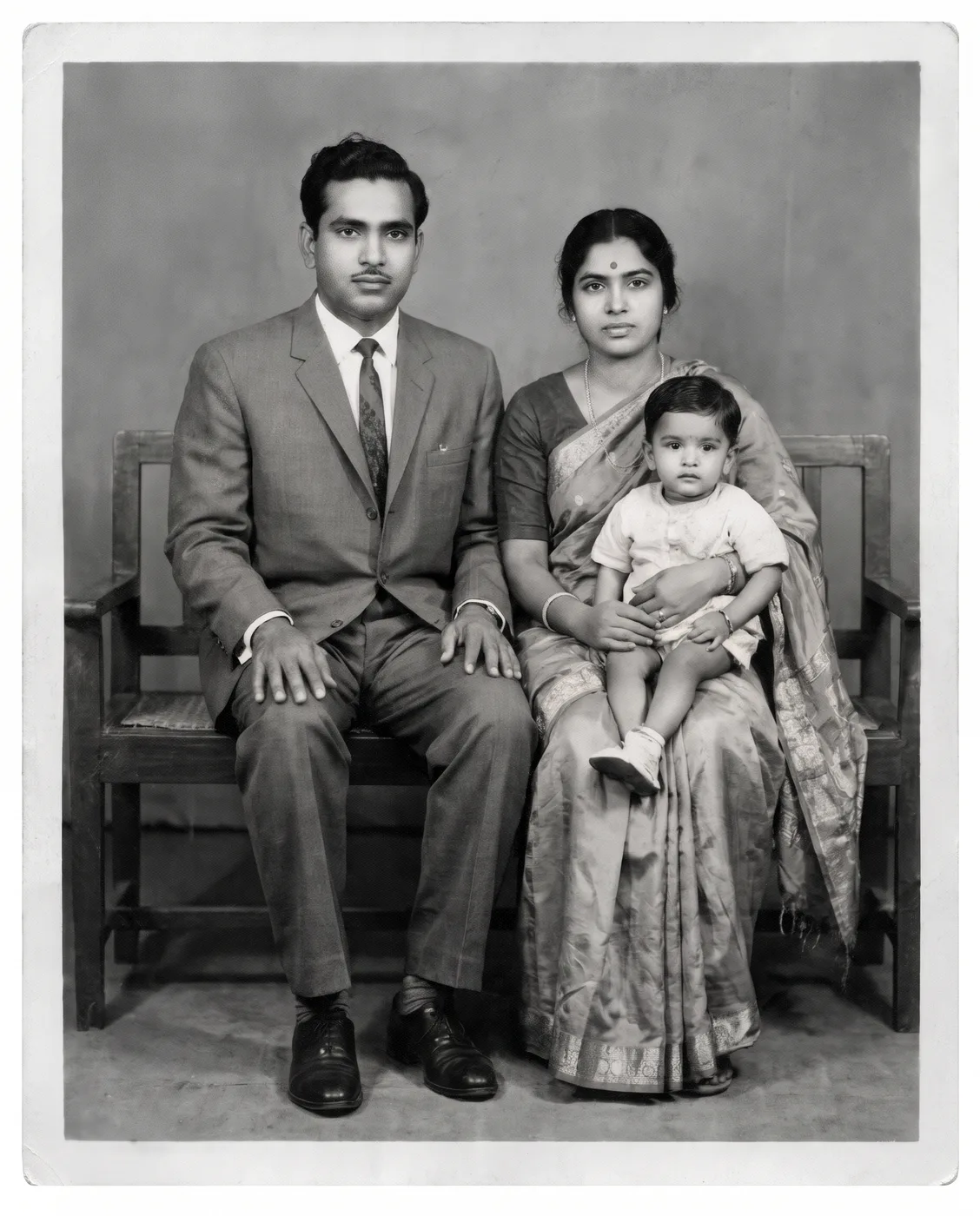
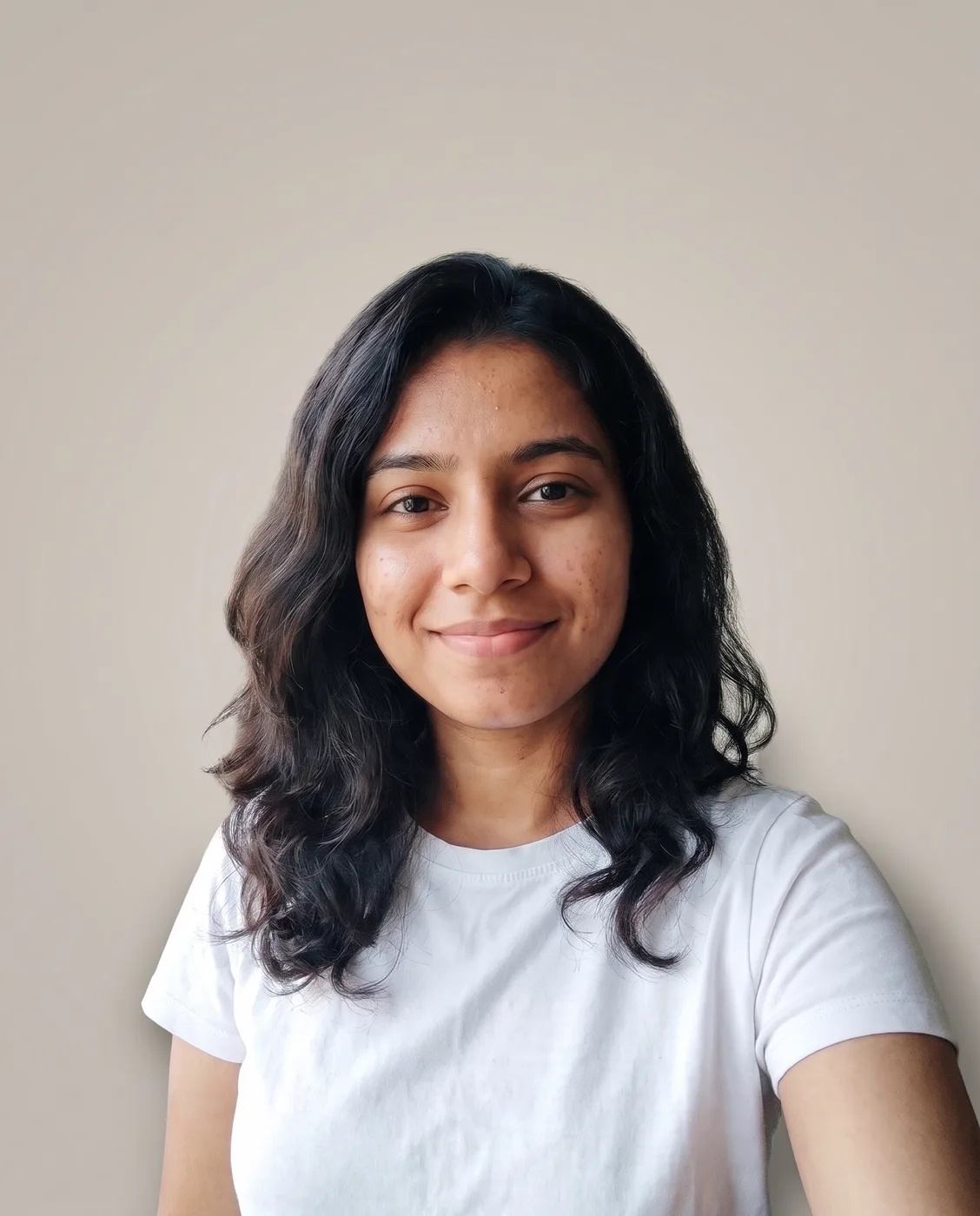
About these prompts
AI photo editing prompts ask an image model to change one thing in your photo and leave the rest alone: the background, the light, the outfit, the people behind you, or the damage on an old print. Gemini's Nano Banana model is good at this kind of targeted edit when the prompt says clearly what must not change.
Each prompt below shows the original sample photo and the edited result from Nano Banana Pro. The people in the samples are AI-generated.
15 prompts, 15 with a before and after
How to use these prompts
- 101Upload the photo you want to fixUse the largest version you have. For old prints, scan or photograph them flat, in daylight, without glare.
- 202Say what changes and what staysEach prompt names the single change and then lists what must stay exactly the same. Keep that second part when you edit the prompt.
- 303Edit in stepsFor several changes, do them one message at a time: restore first, then colourise, then change the background.
Want a prompt for your own idea?
Describe the picture you want and get a prompt written for Nano Banana, Midjourney or GPT Image, or upload a photo you like and get the prompt that recreates it.