What each part of the prompt does
- Only the background
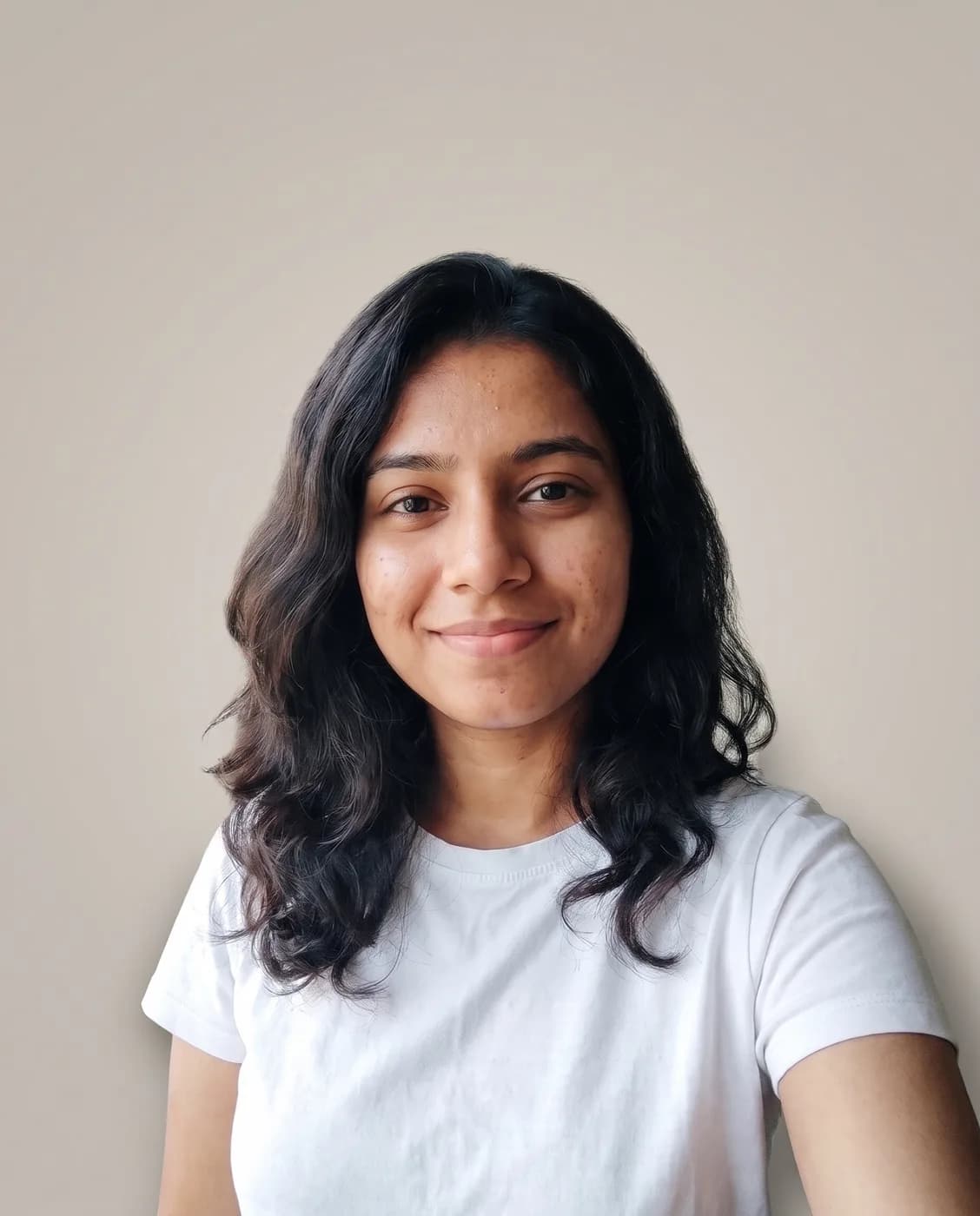
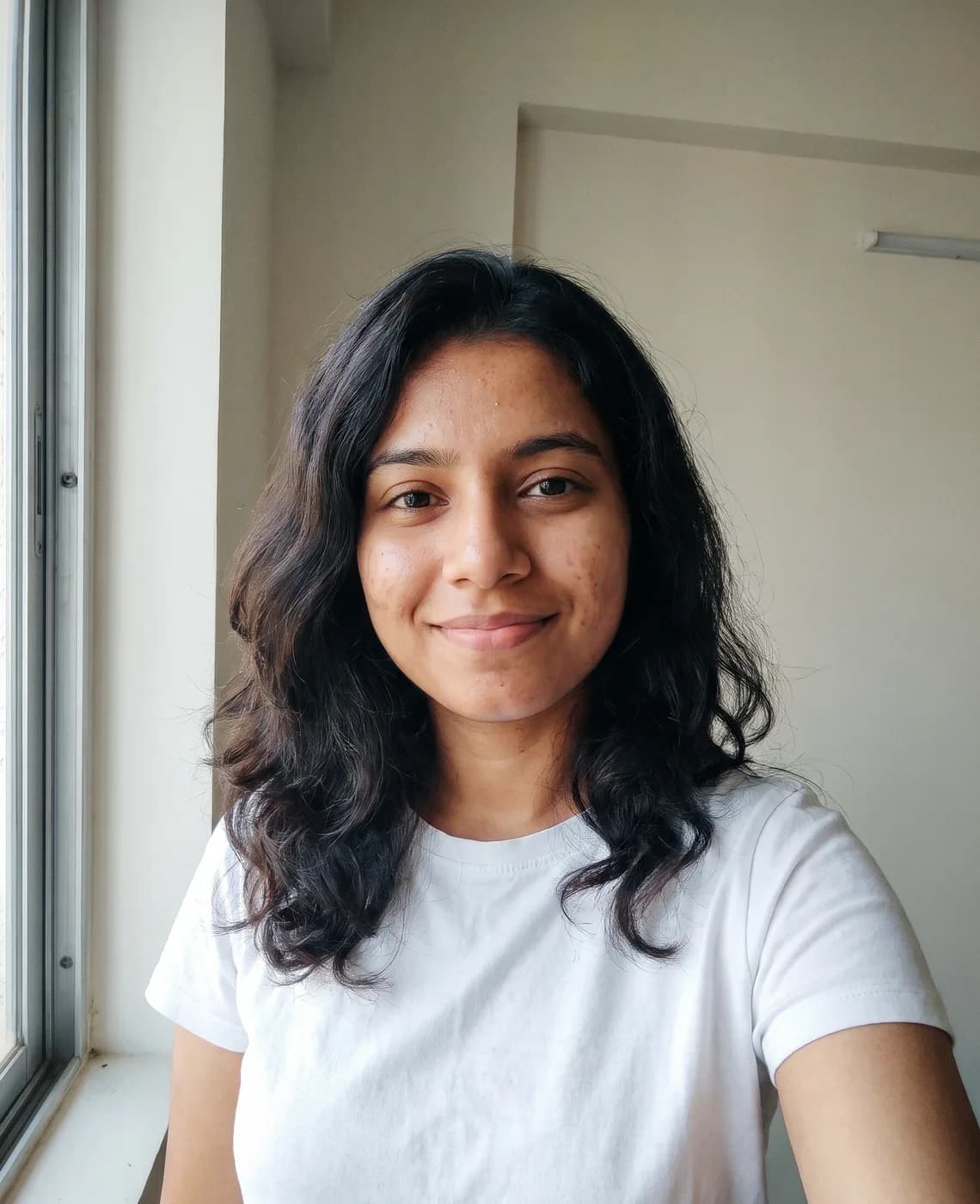
- "Change only the background" sets the scope in the opening words, so everything after it reads as instructions about the backdrop.
- Warm grey gradient
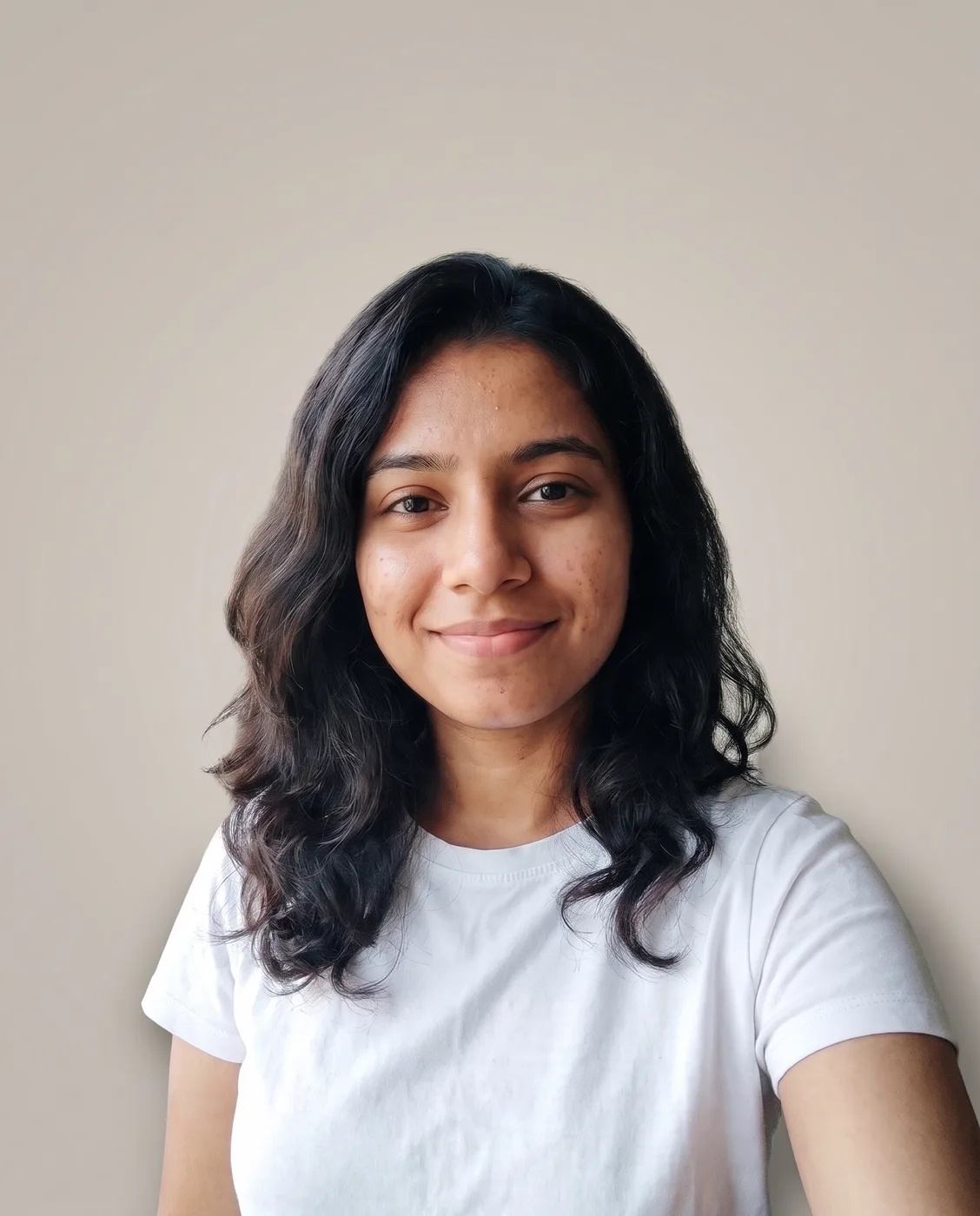
- Warm light grey suits most skin tones and outfits, and "a soft gradient behind the head" adds a lighter patch that lifts the head away from the backdrop, as a studio background light would.
- Original light kept
- "The original light on the skin" sits in the keep list next to face and clothes, because a model swapping a backdrop often relights the person to match, which changes how the face looks.
- Edges and shadow
- "Clean, natural edges around the hair" and "a faint shadow on the backdrop so it doesn't look cut out" deal with the two signs of a cut-out: a halo around the hair and a person floating with no shadow.
Variations to try
Same idea, one thing changed. These have no example image yet.
Deep navy backdrop Change only the background of my uploaded photo. Replace it with a smooth, evenly lit studio backdrop in deep navy blue with a soft gradient behind the head. Keep the person exactly as they are: face, hair, clothes, pose and the original light on the skin. Clean, natural edges around the hair, and a faint shadow on the backdrop so it doesn't look cut out. Same framing and aspect ratio as the original.
Pure white for a shop Change only the background of my uploaded photo. Replace it with a plain, evenly lit pure white studio background with no gradient. Keep the person exactly as they are: face, hair, clothes, pose and the original light on the skin. Clean, natural edges around the hair, and a very faint shadow below so it doesn't look cut out. Same framing and aspect ratio as the original.
Soft park blur Change only the background of my uploaded photo. Replace it with a softly blurred green park in gentle daylight, as if shot with a portrait lens. Keep the person exactly as they are: face, hair, clothes, pose and the original light on the skin. Clean, natural edges around the hair, and background light that matches the direction of the light on the person. Same framing and aspect ratio as the original.
If the result isn't right
- If the hair edges look cut with scissors, ask for "soft, fine hair strands against the backdrop, no halo".
- When the new backdrop looks too flat, add "a slight vignette at the corners of the backdrop".
- If your skin colour shifts after the swap, say "keep my skin exactly the colour it is in the uploaded photo".
- Gemini sometimes reframes the shot into a tighter portrait crop; repeat "keep my original crop and size".