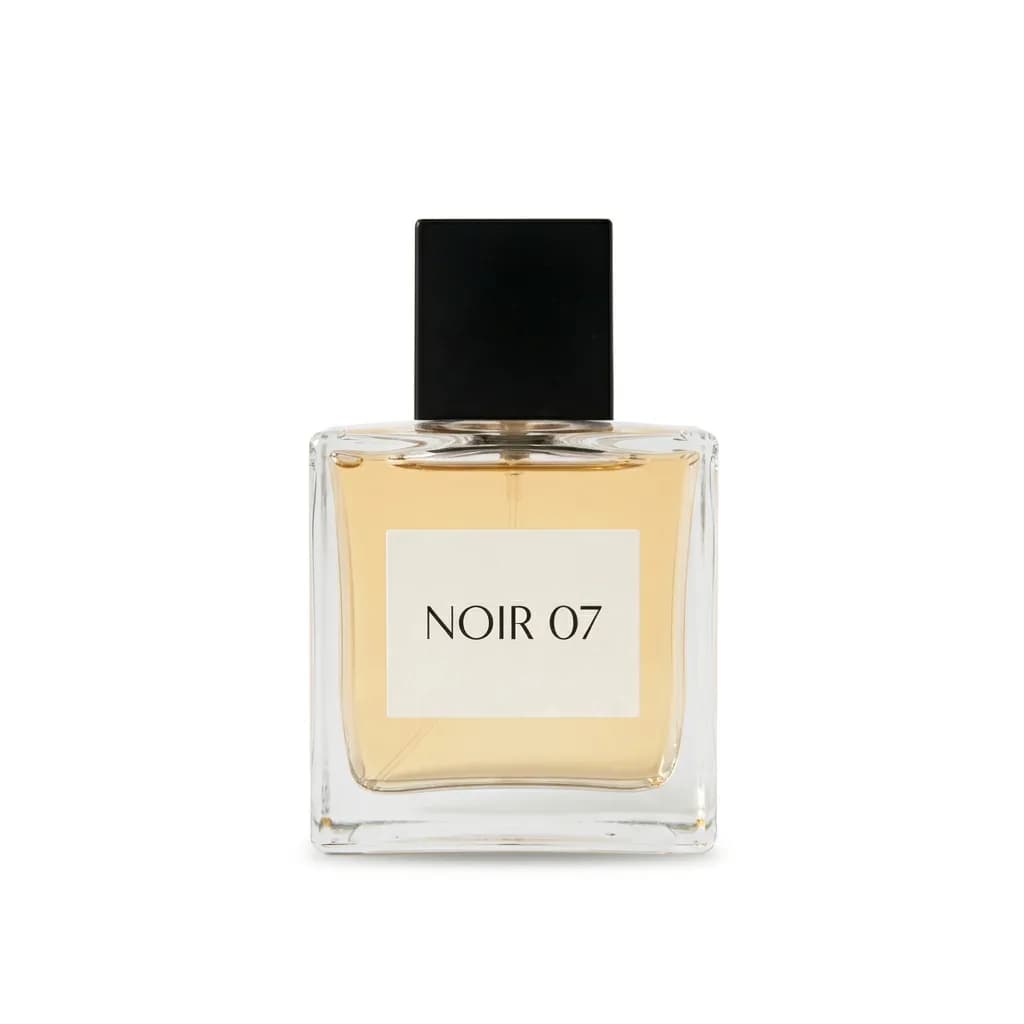
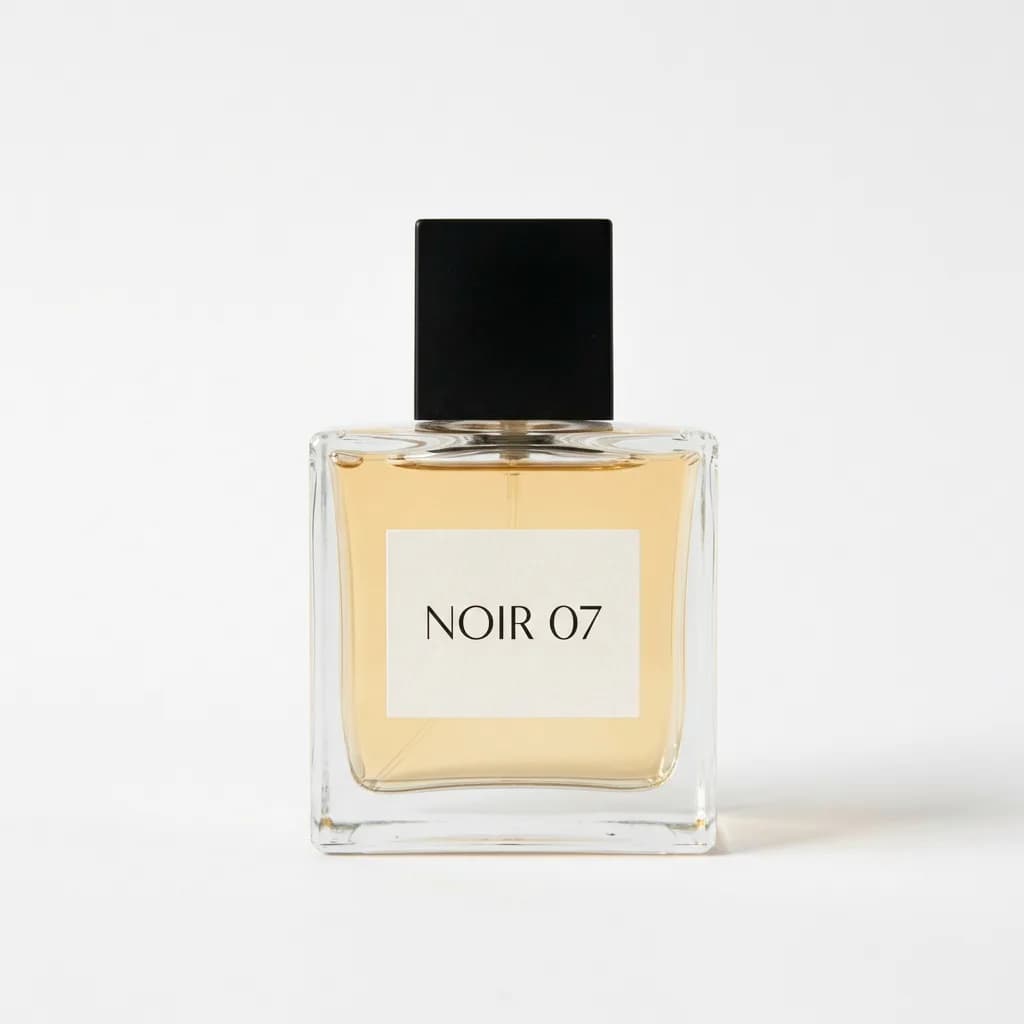

What each part of the prompt does
- Exact white
- "Pure white (#FFFFFF), flat, no gradient" asks for the specific background many shop listings expect. A looser word like "white" often comes back as light grey or a soft vignette, which shows up as a visible box on a white product page.
- Label stays as printed
- Naming shape, proportions, label text and logo, and saying nothing is redrawn, is the guard against the model tidying up your packaging. Changed lettering on a listing photo is worse than a messy background.
- Contact shadow
- A faint shadow right under the base anchors the item. Without it, a cutout on flat white can look pasted on; with a big drop shadow it stops looking like a plain catalogue shot.
- Edges and framing
- Mentioning gaps and handles points the model at the hard spots where old background tends to survive. The 80 percent fill and centring give every product in a set the same size and position.
Variations to try
Same idea, one thing changed. These have no example image yet.
Light grey, no shadow Cut the product out of my uploaded photo and place it on a flat light grey background (#F2F2F2) with no gradient or texture. Keep the product exactly as it is: shape, proportions, colours, materials, label text and logo, with nothing redrawn or added. Remove everything else in the original scene. No shadow at all; the product sits cleanly on the flat colour. Crisp, clean edges with no halo or leftover background pixels, including inside any gaps or handles. Centre the product with even space around it and fill about 80 percent of the frame height. Square image.
Black for light products Cut the product out of my uploaded photo and place it on a flat matte black background with no gradient or texture. Keep the product exactly as it is: shape, proportions, colours, materials, label text and logo, with nothing redrawn or added. Remove everything else in the original scene. Add a soft, subtle reflection of the base on the surface below it. Crisp, clean edges with no halo or leftover background pixels, including inside any gaps or handles. Centre the product with even space around it and fill about 80 percent of the frame height. Square image.
If the result isn't right
- Image models usually return a flat picture, not a transparent layer, so for a true transparent PNG keep the white version and remove the white in a background remover or editor.
- If the label text changes or blurs, reply "copy the label exactly from my photo, letter for letter" and upload a sharper shot if it persists.
- Clear glass can lose its see-through look on white; add "keep the glass transparent, with the white background showing through it".
- For a set of products, run the same prompt on each photo so the size and centring match across the listing.