AI Video Generator
Describe a shot and get a video clip from Veo 3.1, Kling 3.0, Seedance, Wan, Hailuo and more. Several models add sound. The cost shows first.
- Model
- Veo 3.1 Fast · Google
- Cost
- 620 credits
A sample this tool made. Your results appear here when you press Generate.
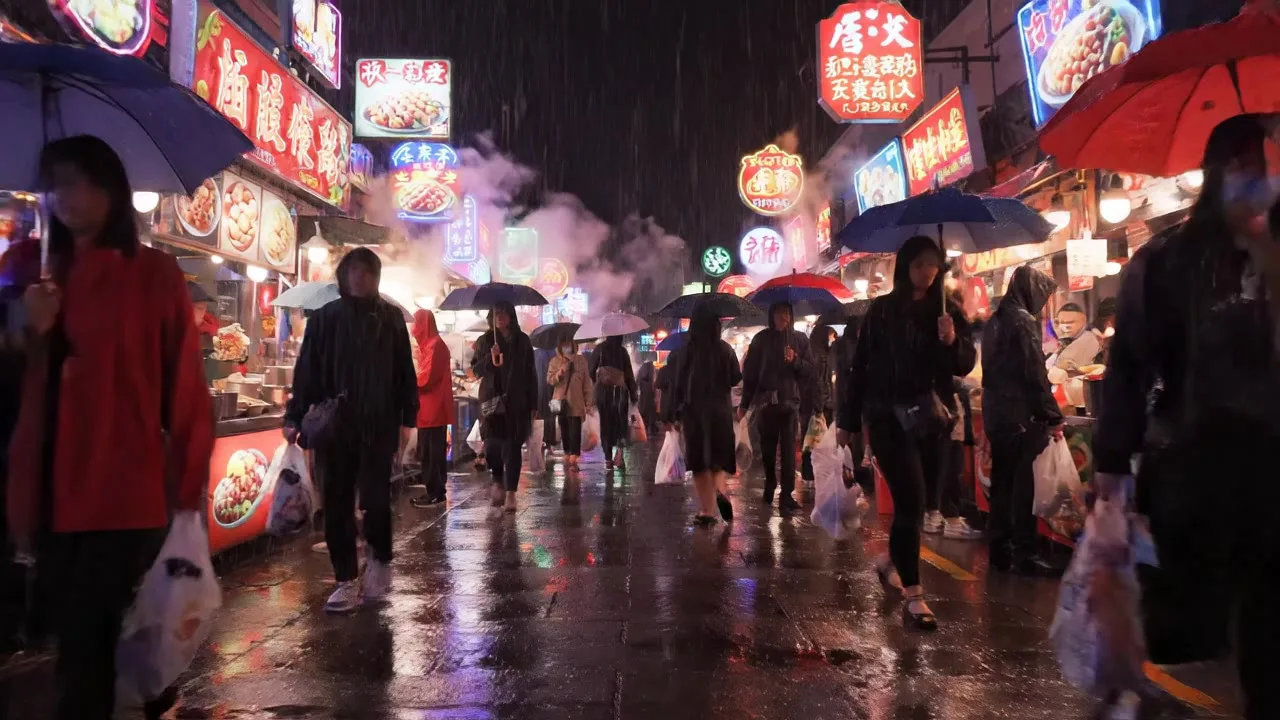 Video
More AI tools
Prompt library
Prompts with the image each one made, ready to copy.
 Nano Banana ProCut a product out onto a clean white background
 nano-banana-2Extend a photo beyond its edges
 nano-banana-2Passport-style ID photo from a selfie
 nano-banana-2Preview a photo as your phone lock screen
 nano-banana-2Relight a portrait with a classic studio lighting setup
 nano-banana-2Reshoot a phone photo with real camera settings
 Nano Banana ProSharpen a blurry or low-resolution photo
 nano-banana-2Try a makeup look on your own photo
 nano-banana-2Try nine hairstyles on your own face
 nano-banana-2Turn your pet into a plush toy
What is AI Video Generator?
Write one shot the way you would brief a camera operator: who or what is on screen, what happens, how the camera moves, what it sounds like. Pick a model, a length and a frame, and the studio returns an MP4 clip. Models with audio, such as Veo 3.1, Seedance 2.0 and Wan 2.7, generate the sound with the picture, so the rain and footsteps come with the clip.Video is priced per second, so a short draft on a fast model costs a fraction of a final render on Veo 3.1. Have a photo to start from? Image to video animates it. Need help with the wording? The video prompt generator writes shot prompts for each model, free.
What people make with it
- Short social clips and ads
- B-roll for videos and presentations
- Product teasers
- Storyboards and pitch visuals
Why use AI Video Generator?
- 12 models to choose from
- Starts on Veo 3.1 Fast by Google. Also works with Veo 3.1, Veo 3.1 Lite, Kling 3.0 Pro, Kling 3.0 Standard, Seedance 2.0, Seedance 2.0 Fast and 5 more.
- The cost is shown before you run it
- 155 credits per second on Veo 3.1 Fast. The Generate button shows the exact credits first, so nothing is spent by surprise.
- Failed generations are refunded
- When a generation fails, its credits go back to your balance automatically.
- One credit pool for every tool
- The same credits work across every studio tool and model, and the prompt tools include free prompts every day.
How to use AI Video Generator
Three steps from an idea to a finished result.
- 11. Describe the shot: subject, action, setting, camera move and sound
- 22. Pick a model, a length and an aspect ratio; the credit cost updates as you change them
- 33. Generate; the clip appears in your results when it is ready, even if you leave the page
Tips for better results
- One shot per prompt. Cuts inside a single clip often come out muddled, except on models made for multi-shot scenes such as Seedance 2.0.
- Name the camera move: "slow push-in", "static wide shot", "drone orbit", "handheld follow".
- On models with audio, write the sound as its own phrase: "rain on a tin roof, distant thunder".
- Draft on Veo 3.1 Lite or Seedance 2.0 Fast at the shortest length, then render the keeper on Veo 3.1 or Kling 3.0 Pro.
- Use 9:16 for Reels, Shorts and TikTok, and 16:9 for YouTube and websites.
Frequently asked questions
What people ask before they use AI Video Generator.
1Which video model should I use?
2How long can a clip be?
3Do the videos have sound?
4How is the price worked out?
5Can I start from an image?
6Can I use the clips commercially?
Try AI Video Generator now
155 credits per second on Veo 3.1 Fast. You see the exact credits before you generate.
Open AI Video Generator