AI Lip Sync
Upload a video and an audio track and the mouth movement is re-synced to the new audio. Dubbing, voiceovers and podcast clips.
Add a video and a voice track, then press Generate.
500 credits
- Model
- Sync Lipsync · Sync Labs
- Cost
- 500 credits
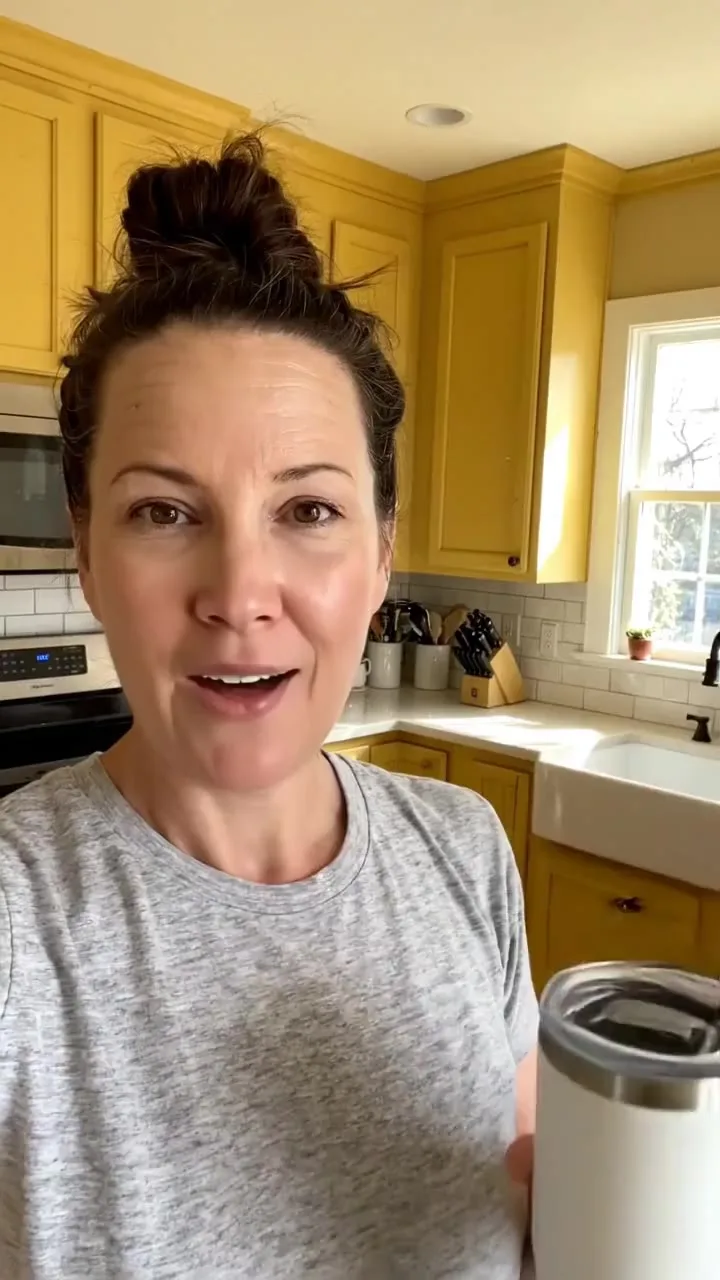
A sample this tool made. Your results appear here when you press Generate.
 Video
More AI tools
Prompt library
Prompts with the image each one made, ready to copy.
 Nano Banana ProCut a product out onto a clean white background
 nano-banana-2Extend a photo beyond its edges
 nano-banana-2Passport-style ID photo from a selfie
 nano-banana-2Preview a photo as your phone lock screen
 nano-banana-2Relight a portrait with a classic studio lighting setup
 nano-banana-2Reshoot a phone photo with real camera settings
 Nano Banana ProSharpen a blurry or low-resolution photo
 nano-banana-2Try a makeup look on your own photo
 nano-banana-2Try nine hairstyles on your own face
 nano-banana-2Turn your pet into a plush toy
What is AI Lip Sync?
Swap what someone says without reshooting. Upload a video of a person talking and a new audio track, and Sync Lipsync reshapes the mouth movement to match the new words.
What people make with it
- Dubbing into other languages
- Fixing a line in a recorded video
- Podcast and course clips
Why use AI Lip Sync?
- Runs on Sync Lipsync
- Sync Lipsync by Sync Labs. Match a video's lip movement to any voice track.
- The cost is shown before you run it
- 500 credits per video on Sync Lipsync. The Generate button shows the exact credits first, so nothing is spent by surprise.
- Failed generations are refunded
- When a generation fails, its credits go back to your balance automatically.
- One credit pool for every tool
- The same credits work across every studio tool and model, and the prompt tools include free prompts every day.
01
02
03
04
How to use AI Lip Sync
Three steps from an idea to a finished result.
- 11. Upload the video
- 22. Upload the new voice track
- 33. Generate and download the synced video
Tips for better results
- Front-facing footage with a clearly visible mouth syncs best.
- Make the voice track with text to speech if you do not have one.
- Keep audio and video roughly the same length.
Frequently asked questions
What people ask before they use AI Lip Sync.
1Can I lip sync someone else's video?
Only with their permission. Do not put words in real people's mouths without consent.
2How long can the video be?
Up to 30 seconds, as an MP4 or MOV file. When the video and the voice track differ in length, the result is cut to the shorter one.
3How much does it cost?
Each generation uses credits from your plan. The exact number shows on the Generate button before you spend anything, and failed generations are refunded automatically. New accounts get free credits to try it.
Try AI Lip Sync now
500 credits per video on Sync Lipsync. You see the exact credits before you generate.
Open AI Lip Sync