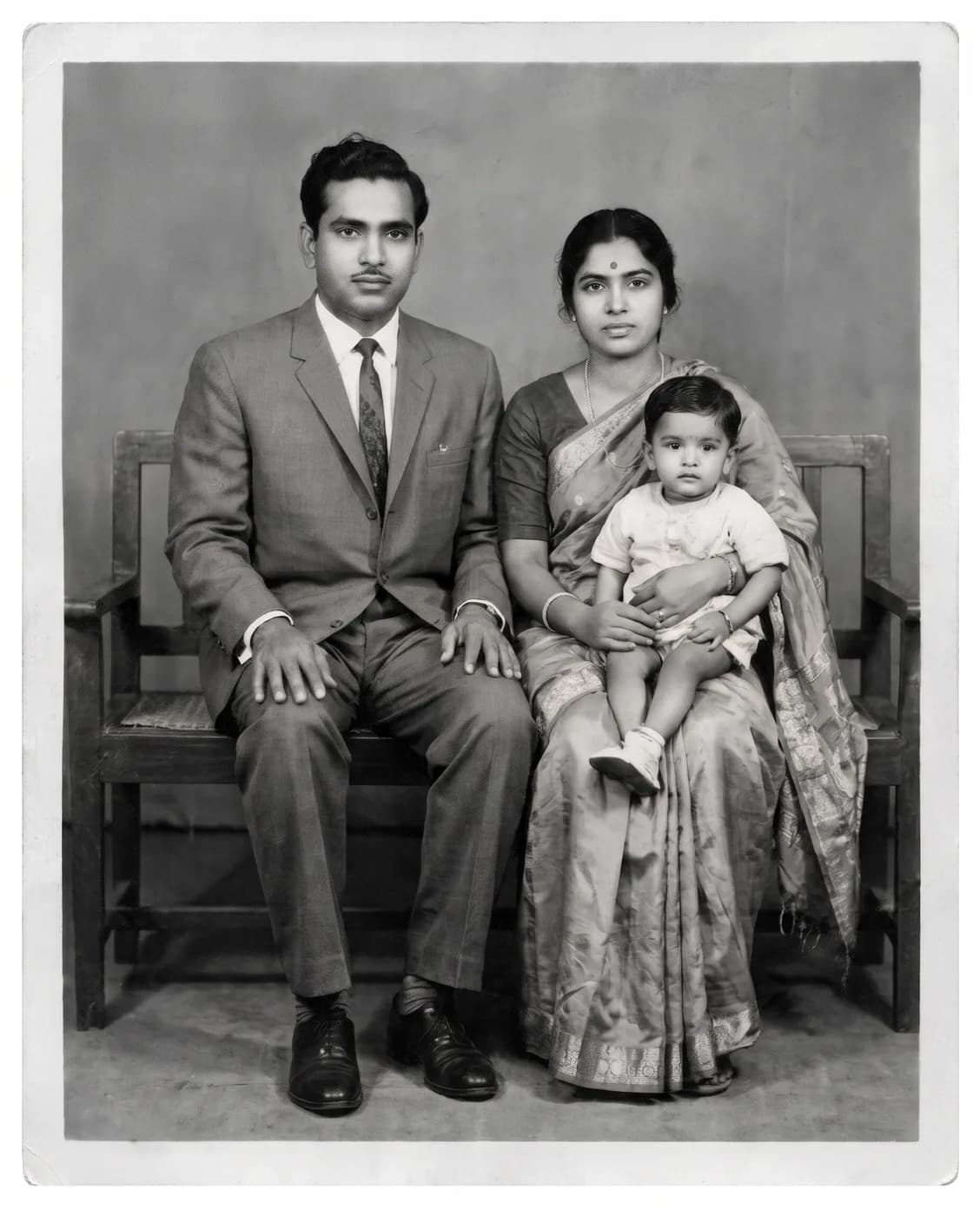
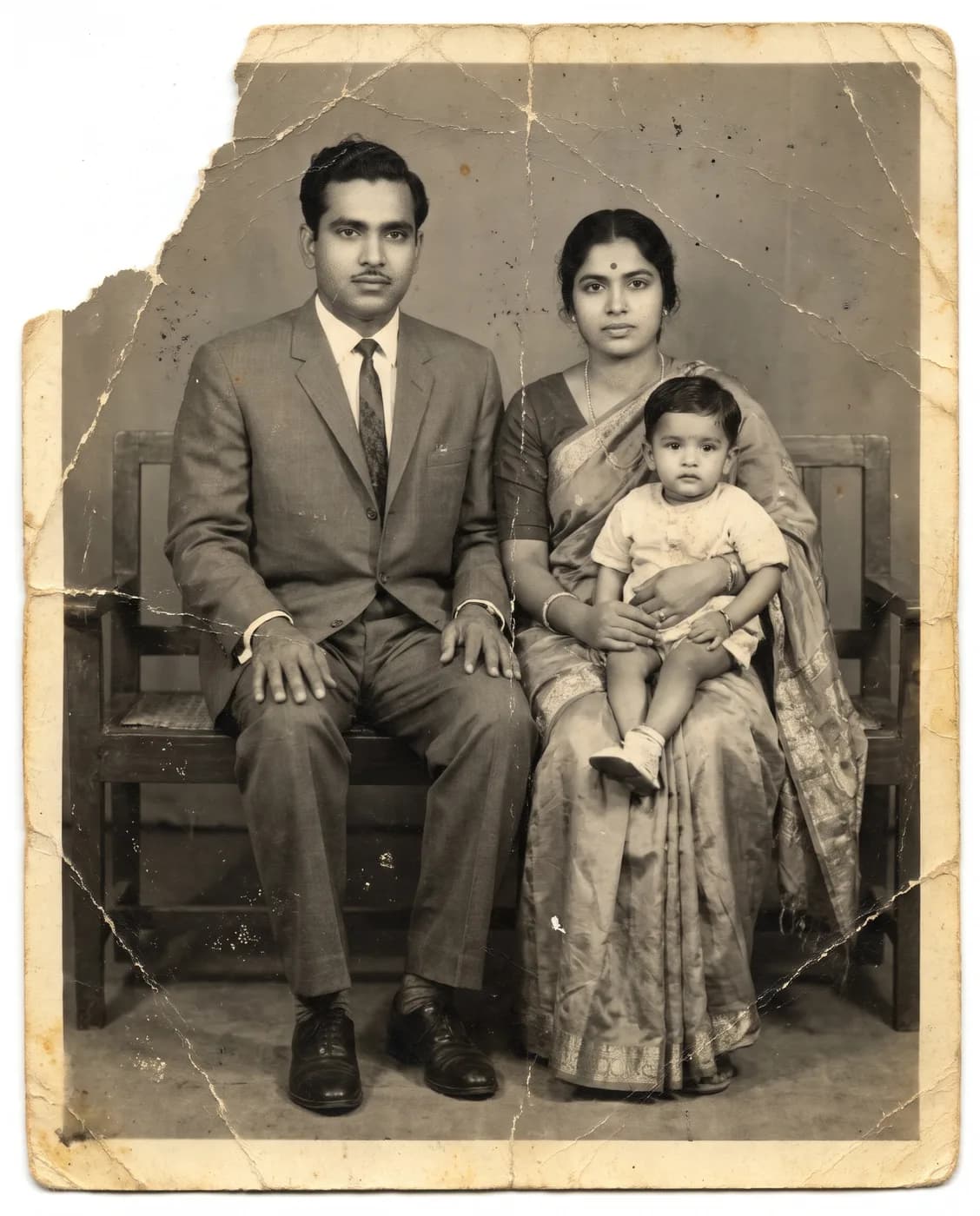
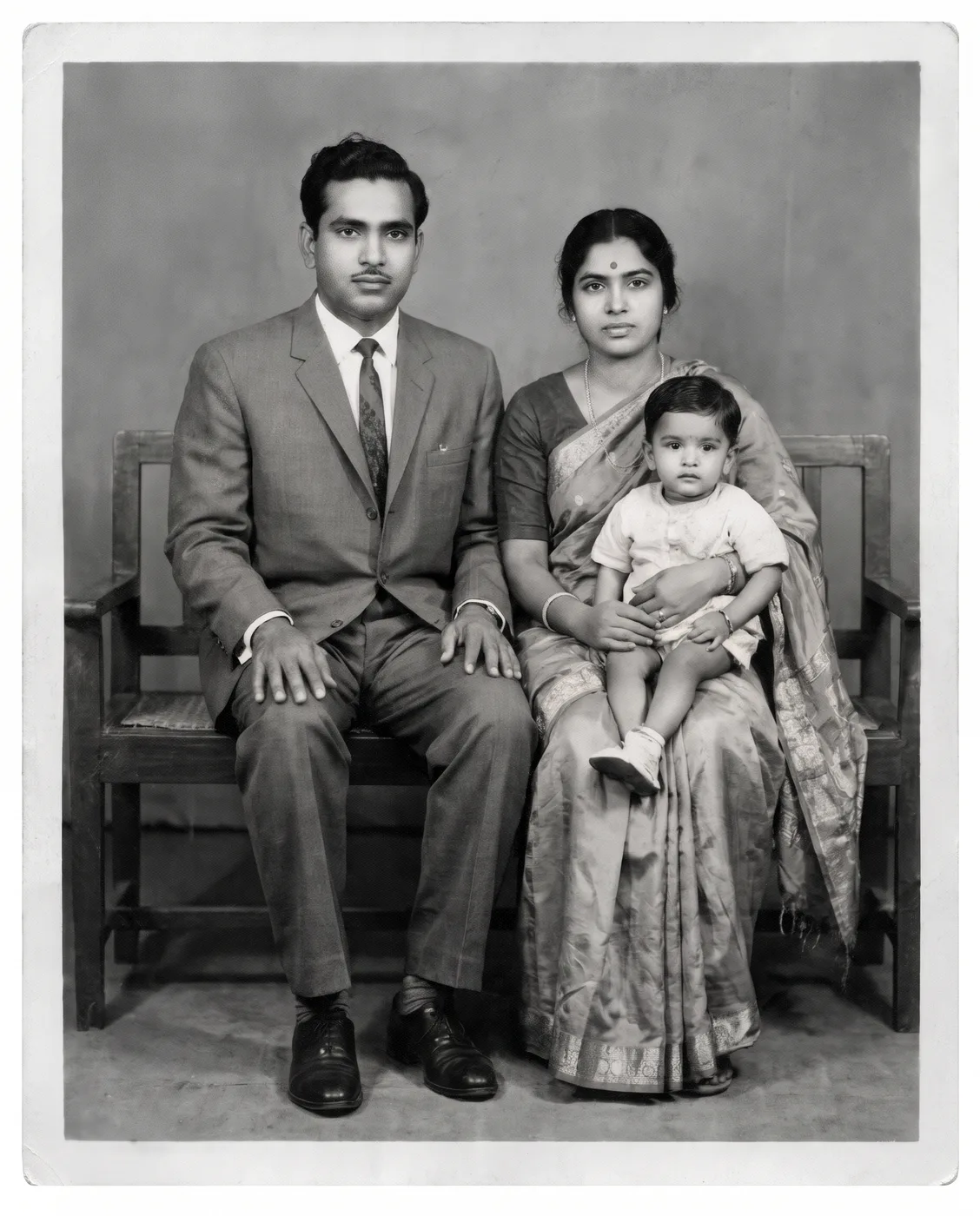
What each part of the prompt does
- Damage list
- Scratches, creases, dust spots and torn edges are named one by one, so each kind of damage is treated instead of the whole image simply being sharpened.
- Recover, do not invent
- "Recover detail in the faded areas" asks for detail the photo already hints at. Paired with "do not add or remove people or objects", it keeps the model from inventing a new face where the print has faded away.
- Composition locked
- "Do not change the composition" and "same framing and aspect ratio" guard against straightening, cropping or extending a photo that matters exactly as it was taken.
- Stay monochrome
- "Keep it black and white with the natural grain of an old print" stops Gemini adding colour unasked and leaves enough grain that the result still looks like an old photograph.
Variations to try
Same idea, one thing changed. These have no example image yet.
Keep the sepia tone Restore my uploaded old photo. Remove the scratches, creases, dust spots and torn edges, recover detail in the faded areas and fix the contrast, while keeping every face, expression, pose and piece of clothing exactly as it is. Do not add or remove people or objects and do not change the composition. Keep the warm sepia tone and natural grain of the original print. Same framing and aspect ratio.
Restore, then colourise Restore my uploaded old photo. Remove the scratches, creases, dust spots and torn edges, recover detail in the faded areas and fix the contrast, while keeping every face, expression, pose and piece of clothing exactly as it is. Do not add or remove people or objects and do not change the composition. Then colourise it with natural, muted colours true to its era. Same framing and aspect ratio.
Rebuild a missing corner Restore my uploaded old photo. Remove the scratches, creases, dust spots and torn edges, recover detail in the faded areas and fix the contrast, while keeping every face, expression, pose and piece of clothing exactly as it is. Where a corner is torn away, rebuild only the plain background there. Do not add or remove people or objects and do not change the composition. Keep it black and white with the natural grain of an old print. Same framing and aspect ratio.
If the result isn't right
- If a face comes back looking like a different relative, start a new chat and add "where a face is unclear, leave it soft rather than inventing detail".
- When the result looks plastic and over-sharp, ask for "less sharpening, keep the softness of an old lens".
- Heavy damage across a face rarely repairs well in one go; restore the whole photo first, then ask for "repair only the crease across the man's cheek" as a second step.
- If the print's white border disappears, add "keep the original white border and its shape".