Christmas photo prompts
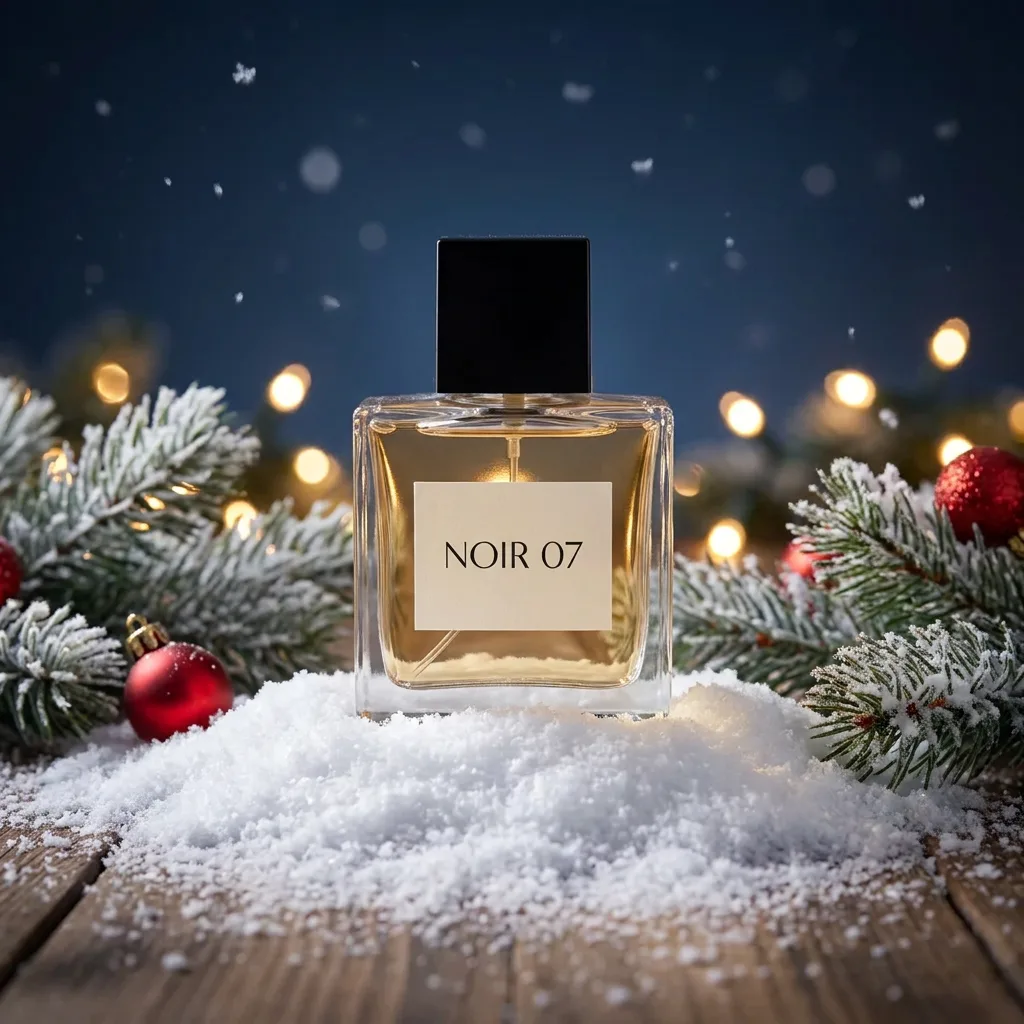
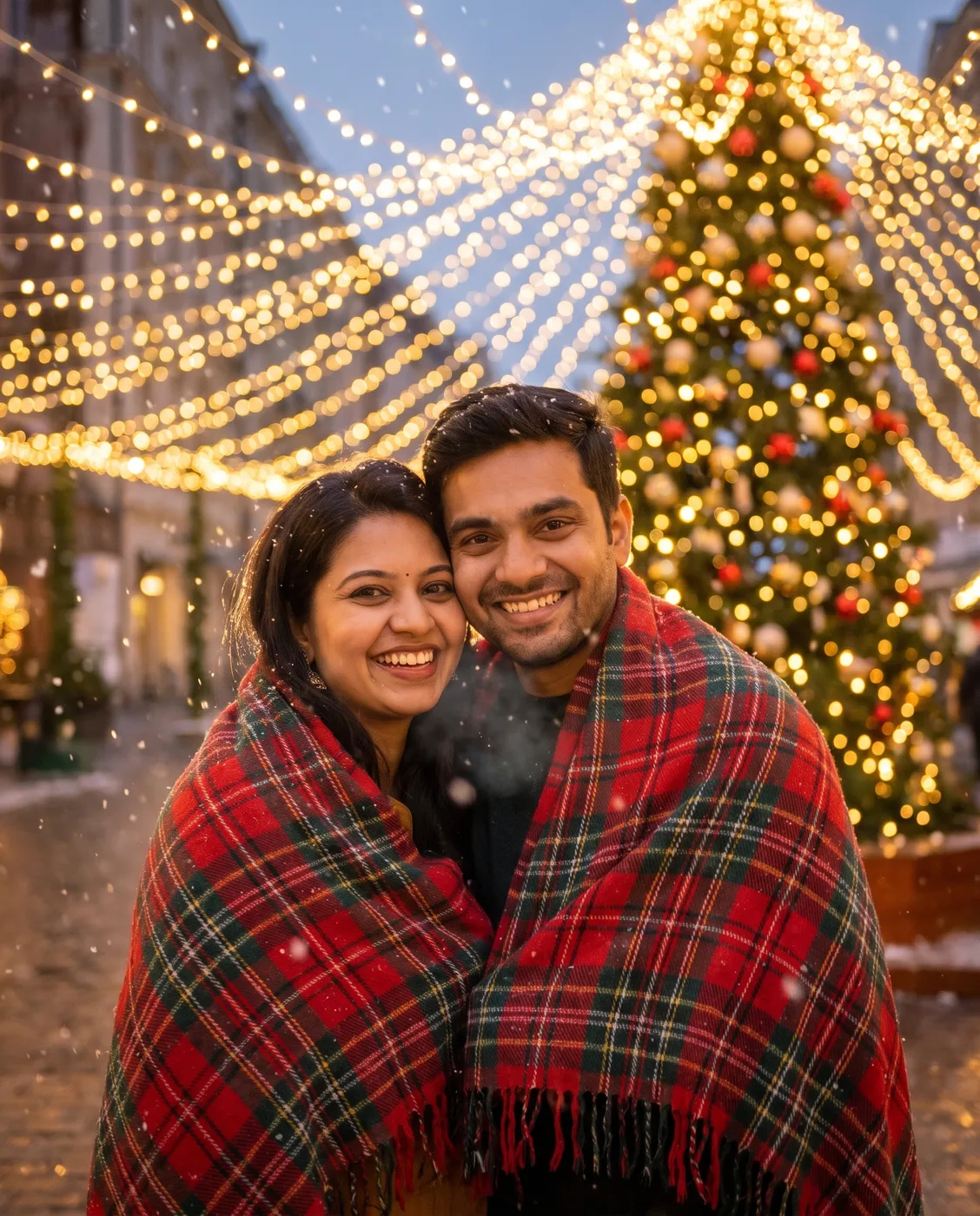
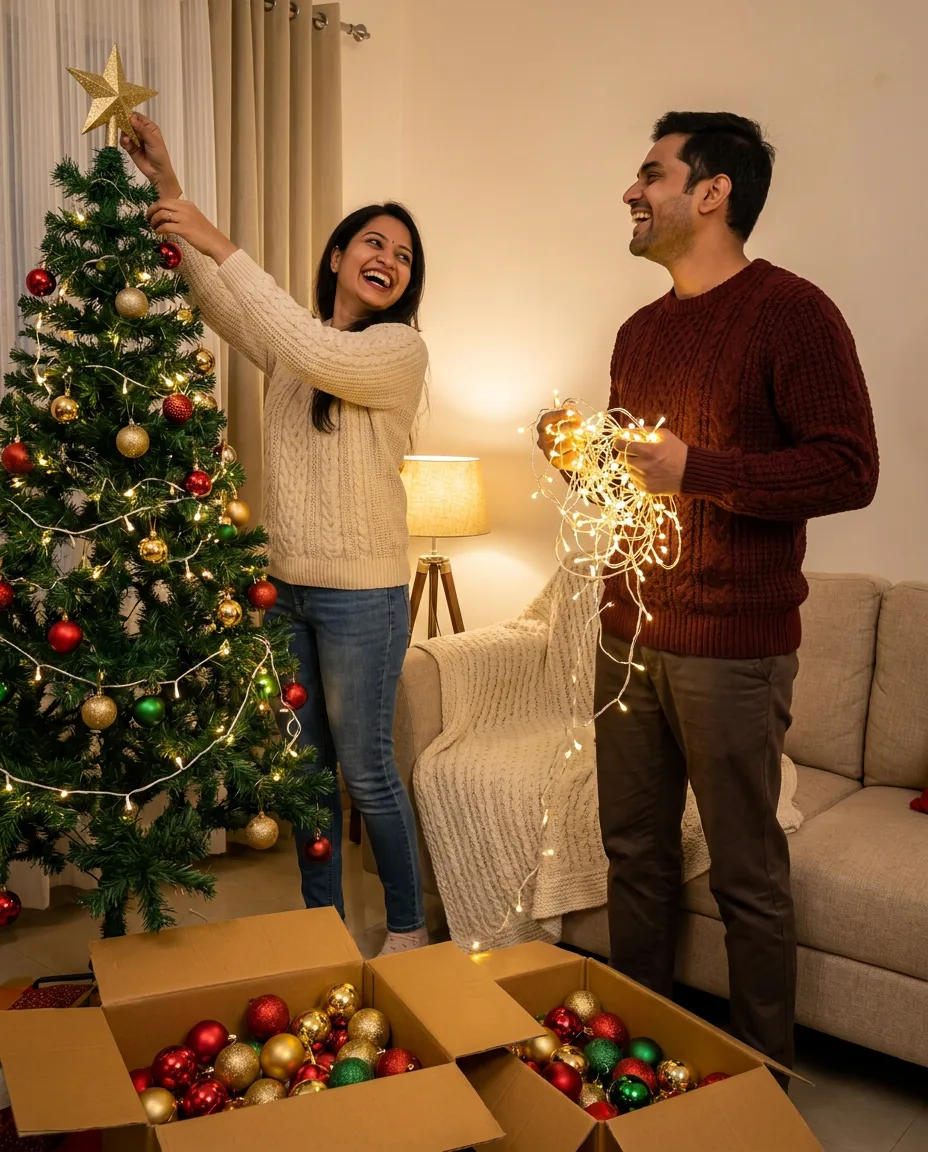
Christmas photo prompts for Gemini, ChatGPT and Nano Banana: family portraits, couples by the tree, kids with Santa, pets in Santa hats and festive product shots.
22 prompts



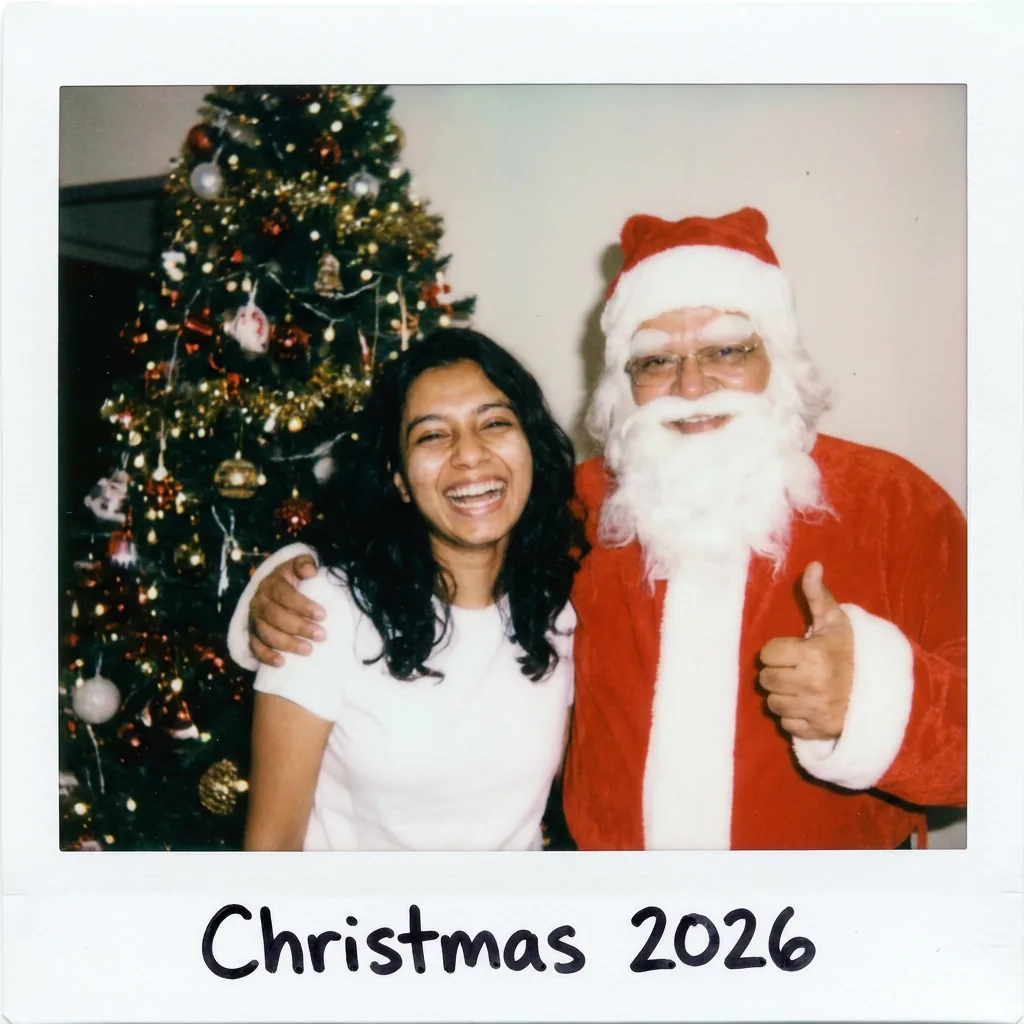
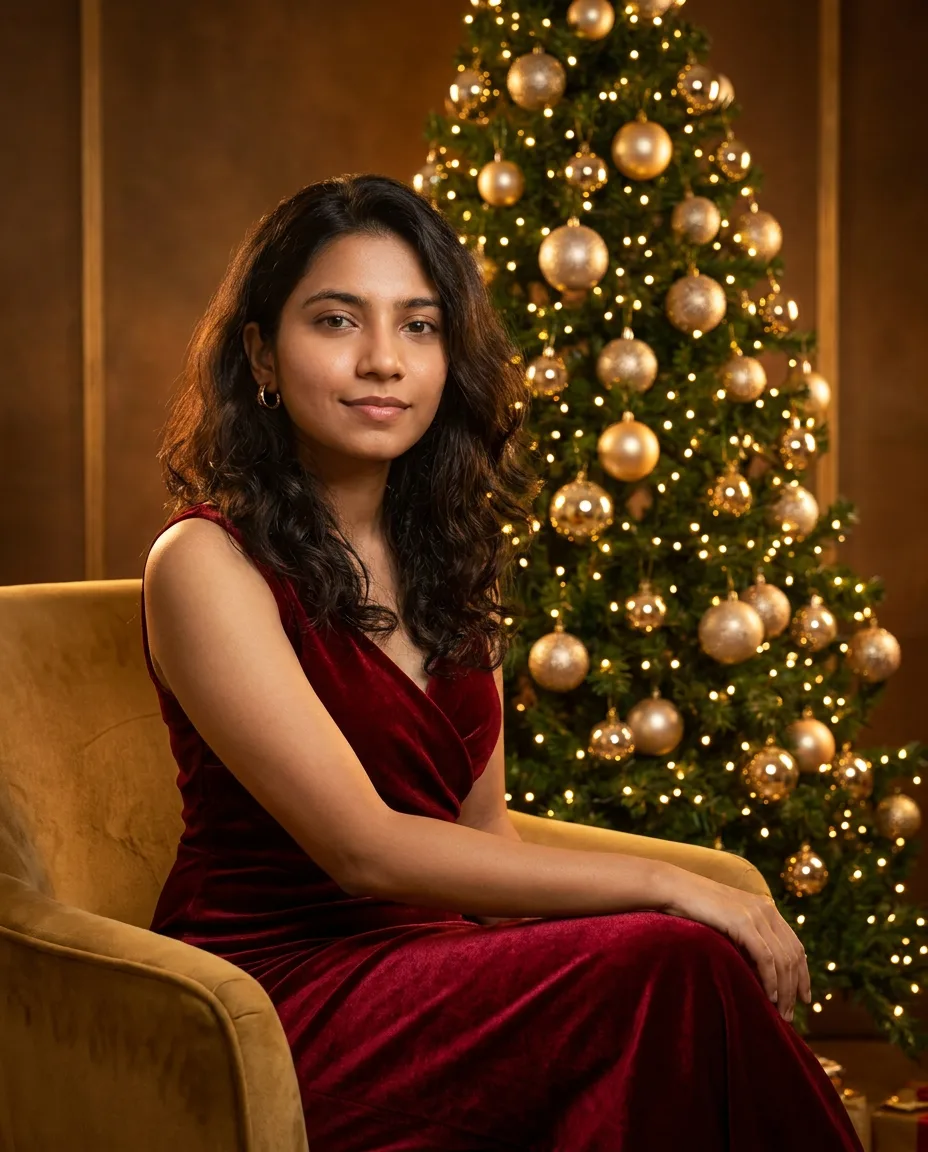
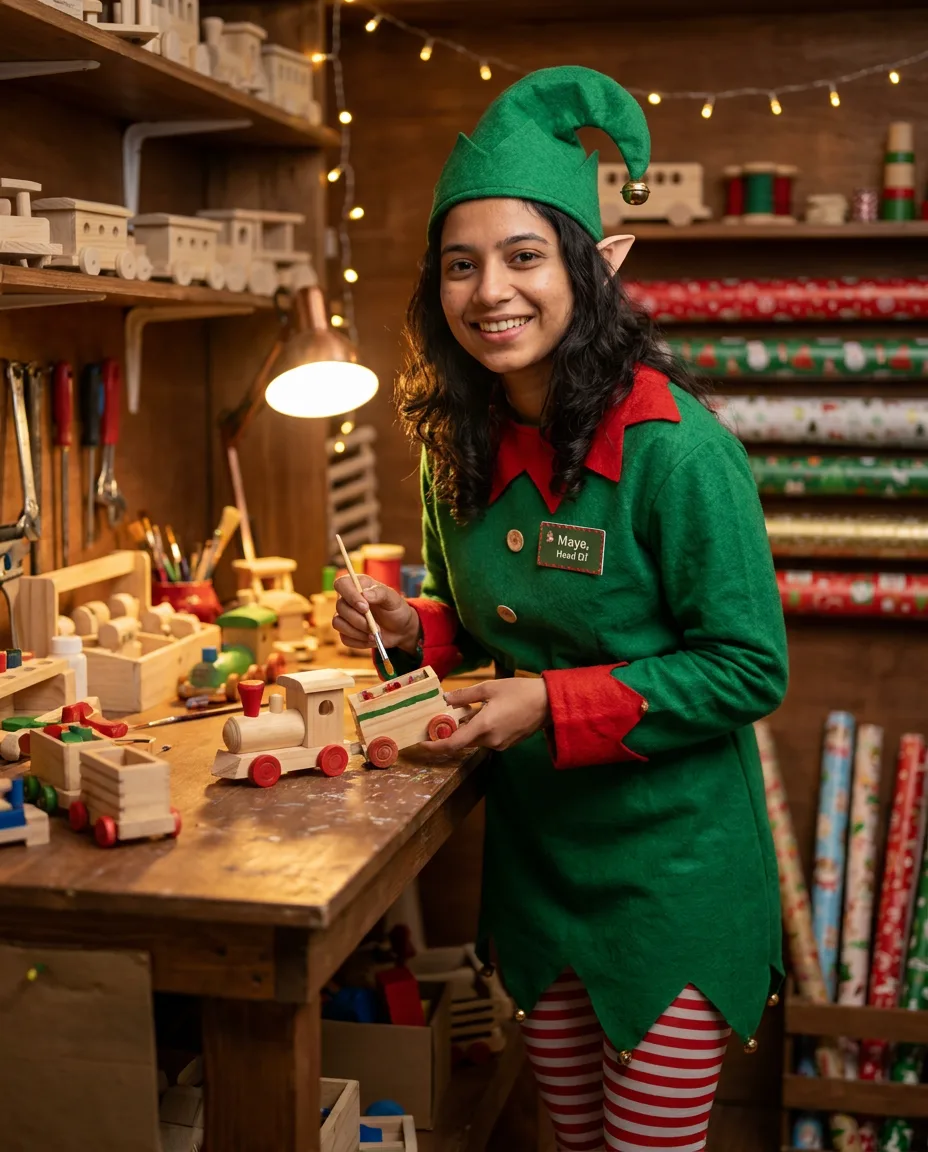
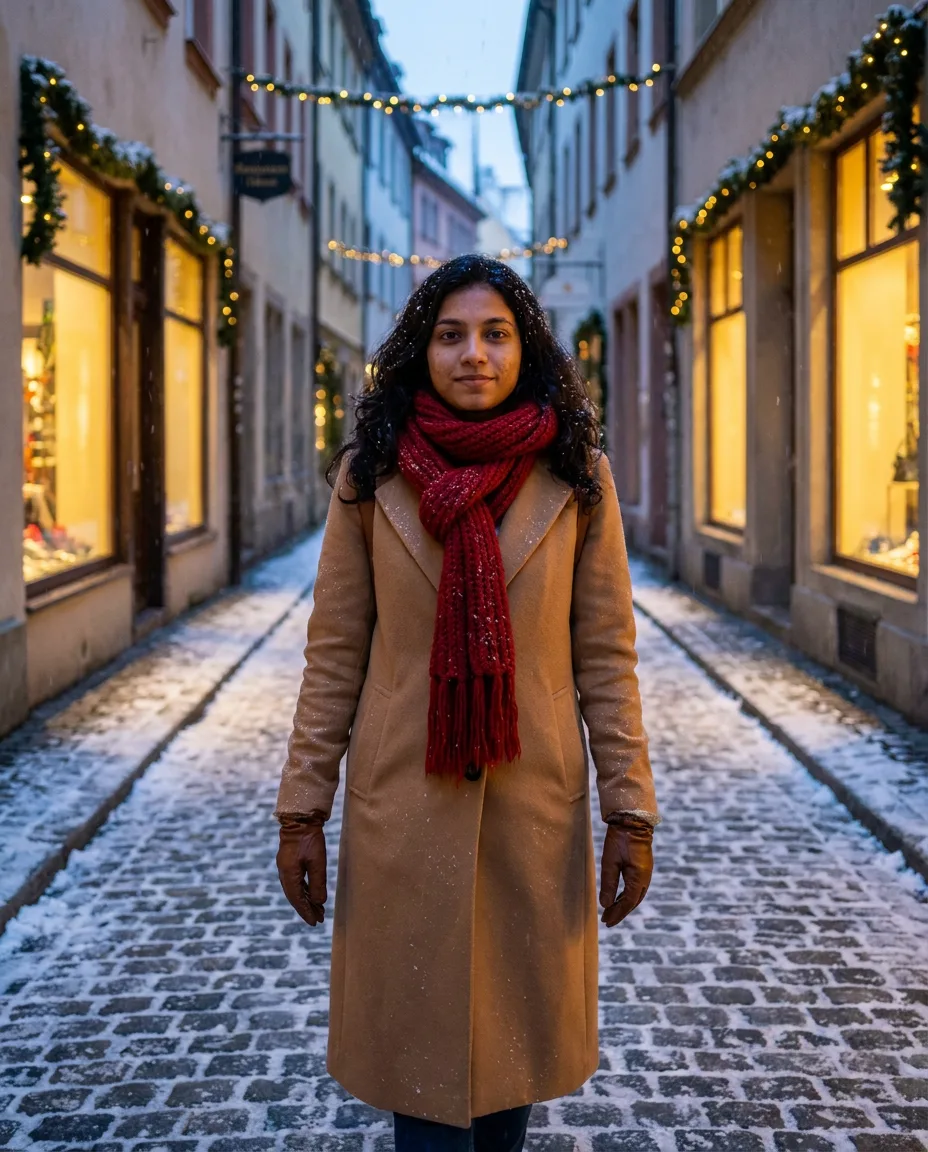

About these prompts
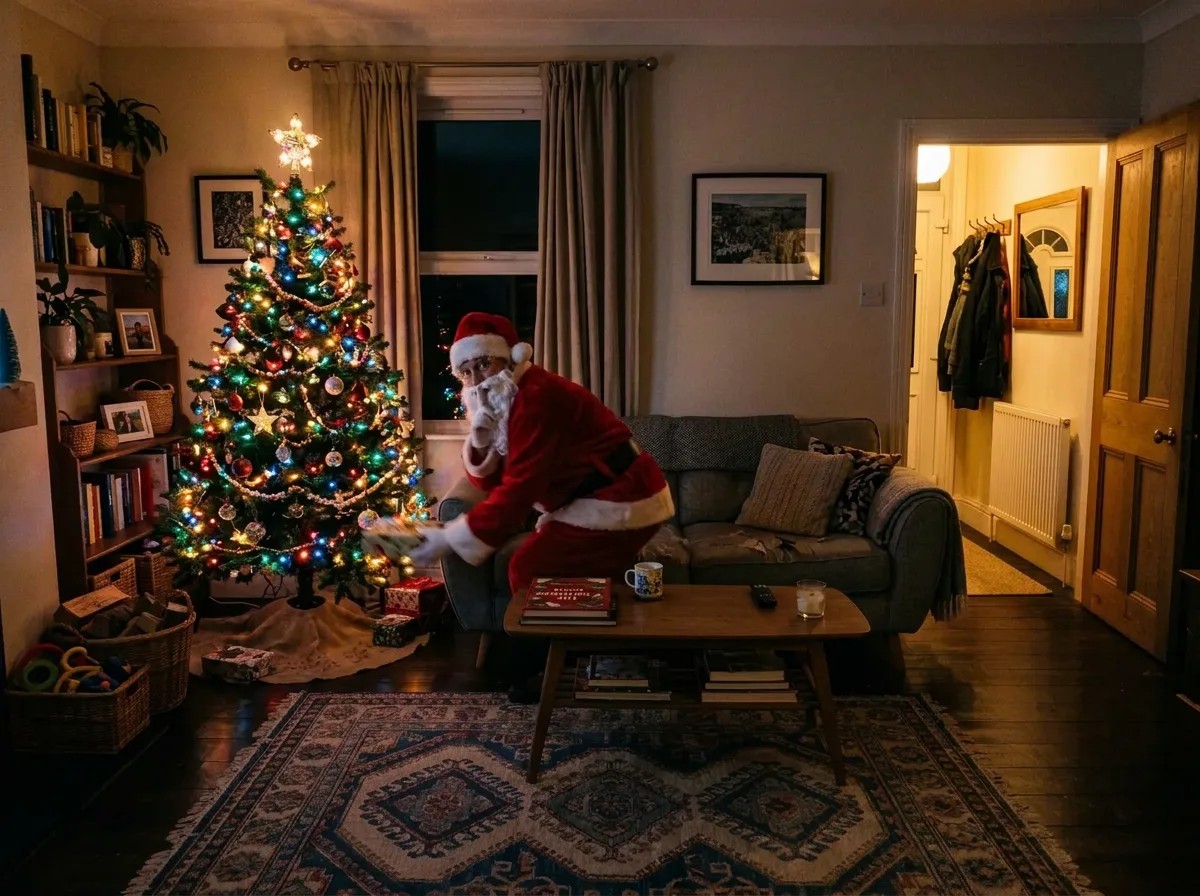
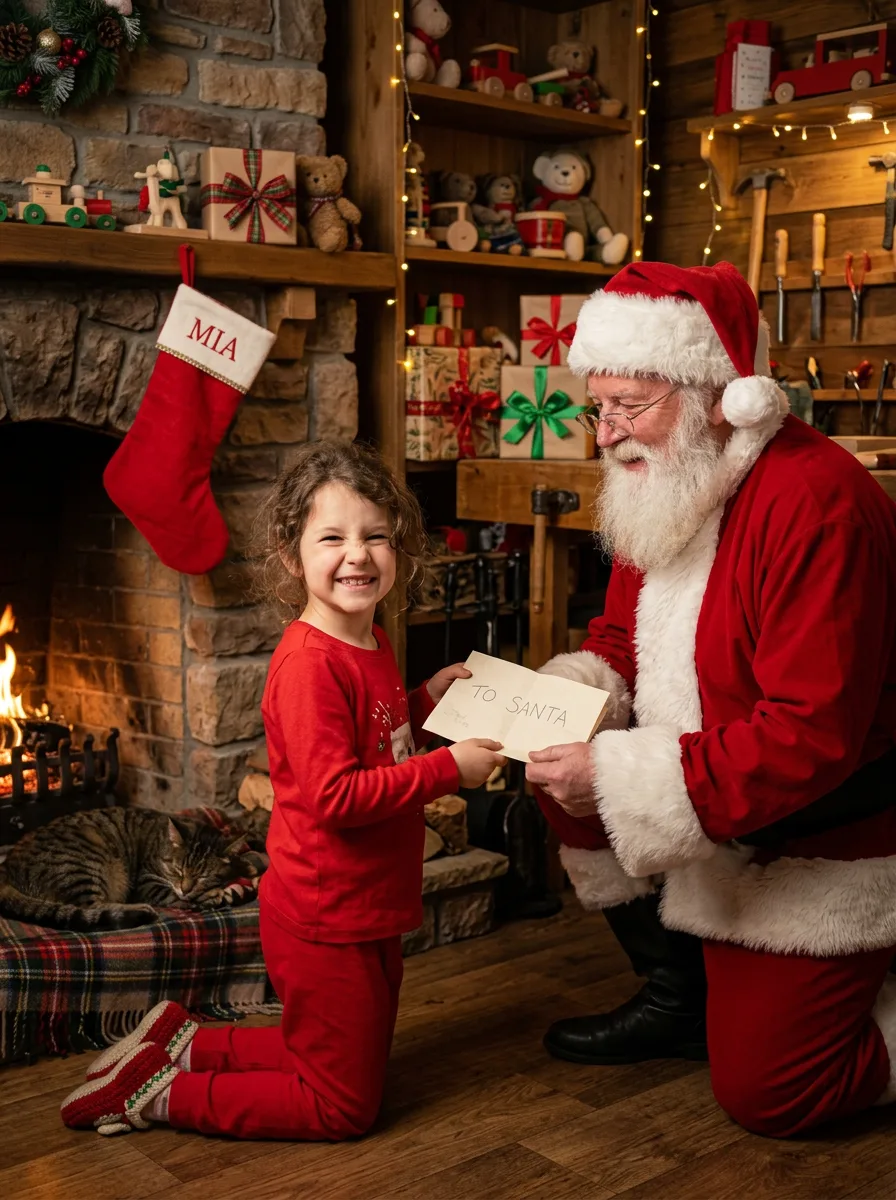
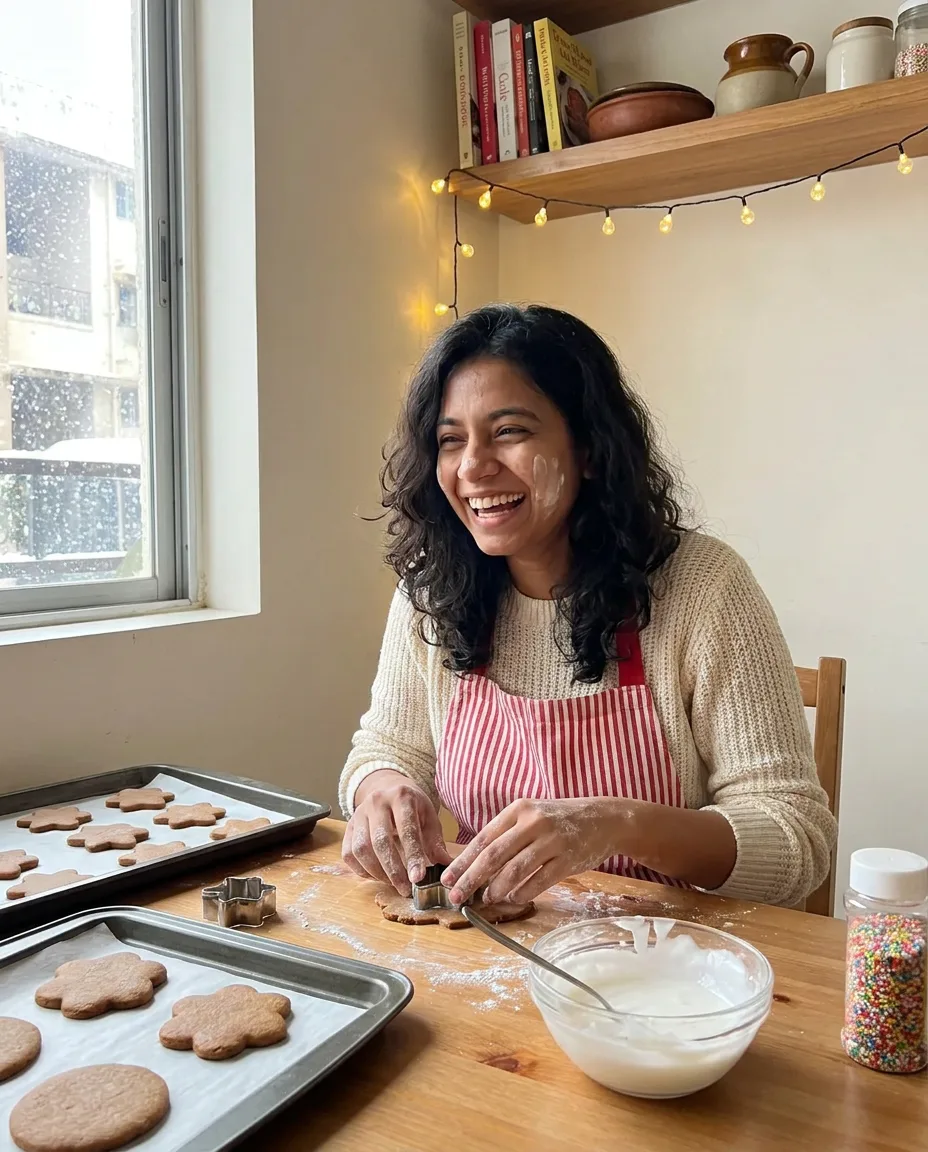
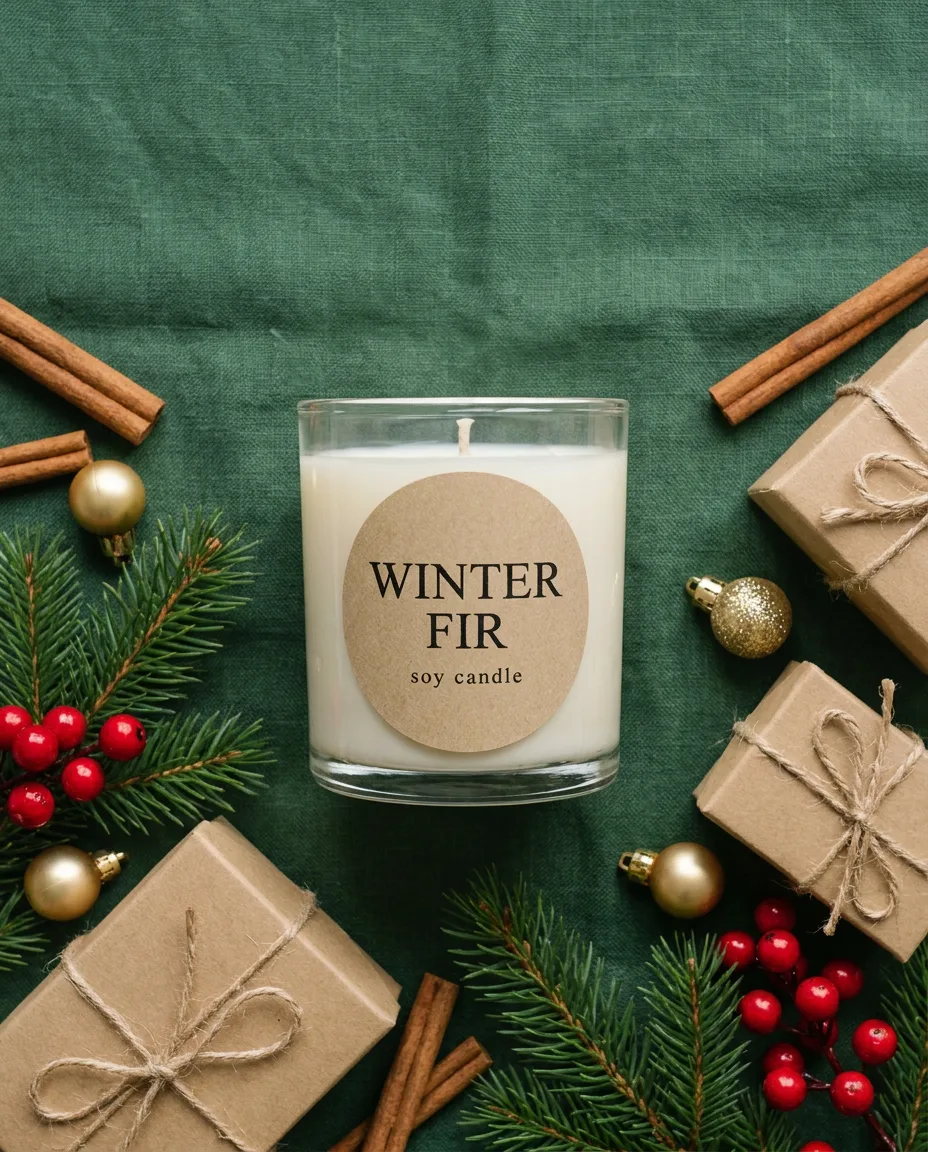
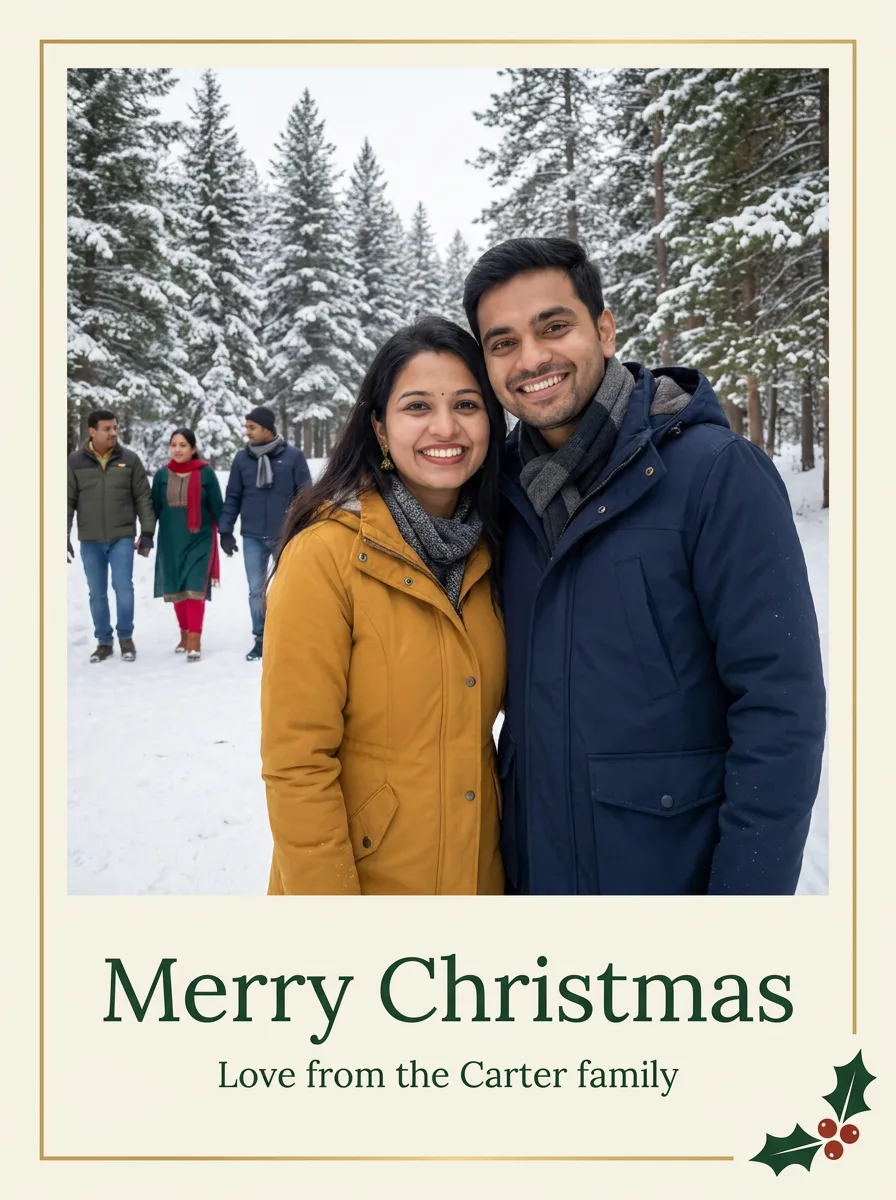
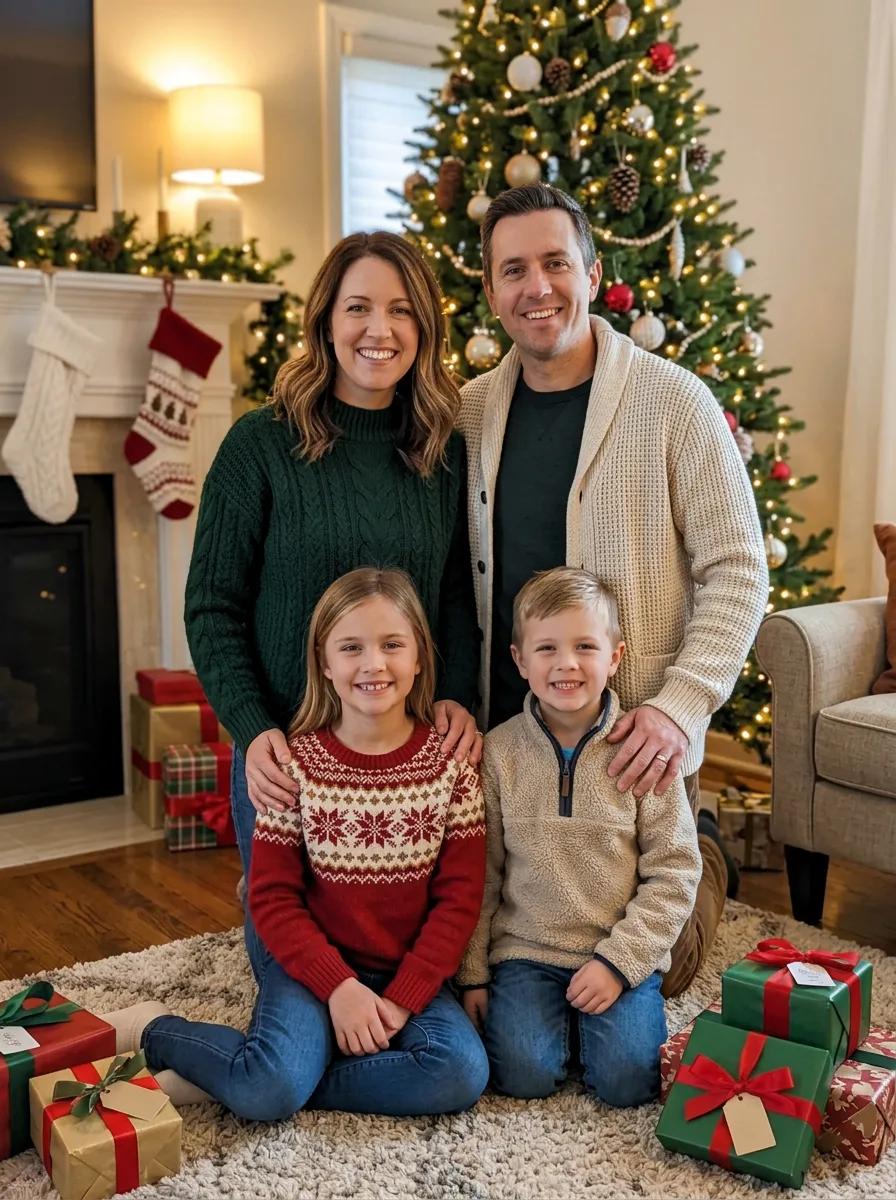
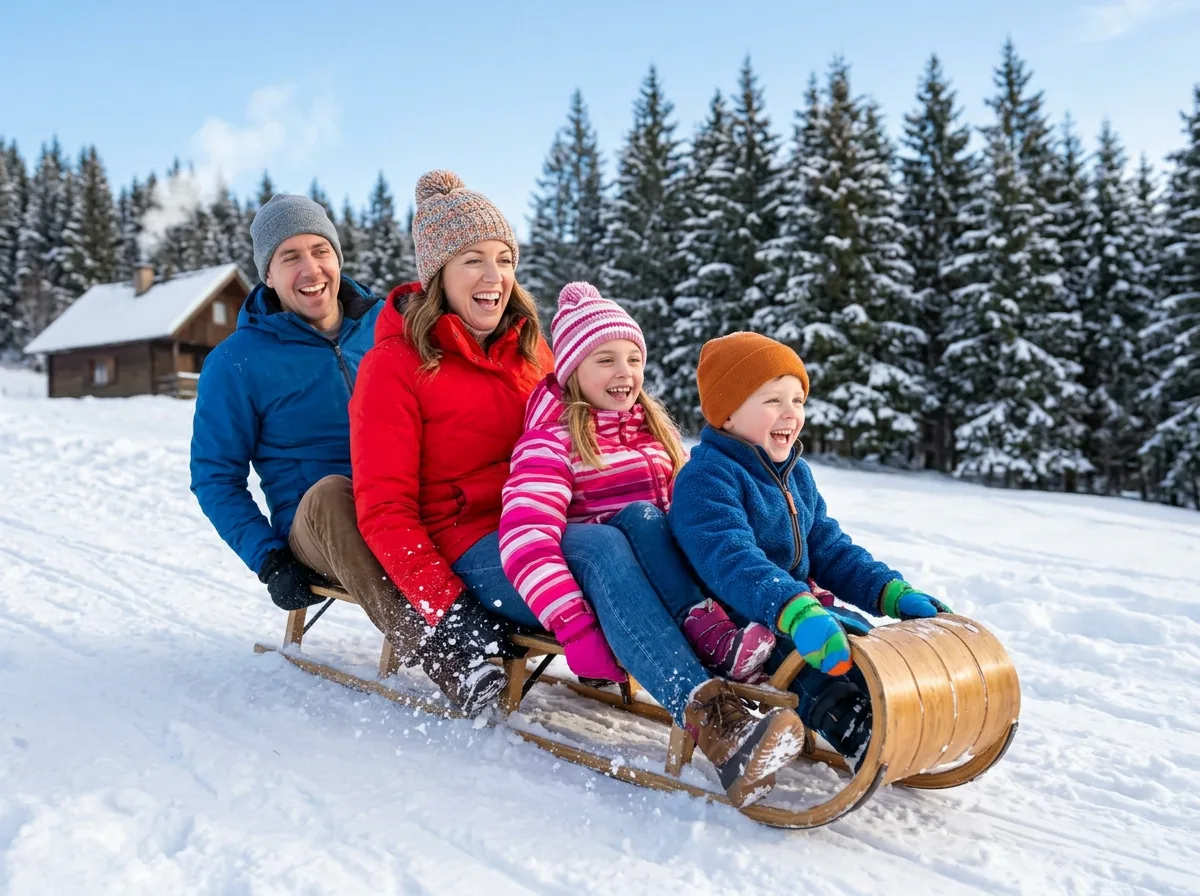
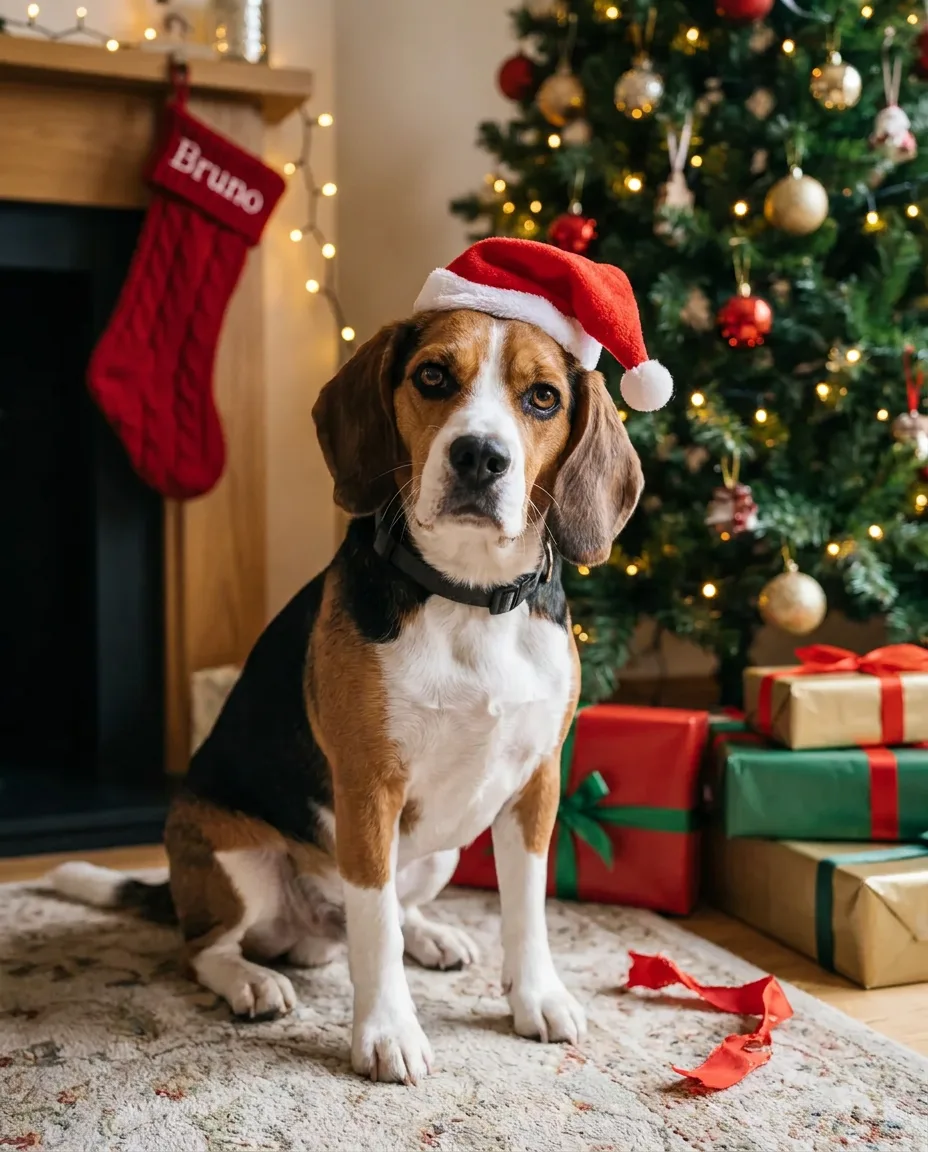
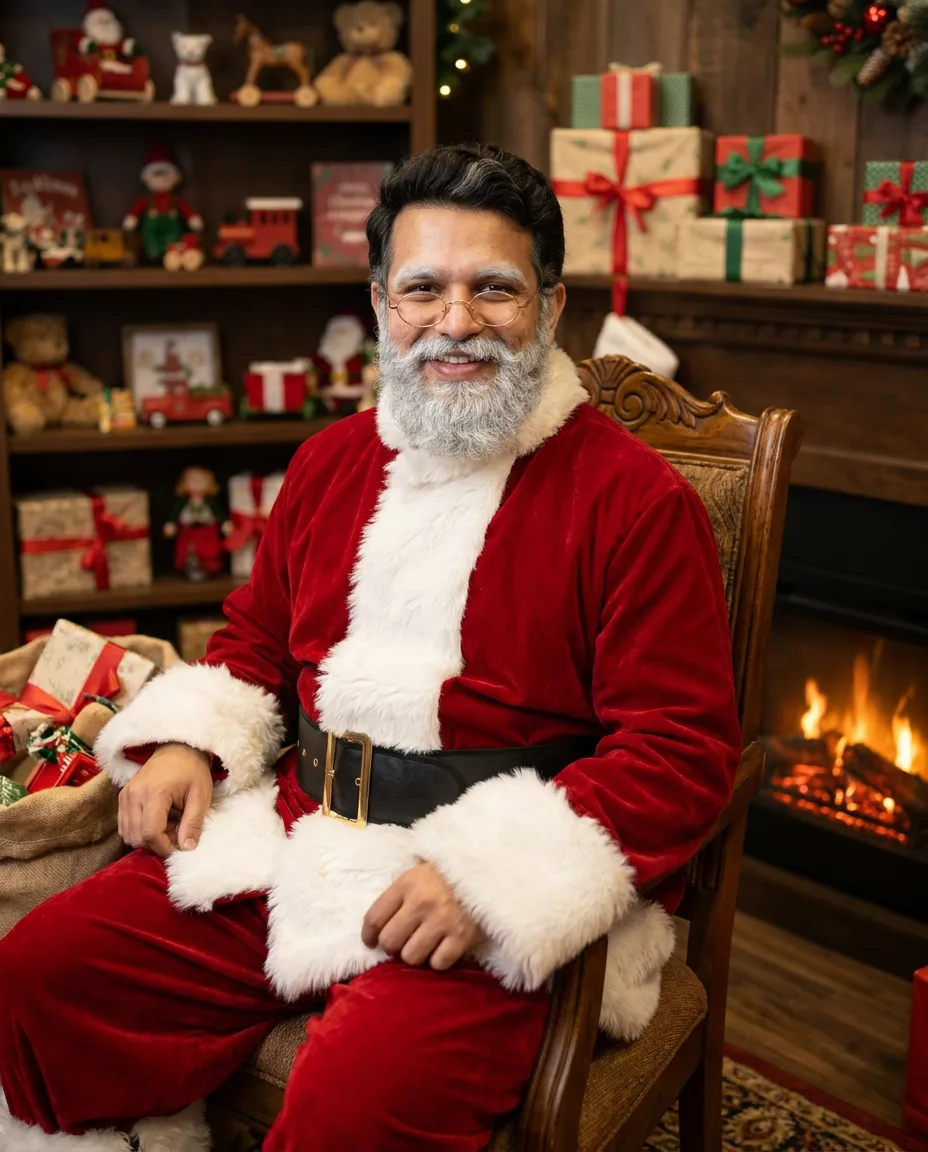
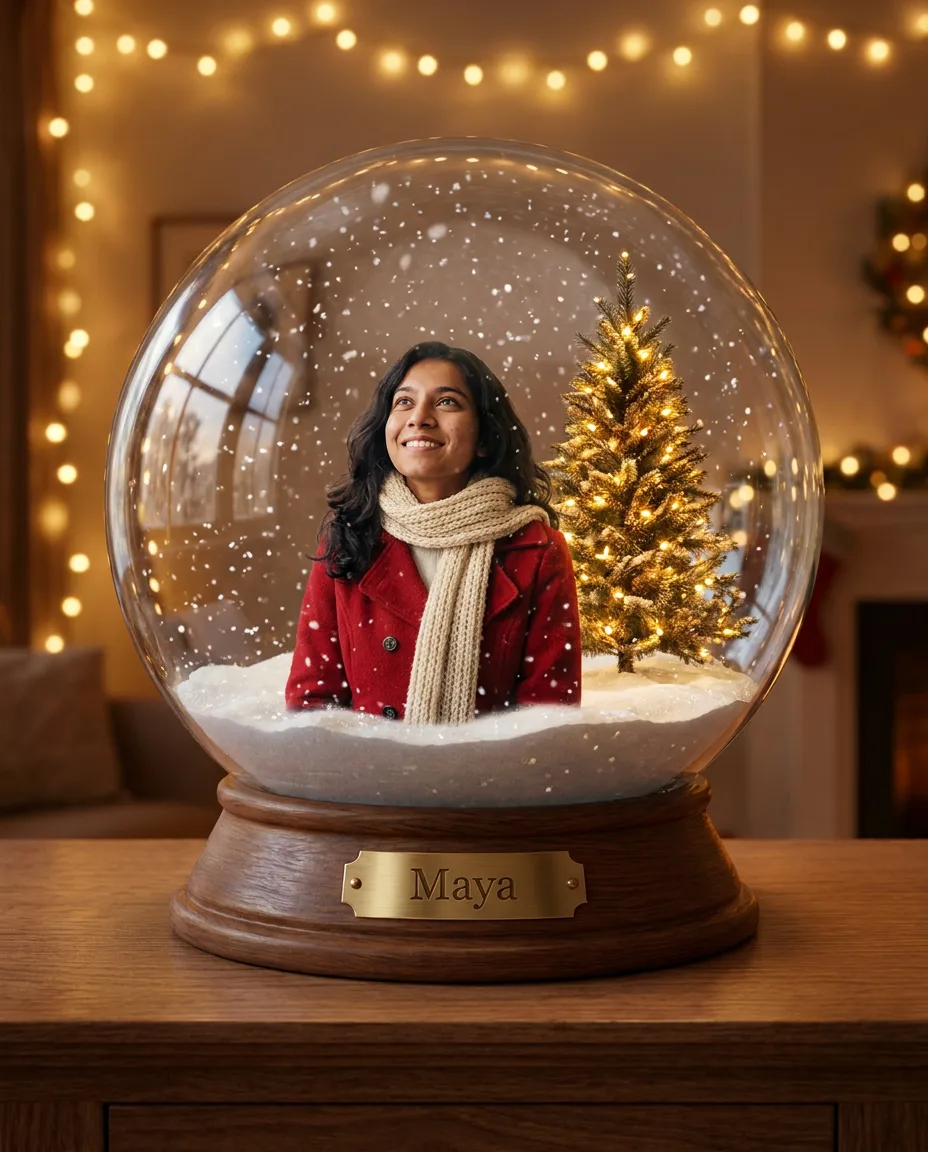
Christmas photo prompts are instructions you paste into Gemini or ChatGPT together with a photo, and the model returns a festive version of it: your family by the tree, the two of you in matching pajamas, your dog in a Santa hat, or Santa caught leaving presents in your own living room. Each prompt tells the model what to keep from your photo (faces, a pet's markings, a product's label) and what to change.
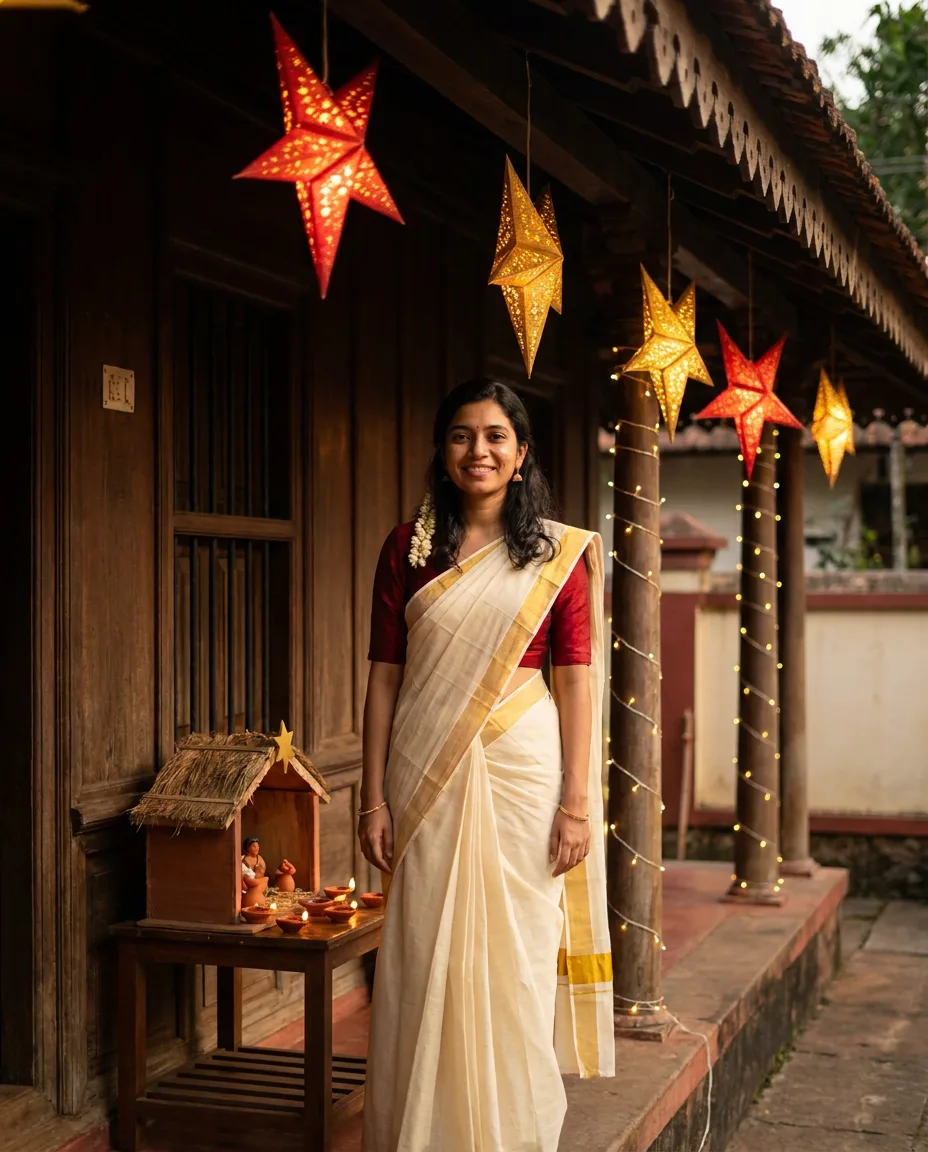
The prompts cover solo portraits, couples, families, children, pets, your home and products for a shop, in snowy scenes and in warm-weather settings such as a Kerala veranda lit by star lanterns. Most are written for Nano Banana, the image model inside Gemini, and work in ChatGPT with image generation too. Several have a blank in brackets for a name or caption, so the card or stocking carries your own words.
22 prompts, 22 with a before and after
How to use these prompts
- 101Pick the right photoUse a sharp photo with every face clear and facing the camera. For family and group prompts, every person should be in one photo; for pets, shoot at their eye level; for the living room prompt, photograph the room at night with the tree lights on.
- 202Fill the blanks, then pasteReplace anything in square brackets, such as [FAMILY NAME] or [PET NAME], with your own text. Upload the photo in Gemini or ChatGPT and send the prompt in the same message.
- 303Fix one thing per replyIf a face drifts, a person goes missing or a name is misspelled, reply with that one correction, for example "keep all five people" or "the stocking reads Bruno", rather than rewriting the whole prompt.
Want a prompt for your own idea?
Describe the picture you want and get a prompt written for Nano Banana, Midjourney or GPT Image, or upload a photo you like and get the prompt that recreates it.