AI Art Generator
Describe a scene and pick a medium: oil, watercolor, ink, gouache, charcoal or concept art. FLUX.2 [pro] renders it at 50 credits an image, and other models are one click away.
rendered as .
- Model
- FLUX.2 [pro] · Black Forest Labs
- Cost
- 50 credits
Prompt sent to the model
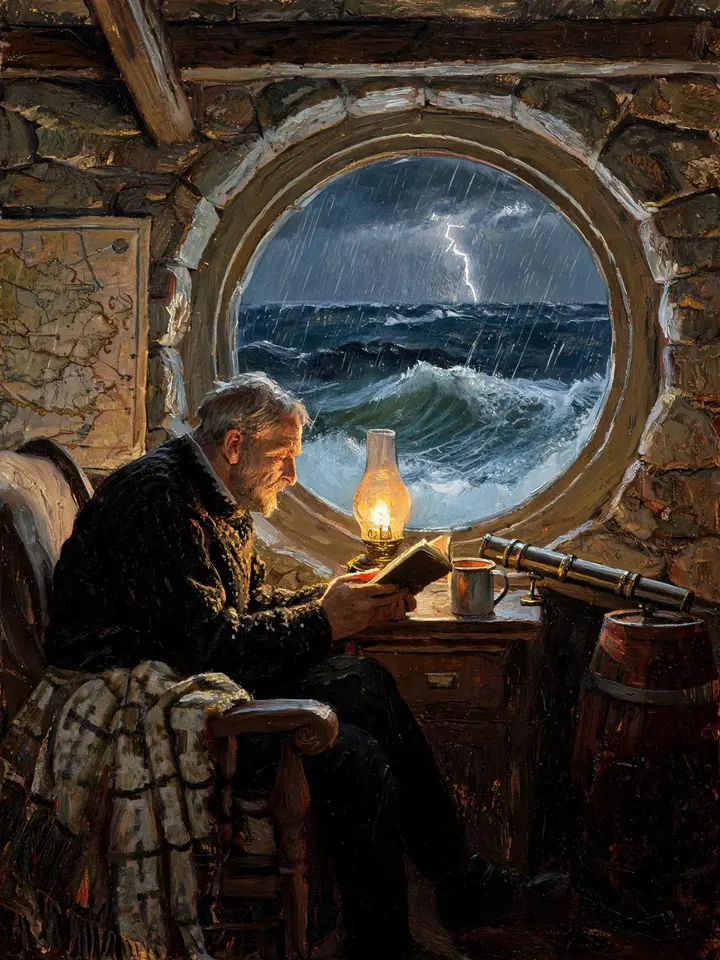
A sample this tool made. Your results appear here when you press Generate.
More AI tools
Prompt library
Prompts with the image each one made, ready to copy.
 Nano Banana ProCut a product out onto a clean white background
 nano-banana-2Extend a photo beyond its edges
 nano-banana-2Passport-style ID photo from a selfie
 nano-banana-2Preview a photo as your phone lock screen
 nano-banana-2Relight a portrait with a classic studio lighting setup
 nano-banana-2Reshoot a phone photo with real camera settings
 Nano Banana ProSharpen a blurry or low-resolution photo
 nano-banana-2Try a makeup look on your own photo
 nano-banana-2Try nine hairstyles on your own face
 nano-banana-2Turn your pet into a plush toy
Made with AI Art Generator
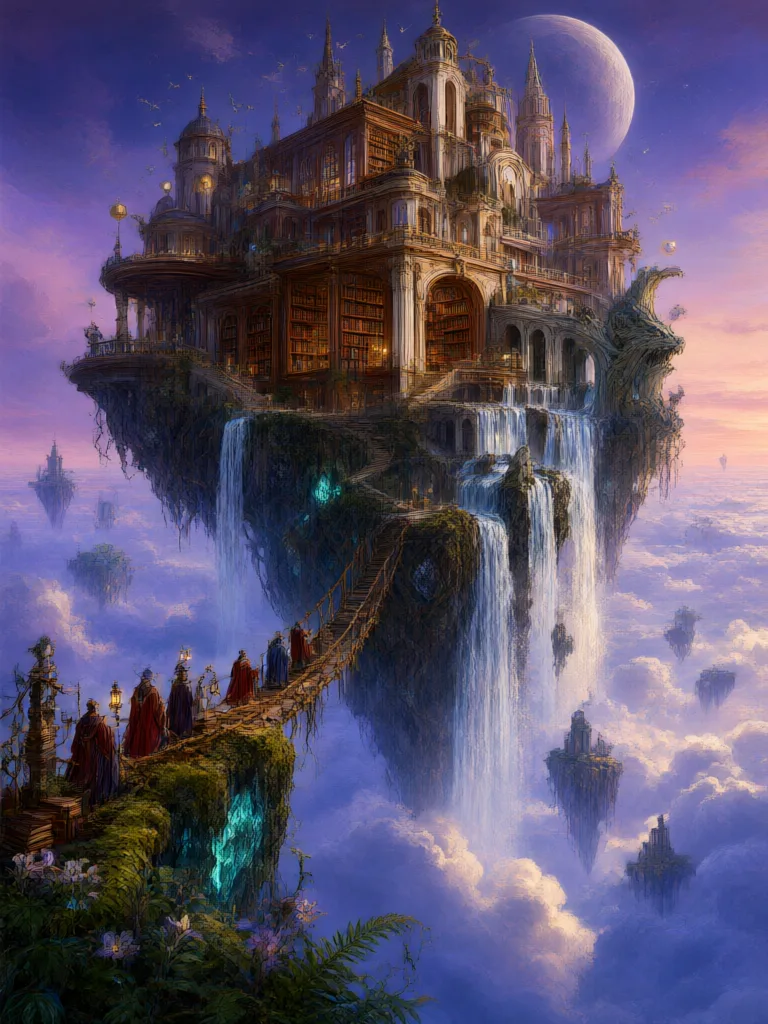
Example results from AI Art Generator, each labelled with the model that made it and its current price in credits.
What is AI Art Generator?
Write the scene, choose how it should be made, and the model returns a finished piece: thick oil on canvas, a soft watercolor, crisp ink lines, a gouache page from a picture book, a charcoal study or digital concept art. The medium changes everything about the result, so the same scene in two mediums often gives you two very different pictures.It runs on FLUX.2 [pro] by Black Forest Labs, and the other text-to-image models in the studio are in the picker if you want a different hand. To make a photo look painted instead, start from your own picture with image to image.
What people make with it
- Prints to hang at home
- Covers for books, albums and zines
- Concept sketches and mood boards for a project
- Illustrations for posts, newsletters and talks
Why use AI Art Generator?
- 26 models to choose from
- Starts on FLUX.2 [pro] by Black Forest Labs. Also works with Nano Banana, Nano Banana 2, Nano Banana Pro, GPT Image 2, GPT Image 2.6 Flare, GPT Image 2.6 Sunburst and 19 more.
- The cost is shown before you run it
- 50 credits per image on FLUX.2 [pro]. The Generate button shows the exact credits first, so nothing is spent by surprise.
- Failed generations are refunded
- When a generation fails, its credits go back to your balance automatically.
- One credit pool for every tool
- The same credits work across every studio tool and model, and the prompt tools include free prompts every day.
How to use AI Art Generator
Three steps from an idea to a finished result.
- 11. Describe the scene: subject, place, light and mood
- 22. Choose a medium
- 33. Generate, then run the same scene in another medium or model to compare
Tips for better results
- Light and weather carry a painting: "low winter sun", "fog over the water", "lamplight from inside".
- Say what is in front and what is far away. A clear foreground gives the composition somewhere to start.
- Use 3:4 or 9:16 for portraits and single figures, 16:9 for landscapes and wide scenes.
- Name a palette when color matters: "muted blues and ochre", "only black ink and one red accent".
- Keep text out of paintings. If you need lettering, the AI poster generator is set up for it.
Frequently asked questions
What people ask before they use AI Art Generator.
1What kinds of art can it make?
2Can I ask for the style of a famous artist?
3Which model should I use?
4Can I print the result?
5Can I sell prints of it?
6How much does it cost?
Try AI Art Generator now
50 credits per image on FLUX.2 [pro]. You see the exact credits before you generate.
Open AI Art Generator