AI Dance Video Generator
Upload a full-body photo and make it dance: hip hop, salsa, K-pop moves or a viral trend. A short AI dance video from one picture.
The person in the photo starts dancing .
The whole body visible, standing, with some space around.
950 credits
- Model
- Kling 3.0 Standard · Kuaishou
- Cost
- 950 credits
Prompt sent to the model
The person in the photo starts dancing a hip hop routine, full body in frame, energetic and rhythmic, smooth natural motion, face and outfit stay consistent, fixed camera.
A sample this tool made. Your results appear here when you press Generate.
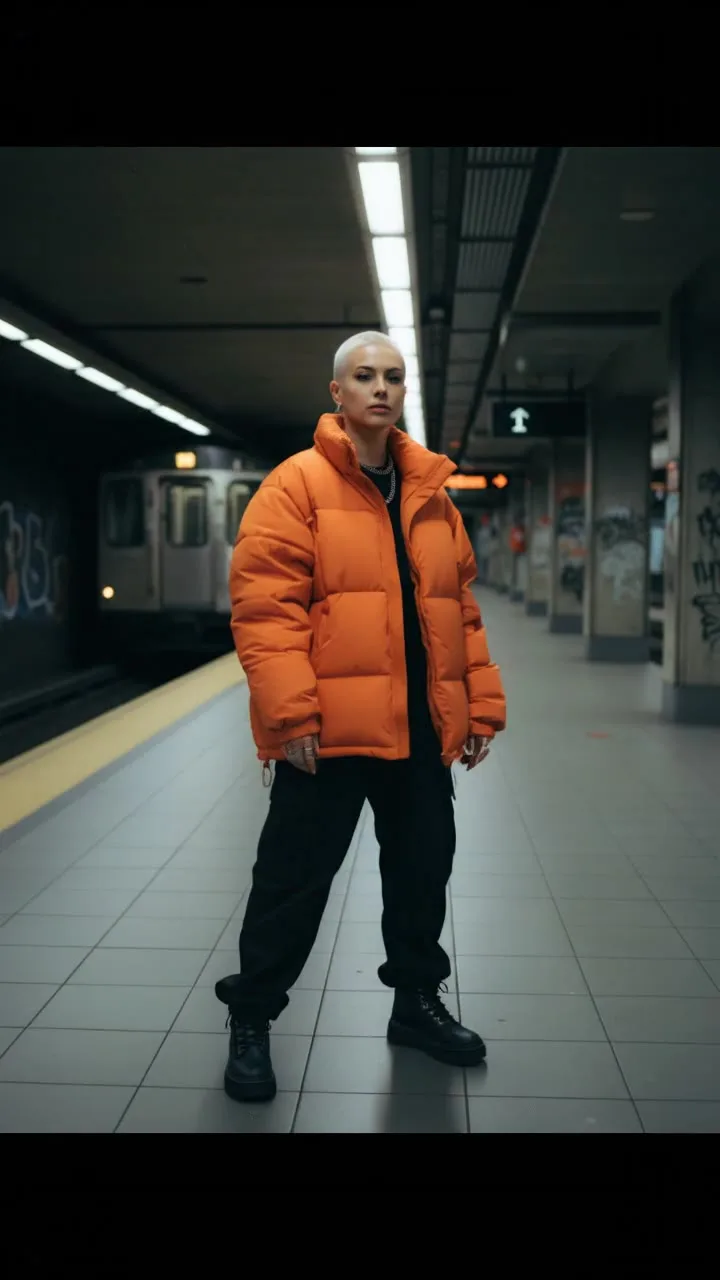
 Sample start photoVideo
More AI tools
Prompt library
Prompts with the image each one made, ready to copy.
 Nano Banana ProCut a product out onto a clean white background
 nano-banana-2Extend a photo beyond its edges
 nano-banana-2Passport-style ID photo from a selfie
 nano-banana-2Preview a photo as your phone lock screen
 nano-banana-2Relight a portrait with a classic studio lighting setup
 nano-banana-2Reshoot a phone photo with real camera settings
 Nano Banana ProSharpen a blurry or low-resolution photo
 nano-banana-2Try a makeup look on your own photo
 nano-banana-2Try nine hairstyles on your own face
 nano-banana-2Turn your pet into a plush toy
What is AI Dance Video Generator?
Make yourself, a friend or your pet dance. Upload a full-body photo, pick a style and get a short vertical video ready for social.
What people make with it
- Reels and TikTok content
- Birthday and party messages
- Pet dance videos
Why use AI Dance Video?
- 8 models to choose from
- Starts on Kling 3.0 Standard by Kuaishou. Also works with Kling 3.0 Pro, Seedance 2.0, MiniMax Hailuo 2.3, Veo 3.1 Lite, Veo 3.1 Fast, Wan 2.7 and 1 more.
- The cost is shown before you run it
- 190 credits per second on Kling 3.0 Standard. The Generate button shows the exact credits first, so nothing is spent by surprise.
- Failed generations are refunded
- When a generation fails, its credits go back to your balance automatically.
- One credit pool for every tool
- The same credits work across every studio tool and model, and the prompt tools include free prompts every day.
01
02
03
04
How to use AI Dance Video
Three steps from an idea to a finished result.
- 11. Upload a full-body photo
- 22. Pick a dance
- 33. Generate and post
Tips for better results
- Leave space around the body in the photo so the moves are not cropped.
- Plain backgrounds animate more cleanly.
- Vertical 9:16 is the default for reels and TikTok.
Frequently asked questions
What people ask before they use AI Dance Video.
1How much does it cost?
Each generation uses credits from your plan. The exact number shows on the Generate button before you spend anything, and failed generations are refunded automatically. New accounts get free credits to try it.
2What happens to my photos?
Uploads are stored privately in your account and are only sent to the model that runs your job. Nothing is shared to the public gallery unless you choose to share it.
Try AI Dance Video now
190 credits per second on Kling 3.0 Standard. You see the exact credits before you generate.
Open AI Dance Video