AI Photo Booth
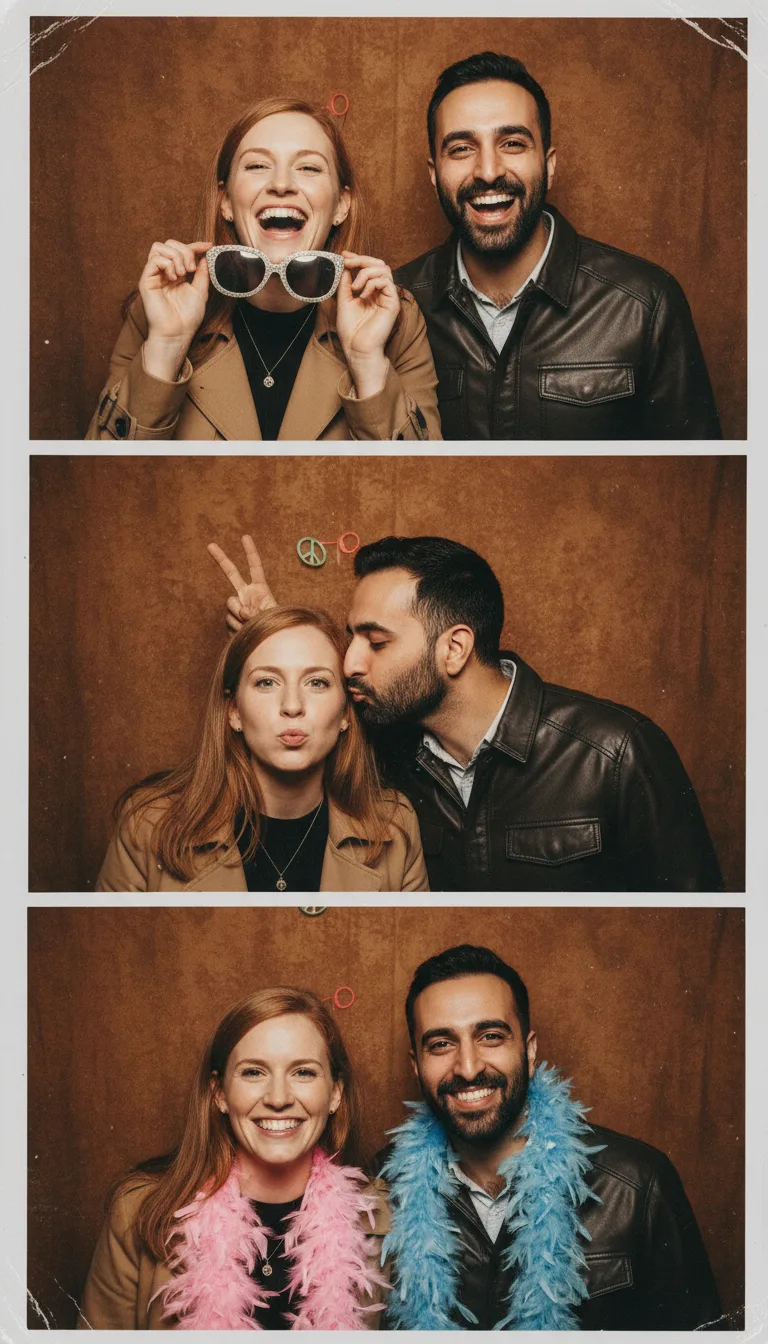
Start from a selfie or a group shot, choose the party and the mood, and get pictures that look like they came out of a booth: props, backdrop and a hard flash. Nothing to rent.
Everyone from the uploaded photos squeezed into a party photo booth at a . They are .
Up to three photos. In a group photo, every face should be visible. PNG, JPEG or WebP up to 12 MB.
- Model
- Nano Banana · Google
- Cost
- 60 credits
Prompt sent to the model
A sample this tool made. Your results appear here when you press Generate.
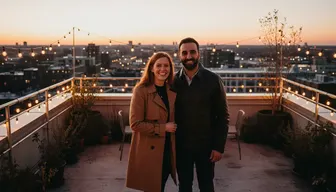 Sample start photo
More AI tools
Prompt library
Prompts with the image each one made, ready to copy.
 Nano Banana ProCut a product out onto a clean white background
 nano-banana-2Extend a photo beyond its edges
 nano-banana-2Passport-style ID photo from a selfie
 nano-banana-2Preview a photo as your phone lock screen
 nano-banana-2Relight a portrait with a classic studio lighting setup
 nano-banana-2Reshoot a phone photo with real camera settings
 Nano Banana ProSharpen a blurry or low-resolution photo
 nano-banana-2Try a makeup look on your own photo
 nano-banana-2Try nine hairstyles on your own face
 nano-banana-2Turn your pet into a plush toy
What is AI Photo Booth?
The booth is where the best party photos come from: silly props, a loud backdrop and a flash that flattens everyone. This version needs no booth. Start with one person or a whole group, choose a party such as disco, birthday, wedding or New Year's Eve, choose a mood, and the model squeezes everyone into a booth shot with matching props.Four runs with different moods give you the frames of a classic strip, ready to line up. For a bigger set of one person in a styled scene, use the AI photoshoot generator.
What people make with it
- Keepsakes from birthdays and weddings
- Posts for couples and friend groups
- Invitation images for a themed party
- A booth for remote team celebrations
Why use AI Photo Booth?
- 7 models to choose from
- Starts on Nano Banana by Google. Also works with Nano Banana 2, Nano Banana Pro, Seedream 5.0 Lite, Seedream 4.5, GPT Image 2, FLUX.2 [pro].
- The cost is shown before you run it
- 60 credits per image on Nano Banana. The Generate button shows the exact credits first, so nothing is spent by surprise.
- Failed generations are refunded
- When a generation fails, its credits go back to your balance automatically.
- One credit pool for every tool
- The same credits work across every studio tool and model, and the prompt tools include free prompts every day.
How to use AI Photo Booth
Three steps from an idea to a finished result.
- 11. Add a selfie or a photo of the group
- 22. Choose the party and how everyone should look
- 33. Generate, then line up the best four as a strip
Tips for better results
- Faces should be large in the photo. A wide shot of twelve people loses detail.
- Change only the mood between runs to get a strip that looks like one session.
- Test themes before an event to choose the real backdrop and props.
- Seedream 5.0 Lite returns four images per run, handy for a full strip at once.
Frequently asked questions
What people ask before they use AI Photo Booth.
1Does it work with a group?
2How do I make a four-frame strip?
3Does it work at a party?
4Who can see the photos?
5How much does it cost?
Try AI Photo Booth now
60 credits per image on Nano Banana. You see the exact credits before you generate.
Open AI Photo Booth